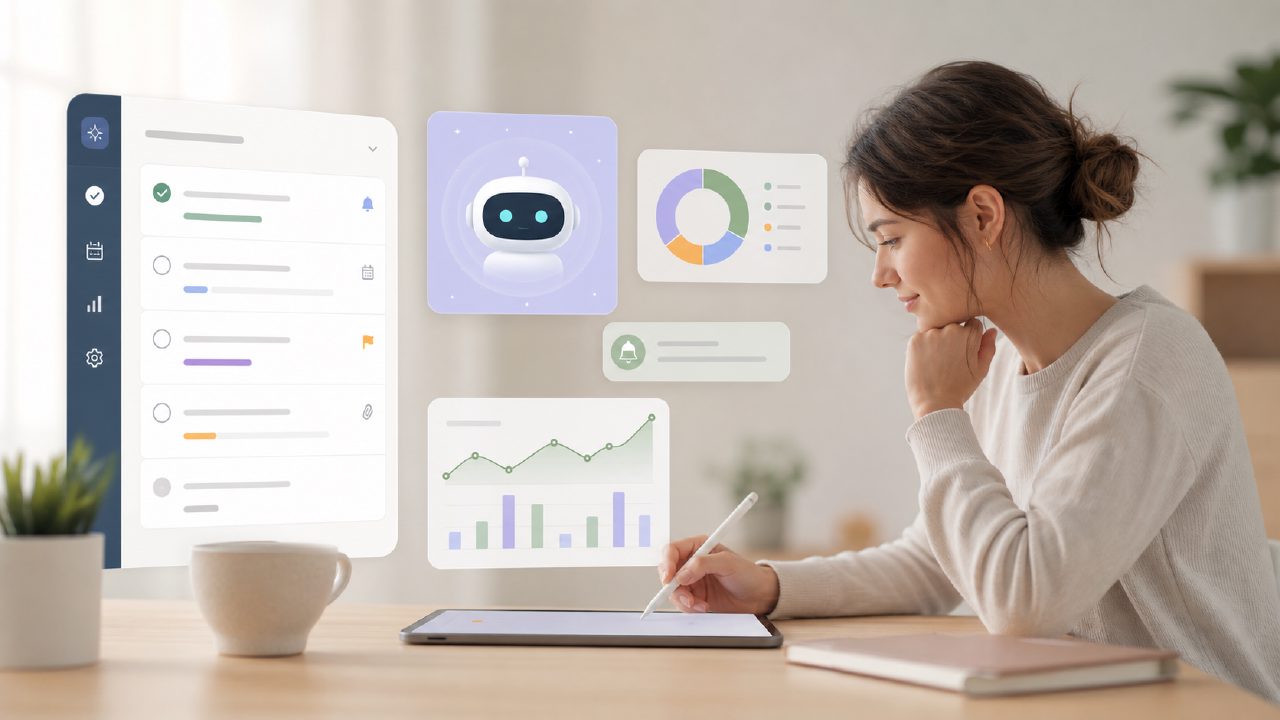
I’ve tested a fair share of to-do list tools over the years. Most of them just store your tasks and maybe ping you when something’s overdue. What I was looking for this time around was something smarter — an ai task management app with reminders and insights that could actually help me see patterns in my workload, not just dump everything into a list. That’s when I gave taskly a proper spin.
What makes it different from a basic checklist
The first thing I noticed is that Taskly tries to connect daily tasks to bigger goals. You set a high-level objective (say, “Finish quarterly report”) and then break it into smaller to-dos. The AI part kicks in once you’ve been using it for a few days. It starts showing you small insights — like which tasks you consistently push to the next day, or which times of day you tend to complete more work. This isn’t groundbreaking, but it’s more useful than the static lists I’m used to.
One concrete example: I had three deadlines in the same week. The app flagged that my scheduled time for each task overlapped more than I’d planned. That alert came as a notification, which actually made me reconsider my timeline. Without the AI layer, I probably would have just crammed everything into Thursday and stressed out.
Reminders: smart enough, but not psychic
The reminder system works reliably — push notifications, email digests, the works. But I wouldn’t call it “intelligent” in the proactive sense. You still set reminders manually for each task or for a block of time. The app doesn’t yet learn your habits to suggest, “Hey, you usually finish these around 3 PM, want a reminder at 2?” That felt like a missed opportunity. For a tool that bills itself as an ai smart to do list app, I expected a bit more automation in the reminder logic. It’s still mostly manual, just well designed.
Also, a minor friction: when you reschedule a task, the old reminder disappears but a new one doesn’t automatically get created. You have to set it again. It’s a small thing, but after the third time it got a bit annoying.
The insights: helpful hints, not magic
The insights dashboard shows you weekly summaries: completion rates, most postponed categories, estimated vs actual time. I found the time tracking kind of useful because I tend to underestimate how long things take. Seeing “You planned 2 hours, but it took 3.5” for three tasks in a row made me adjust my planning. That’s the kind of loop a free ai to do list app 2026 (assuming it stays free) could really nail for people who struggle with realistic scheduling.
But I’m cautious about calling this revolutionary. The insights are descriptive, not prescriptive. The AI won’t tell you why you keep postponing a certain type of task. It just shows you the pattern. You still need to do the introspection. For someone looking for a best ai task manager 2026 that makes decisions for you, this isn’t it. It’s more like a coach that hands you the stats and lets you draw conclusions.
A realistic tradeoff: simplicity over depth
Taskly is clearly built for individuals, not teams. There’s no collaboration, no shared projects. If you’re managing work with others, this won’t replace tools like Asana or Monday.com. But for personal productivity — daily planning, habit tracking, goal alignment — it hits a sweet spot. The tradeoff is that you give up some depth (no Gantt charts, no dependencies) in exchange for a clean, AI-assisted flow that doesn’t overwhelm you with options.
I’d also note that the goal-to-task linking works well when you have clear, measurable goals. If your goals are vague (like “get healthier”), it feels awkward breaking them into discrete tasks. The app nudges you toward specificity, which is probably a good thing, but it takes some getting used to.
Who should try it
If you’re currently using a plain notes app or a basic checklist and want a gentle upgrade that adds reminders and light AI insights without a steep learning curve, Taskly is worth a look. It’s not the most powerful ai task management app with reminders and insights out there, but it’s one of the more usable ones I’ve tested for personal planning. Just don’t expect the AI to run your life — it’ll show you the mirror, and you still have to clean up the reflection.
Comments
Leave a Comment