Let's be real: your to-do list is probably a mess. Sticky notes everywhere, random reminders on your phone, half-baked ideas in a notebook you lost three weeks ago. The chaos works for a while, until it doesn't.
Taskly Planner doesn't try to "fix" you. It just gives your scattered priorities somewhere to live. Think of it as a clean whiteboard for your brain, minus the eraser smudges.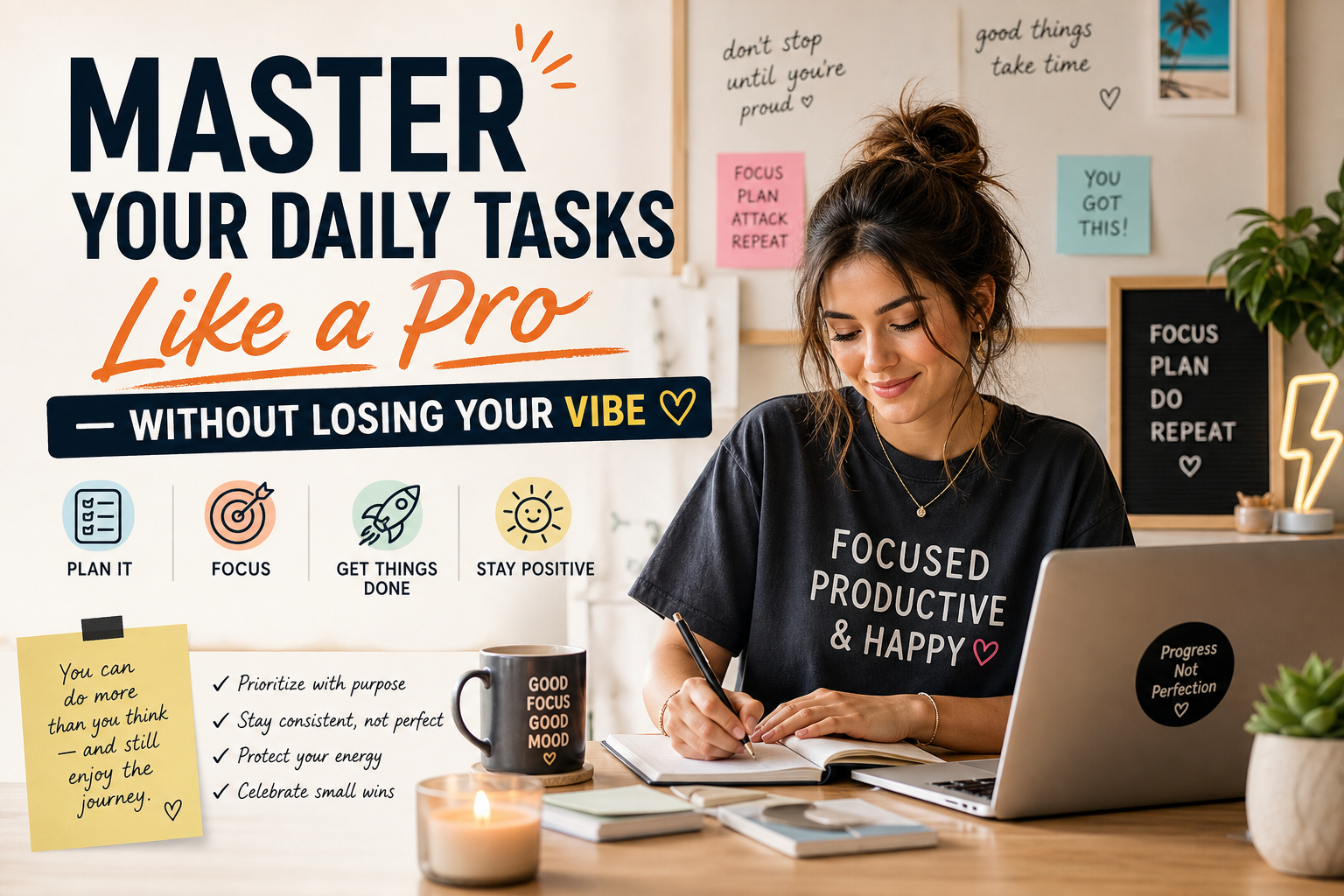
Why most planners fail (and why this one might not)
The problem with most task apps is they demand too much upfront. Set up projects, assign labels, define priorities, sync calendars. By the time you've configured everything, you've lost the motivation to actually do the work.
Taskly skips that. Open it, start typing. Your tasks, your goals, your random errands. It's frictionless in a way that actually respects your time. No forced structure, no productivity gurus telling you to wake up at 5 AM.
The weekly planning view is where it clicks. Drag tasks between days, block out focus time, see your week at a glance. It's simple enough that you'll actually use it, not just download it and forget.
Real-life scenarios where Taskly works
Scenario one: You're juggling a side hustle alongside a 9-to-5. Taskly lets you separate work tasks from passion projects without creating two separate systems. One dashboard, two contexts. Clean separation, zero mental overhead.
Scenario two: You're a student with deadlines scattered across the semester. Throw everything into Taskly, then use the weekly view to figure out what's actually urgent. No more all-nighters because you forgot about that paper due Friday.
Scenario three: You're the type who writes down everything but follows through on nothing. Taskly's task list helps you see the gap between "I want to do this" and "I'm actually doing this." It's a gentle reality check, not a guilt trip.
The tradeoffs nobody talks about
Taskly isn't perfect, and pretending it is doesn't help anyone. If you're a power user who needs Gantt charts, dependencies, or team collaboration, this isn't your tool. It's built for individuals, not organizations.
The customization is also limited. You won't find endless color-coding options or custom fields. Some people love that constraint—it keeps things simple. Others will feel boxed in. Know which camp you're in before you commit.
Another thing: the app works best when you check in daily. If you're the type who opens a planner once a month, even Taskly won't save you. It's a habit tool disguised as a planner. You have to meet it halfway.
How to know if Taskly is for you
Ask yourself these three questions:
- Do I have more than five things I need to track right now?
- Do I want a tool that gets out of my way instead of demanding my attention?
- Am I willing to spend five minutes each day reviewing my plan?
If you answered yes to all three, Taskly is worth trying. If you're looking for something that automates your life, keep looking. This is a planner, not a magic wand.
At its core, Taskly solves one specific problem: turning the noise in your head into a clear action plan. It doesn't promise to change your life. It just helps you get through the week without dropping everything.
And honestly, that's enough.
Comments
Leave a Comment