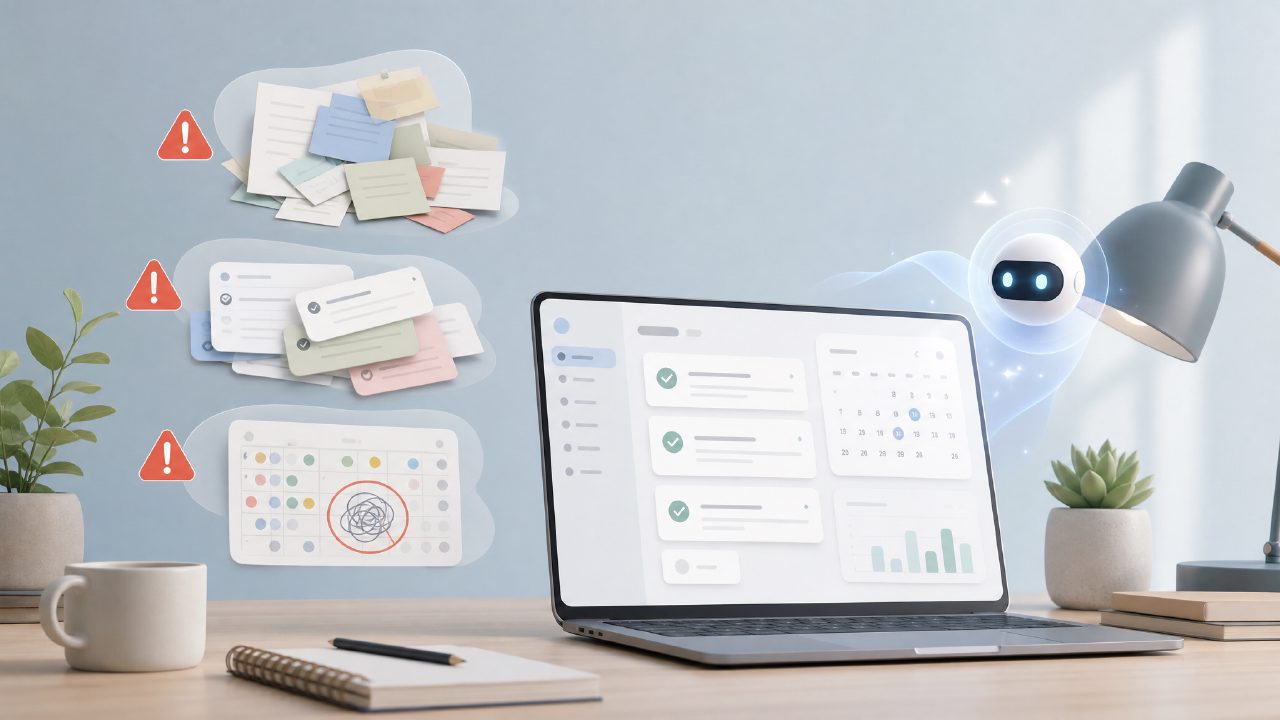
If you’ve been searching for "best free ai productivity task app" or "best free ai task management app 2026," you’ve probably landed on Taskly Planner at some point. The pitch is clean: tasks, goals, to-do lists, weekly planning, and a bit of AI to help you prioritize. Sounds great. But after using it for a while, I ran into a few pitfalls that aren’t obvious from the landing page. If you’re thinking about relying on taskly for daily planning, here’s where people tend to get tripped up.
Mistake #1: Expecting the AI to do all the work
The AI in Taskly is helpful, but it’s not a replacement for your own judgment. I added about 15 tasks from a work project, expecting the AI to automatically rearrange everything into a perfect schedule. Instead, it gave me a list of suggested priorities based on deadlines and word patterns. That’s useful, but it still needed manual sorting. If you assume the AI will auto-schedule every minute of your day, you’ll be disappointed. It's more of a smart assistant than a full automation engine.
Mistake #2: Dumping every task into the planner at once
Another common gotcha: treating Taskly like a capture-all inbox. I made the mistake of dropping in about 30 random items — from "email client" to "buy dog food." The app’s weekly planning view got cluttered fast. The AI recommendations became less useful because it couldn’t tell which tasks were truly urgent versus low-priority noise. I had to go back and prune aggressively. Lesson: be selective. The tool works best when you feed it your top 8-10 priorities for the week, not everything on your mind.
Mistake #3: Skipping the weekly planning view
Many people jump straight into daily to-do lists because that’s what they’re used to. But the real strength of Taskly is the weekly overview. You can see how tasks spread across the week, set goals, and rebalance before the week even starts. I ignored it for the first three days and ended up with a lopsided schedule — all my high-effort tasks piled on Tuesday. Once I used the weekly layout, planning felt more realistic. If you skip that step, you’re missing the "clear action plan" promise.
A realistic tradeoff: the free version has limits
For a "free" app, Taskly gives you a lot. But the AI suggestions are capped per day. I hit that cap after using it for a few big planning sessions. If you’re a heavy user who re-sorts tasks multiple times a day, you might find the free tier restrictive. It’s still worth using, just know that the AI isn’t unlimited. For light everyday planning, it’s fine. For power users, that’s a friction point worth noting.
Cautious judgment: the AI isn’t always right
I’m not completely sold on every AI suggestion. It sometimes prioritizes tasks based on keywords that don’t match real deadlines. For example, a "send invoice" task got flagged as urgent because of the word "invoice," even though it was due in two weeks. You still need to review and adjust. The AI helps, but it’s not a set-and-forget solution.
Mild friction: the interface takes getting used to
Navigating between goals, tasks, and weekly views felt a bit awkward at first. I spent a few minutes hunting for where to set recurring tasks. It’s not the most intuitive layout compared to more polished task apps. Once you learn where everything lives, it’s fine, but there’s a small learning curve. Don’t expect to be productive on day one without poking around a bit.
All that said, if you go in with realistic expectations, Taskly Planner is a solid free option — especially if you’re looking for a "free ai task management app 2026" with a weekly planning focus. Just avoid these common mistakes, and it’ll actually help you turn scattered priorities into something manageable.
Comments
Leave a Comment