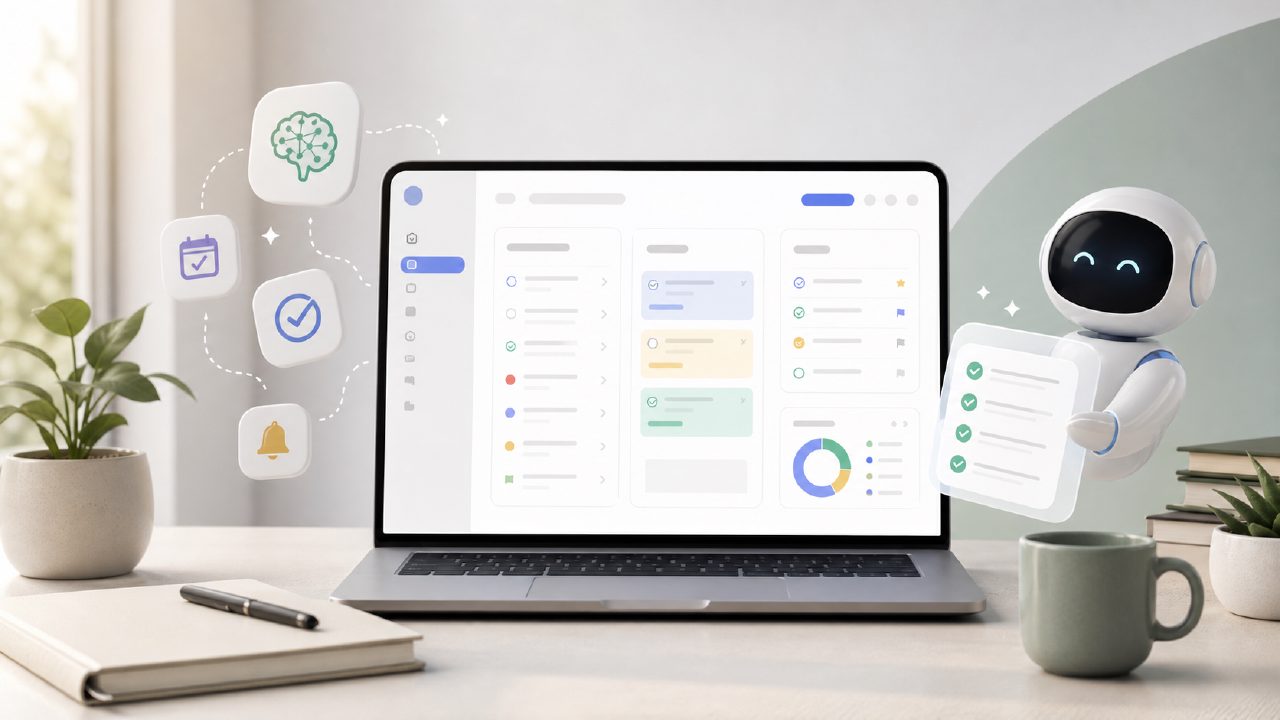
If you’ve been searching for the best free ai task management better than ticktick, you’ve probably run into the same trap I did: assuming that “more AI” automatically means a better planning experience. After testing several apps including taskly, I found that the real pitfalls aren’t about features — they’re about how the AI actually behaves in your daily workflow, especially when you’re not paying for a premium plan.
The Free AI Illusion: More Tasks ≠ Better Planning
Most ai task management app free options lure you in with flashy automation, but then limit how many tasks the AI can process. One app I tried gave me only 15 AI-powered suggestions per day on the free tier. That’s useless if you have a full-time job and a side project. Another let the AI auto-sort my list, but the logic was so basic it just moved urgent tasks to the top — hardly smarter than a color tag.
Taskly takes a different approach. Its free tier includes AI prioritization across up to five active projects without daily caps. That’s more generous than most. But here’s the catch I didn’t expect: the AI doesn’t just sort by due date. It also factors in estimated effort and your typical energy pattern. The first time I used it, the app assigned a “high focus” block to a task I planned to do while tired at 10pm. I had to manually override it. So yes, the AI is smarter, but it’s not mind-reading smart.
Where the AI Smart To-Do List App Stumbles
One of the biggest mistakes people make when switching from TickTick is assuming a free ai to do list app 2026 will match TickTick’s mature ecosystem. Taskly is newer, and it shows in a few specific ways. The calendar integration? Basic. The project templates? Fewer than TickTick’s community library. If you rely heavily on custom filters or habit tracking, you’ll feel the gap.
However, where Taskly genuinely surprised me was in its weekly planning view. Instead of just showing a list, it suggests a realistic schedule based on your actual workload. That’s something TickTick’s free plan doesn’t do well. But the generated schedule often ignores small buffer times — you’ll need to manually insert breaks or risk burning out by lunch.
One Realistic Tradeoff: Smarter AI vs. More Control
I’m not sure Taskly’s AI suggestions would work for everyone — especially if you have very non-linear workflows. For example, if you jump between client work, personal errands, and creative brainstorming in the same day, the AI tends to group similar tasks together. That can feel efficient or frustrating, depending on your style. I found myself spending more time correcting the AI’s categorization than I saved on prioritization. Not a dealbreaker, but worth knowing.
The Biggest Pitfall: Over-Reliance on AI
When people search for the best free ai task management better than ticktick, they often expect the app to “just do the thinking.” That’s a recipe for disappointment. Even with Taskly’s decent AI, I still had to manually audit my list each morning. The app’s suggestions are based on past patterns — if you’re starting a completely new type of project, the AI has no history to work from, and its recommendations can feel random. Don’t let the AI replace your judgment; treat it as a starting point.
What I’d Watch Out For Before Committing
- Learning curve length: Taskly’s layout is clean but the AI features take a few days to tune to your habits. Don’t expect perfect results on day one.
- Free tier limits: Five projects is enough for most individuals, but if you manage multiple teams or clients, you’ll need to upgrade or juggle.
- Missing integrations: No direct sync with Google Calendar (yet). Workaround is manual export, which breaks the AI scheduling flow.
Honestly, I wouldn’t call Taskly the absolute best free option for everyone. But if your main complaint with TickTick’s free plan is that its AI feels like a gimmick, this is a genuine alternative — with its own quirks. Test it with your real workload for a week before deciding. That’s the only way to know if the AI actually serves you, not the other way around.
Comments
Leave a Comment