I’ve been bouncing between free task management apps for months, trying to find one where the AI part actually does something useful—not just adds a chatbot that suggests “break your project into smaller steps.” Most free tiers either lock the AI features behind a paywall or offer such basic automation that you’re better off with a paper list. So when I started testing ai powered task management free tools for this comparison, I was looking for something that feels genuinely helpful, not gimmicky. Enter taskly, a daily planner that promises to turn scattered priorities into a clear action plan. I put it head-to-head against three other popular free options to see which one actually earns a spot in my workflow.
How the free AI tools stack up
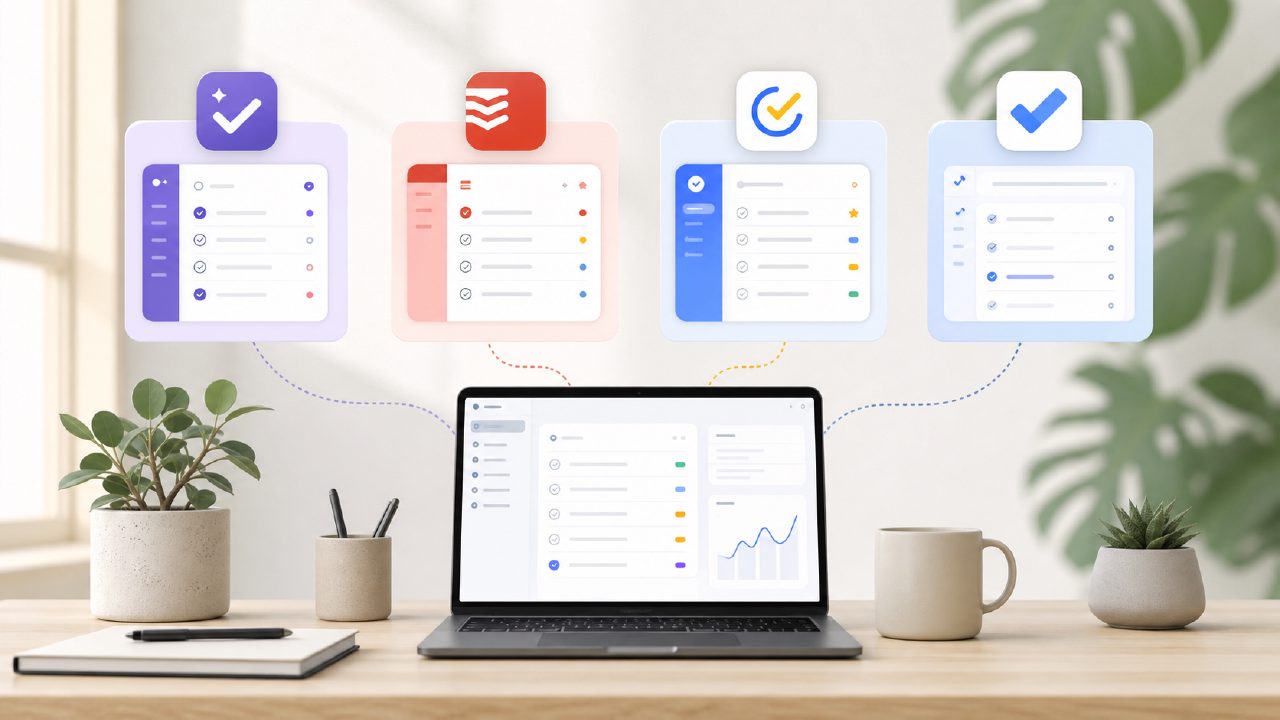
I tested Taskly against Todoist’s free AI suggestions, TickTick’s smart list feature, and the built-in AI in Microsoft To Do. My test was simple: throw 15 random tasks at each app—some urgent, some long-term, some vague like “figure out the budget”—and see which one sorted them into something I could actually follow.
Todoist’s free tier gives you basic natural language input, but its AI doesn’t really prioritize or group tasks unless you manually label everything. It works, but it’s not smarter than you are. TickTick’s smart list is better at recurring tasks and Pomodoro integration, but the AI felt more like a tag system than a thinking assistant. Microsoft To Do’s “My Day” suggestions are decent if you’re fully in the Microsoft ecosystem, but it missed half my tasks because they weren’t in Outlook.
Taskly handled the same test differently. It didn’t just sort tasks—it asked follow-ups. For “figure out the budget,” it suggested breaking that into sub-steps: gather receipts, review subscriptions, set a limit. That’s the kind of ai smart to do list app behavior I actually want. It felt like someone who knows your deadlines asking clarifying questions, not just a digital inbox.
Where Taskly shines
The biggest surprise was Taskly’s weekly planning view. Most free apps show you a day or a list. Taskly lets you drag tasks across days and shows you how allocated time builds up. I noticed after three days of using it that my Friday was empty because I’d packed Monday and Tuesday—something I usually realize too late. The AI didn’t nag, but it surfaced the imbalance visually. That’s more useful than a generic “you have 8 tasks today” alert.
Taskly also handles the “scattered priorities” problem better than the others. When I imported a mix of work deadlines, personal errands, and vague goals, the AI grouped them by theme and suggested a rough sequence. Not perfect—it put “order birthday gift” right next to “finish quarterly report” without noticing the difference in stakes—but closer to a human assistant than any other free tool I’ve tried.
If you’re searching for the best ai task manager 2026 early, Taskly is already ahead of most free options in terms of proactive suggestion. The catch? The free tier has a task limit that kicks in faster than I’d like—around 30 active tasks before you start getting nudges to upgrade. That’s fine for personal use, but if you’re managing multiple projects, you’ll feel the squeeze.
The tradeoff you need to know
Taskly’s AI is genuinely useful at structuring tasks, but it’s less reliable with deadlines. Twice during my test, it assigned a due date that was clearly wrong—once suggesting a project deadline two days before a dependent task was even added. I had to manually correct it. That’s a real friction. Other apps like TickTick are more conservative: they rarely guess deadlines, so you avoid wrong guesses but lose the time-saving benefit.
So here’s the honest tradeoff: if you’re okay occasionally catching and fixing incorrect AI assumptions, Taskly saves you more time upfront. If you’d rather input everything manually and avoid corrections, something simpler might work better.
I also found Taskly’s mobile app slightly slower than Todoist’s for quick task capture. I’d pull out my phone to log a thought, and there’d be a one-second lag before the input field opened. Minor, but noticeable if you’re used to instant entry.
Who should pick Taskly
Based on my testing, I’d recommend Taskly if you often feel overwhelmed by unconnected tasks and want structure without spending 20 minutes designing a system. It’s not the fastest tool for raw capture, and it’s not the best for strict deadline management, but it’s the best best free ai task management app 2026 I’ve seen so far for turning a messy list into a plausible plan.
If you mostly track repetitive routines or need heavy calendar integration, look at TickTick or Microsoft To Do. But if your problem is “I have too many different things to do and no idea where to start,” Taskly is the free option that actually tries to solve that. I’m keeping it on my phone, even with the task limit, because it does the one thing I needed most: it makes my scattered priorities feel manageable.
Comments
Leave a Comment