If you collect vintage books, you know the feeling. The shelves start to overflow, and you begin to lose track of which edition you own, which one you’re still hunting for, and which one has a cracked spine you need to repair. A general to-do list won’t cut it—you need something that matches the scattered, specific nature of book collecting.
I’ve been using Taskly Planner to turn my vintage book chaos into something workable. It’s a daily planner for tasks and goals, but I’ve adapted it for a hobby that doesn’t fit neatly into project management. Here’s how it actually works when you’re dealing with first editions, dust jackets, and trips to musty used bookstores.
The problem with generic to-do lists for book collectors
Most planners treat everything as a simple checkbox. But vintage book organizing isn’t linear. You might find a book at a flea market that wasn’t on your list, or realize you need to check the binding condition of six books at once. The usual “buy milk, call plumber” app fails here because book tasks have dependencies and nuances.
Taskly lets me create a project for each book shelf or category—say, “19th Century Literature” or “Penguin Paperbacks.” Inside each project, I add tasks like “check spine integrity,” “verify publication year,” or “compare with online price guide.” That structure feels natural because it mirrors how I actually work through a stack of books.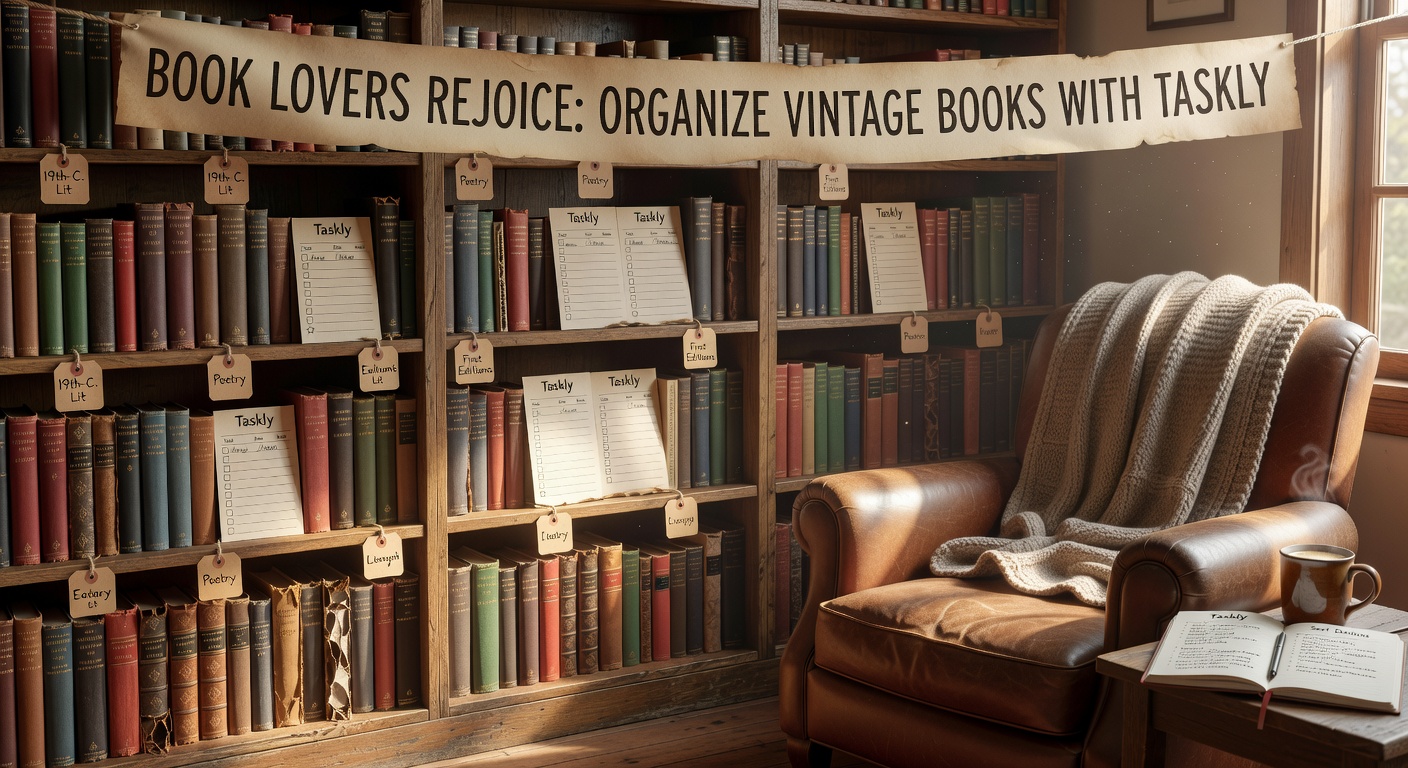
My real workflow with Taskly
I start by adding a task for each physical book I own. But I don’t stop there. I attach a note with the book’s condition, estimated value, and where I bought it. If a book needs repair, I set a due date on the task—but I’m not strict about it, because book repair takes as long as it takes. Taskly’s weekly view helps me see which shelves I haven’t touched in a month, so I don’t let a whole section slip into neglect.
For example, I had a 1925 edition of The Great Gatsby that I bought at a garage sale. I added it as a task, noted the foxing on page 50, and set a reminder to re-evaluate in three months. Taskly doesn’t force a hard deadline, so I can leave it as a “someday” task without feeling guilty. That flexibility matters more than I expected.
Where it stumbles and what to watch for
Taskly isn’t designed for inventory management. If you own over 500 books, the task list becomes unwieldy. Each book is a separate task, and scrolling through 500 entries is not fun. I solved this by grouping books into batches—ten books per task, described briefly. That reduces the list count but still lets me track progress. Your mileage may vary if you’re a purist who insists on one task per book.
Another limitation: Taskly has no barcode scanning or photo integration built in. I use a separate spreadsheet for ISBNs and take photos with my phone. If you need a combined catalog + planner, Taskly alone won’t cut it. But as a daily checklist to remind yourself “check the binding on shelf 3,” it’s fine.
Finally, the app’s notification system can get annoying. I turned off most alerts because a vintage book task doesn’t need urgent reminders. Instead, I check the weekly view every Sunday and decide what to tackle. Treating book organizing as a low-priority background task in Taskly keeps it from feeling like homework.
Should you use Taskly for vintage books?
If you have a moderate collection (under 300 books) and want a simple way to track what needs attention, Taskly works. It’s not a cataloging tool, but it’s better than sticky notes. If you need full inventory management, look at LibraryThing or a spreadsheet. For planning your weekend book hunts, logging repair progress, and not forgetting which shelf you’re archiving next, Taskly is a light, flexible companion.
The key is to accept its limits and adapt. Batch your tasks, ignore the hard deadlines, and treat it as a gentle nudge rather than a strict to-do system. Your vintage books will still be messy—but at least you’ll know which mess to tackle next.
Comments
Leave a Comment