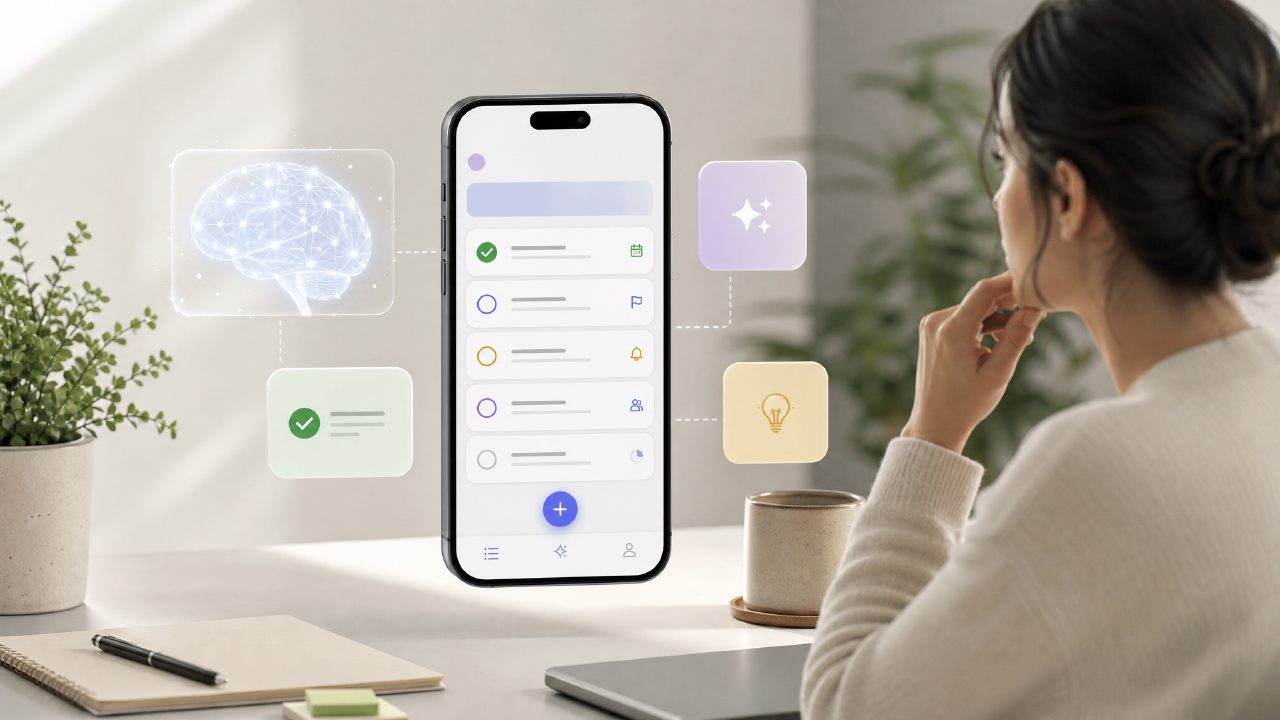
I spend way too much time trying to find a free ai to do list app 2026 that doesn’t force me into a paid plan after three days. Most either hide essential features behind a subscription or feel like a generic task manager with a chatbot slapped on. Taskly caught my attention because it positions itself as both a daily planner and an AI assistant for tasks, goals, and to-do lists. After using it for a couple of weeks, here’s what stood out and what didn’t.
What Taskly actually does
Taskly combines a traditional to-do list with an AI layer that tries to help you organize and prioritize. You enter tasks, goals, and deadlines, and the AI suggests what to focus on next, breaks bigger goals into smaller steps, and even reminds you when priorities shift. It’s not a full project management tool — it’s built for personal productivity: planning your week, managing scattered to-dos, and keeping track of recurring items.
First impressions and setup friction
The onboarding was smooth enough. I signed up, imported a few recurring tasks via manual entry (no direct import from Todoist or Trello, which was a small disappointment). The UI is clean but not minimal — everything is laid out on a single board with sections for today, this week, and goals. That layout works well for a quick daily scan.
But here’s the first friction: the AI features aren’t fully active until you’ve added at least a week’s worth of tasks. It needs data to learn your patterns, which makes sense, but it also means you can’t fully evaluate the AI on day one. That’s a cautious point to keep in mind if you’re hoping for instant magic.
Grounded observations from actual use
1. AI suggestions are helpful but not always contextual
After a few days, Taskly started suggesting which task I should do next based on urgency and estimated effort. That worked well for simple to-dos like “buy groceries” or “draft proposal.” But when I had a vague goal like “improve website SEO,” the AI offered generic steps like “research keywords” or “check Google Analytics.” That’s fine for a start, but it didn’t pick up on the specifics I had discussed in other notes. The suggestions felt pattern-based, not truly understanding the nuance of my workload.
2. The weekly planning view is genuinely useful
One feature I didn’t expect to like was the weekly drag-and-drop rescheduling. I could move unfinished tasks from Monday to Tuesday with a single drag, and the AI would recalculate priority automatically. This saved me from manually re-prioritizing every morning, which is a real win for a free ai task management app 2026.
3. The free tier has a fair limit, not a crippling one
Most apps cap you at 5 projects or 20 tasks in the free version. Taskly’s free tier allows unlimited tasks but limits you to three active goal categories. For a typical user with work, personal, and maybe one side project, that’s enough. But if you want separate categories for every area of life (work, health, learning, hobbies), you’ll hit the limit fast. That’s a realistic tradeoff — it’s generous enough for casual use, but not for heavy planners.
Scenarios where Taskly fits (and where it doesn’t)
Scenario 1: The busy professional
If you have a medium-sized workload with clear deadlines and recurring tasks (emails, meetings, reports), Taskly’s AI helps you stop overthinking what to do next. The daily “focus” suggestion saved me about 10 minutes each morning. But if your work involves complex multi-step projects with dependencies, Taskly will feel shallow. You’ll miss Gantt charts or subtask linking.
Scenario 2: The overwhelmed student
For a student juggling assignments, exams, and part-time work, the weekly layout and AI breakdown of big goals into steps is a solid help. I tested it with a mock “write final paper” goal, and it produced reasonable step-by-step suggestions. However, the app doesn’t integrate with Google Calendar or Outlook, so you can’t see your class schedule inside Taskly. That’s a limitation I kept bumping into.
Scenario 3: The freelancer juggling gigs
Freelancers with multiple clients might find the three-goal cap restrictive. You’d need to use one goal for “all work” and another for “personal,” which reduces the AI’s ability to differentiate contexts. It’s not a dealbreaker, but it’s a mild friction that makes you reconsider whether this is the best free ai task management app for your specific use case.
Realistic tradeoffs and final judgment
Taskly is a genuinely useful free ai to do list app 2026 for someone who wants a cleaner daily planning experience with light AI guidance. The AI is not a replacement for a human assistant — it makes reasonable suggestions but misses nuance. The app is stable, fast, and doesn’t barrage you with upgrade popups (most critical for a free tool).
On the downside, the lack of calendar sync and the three-goal limit are the main reasons I wouldn’t recommend it for power users or project-heavy roles. If those apply to you, keep looking. But for a free tool that actually helps you turn scattered priorities into a clear action plan, taskly earns a reserved recommendation. It’s worth a try, but go in with realistic expectations.
Comments
Leave a Comment