Let’s be real—when a project lands on your desk that looks like a tangled mess of wires, your brain just freezes. You open a new tab, stare at a blank page for five minutes, maybe type “how to break down complex tasks” into Google, then close it and doom-scroll TikTok instead. I’ve been there. Multiple times.
So when I started using Taskly Planner to handle these beasts, I wasn’t expecting magic. But after a few weeks of actually using it, something clicked: it doesn’t try to organize your entire life in one go. It just asks you to deal with today.
The “tiny step” engine that actually works
Here’s the thing about big tasks—they look impossible because your brain scans the whole mountain instead of the first rock. Taskly lets you take that mountain and break it into a hundred tiny rocks, then only shows you the next one.
I had a client deliverable that involved 14 subtasks, three dependencies, and a deadline that felt fake. Instead of crying in my coffee, I dumped everything into Taskly: “email John for spec sheet,” “draft section A,” “review budget table.” Each one is just a single tap to finish. That dopamine hit of checking off “reply to Sarah” literally moved me to the next step. It sounds dumb but it’s real.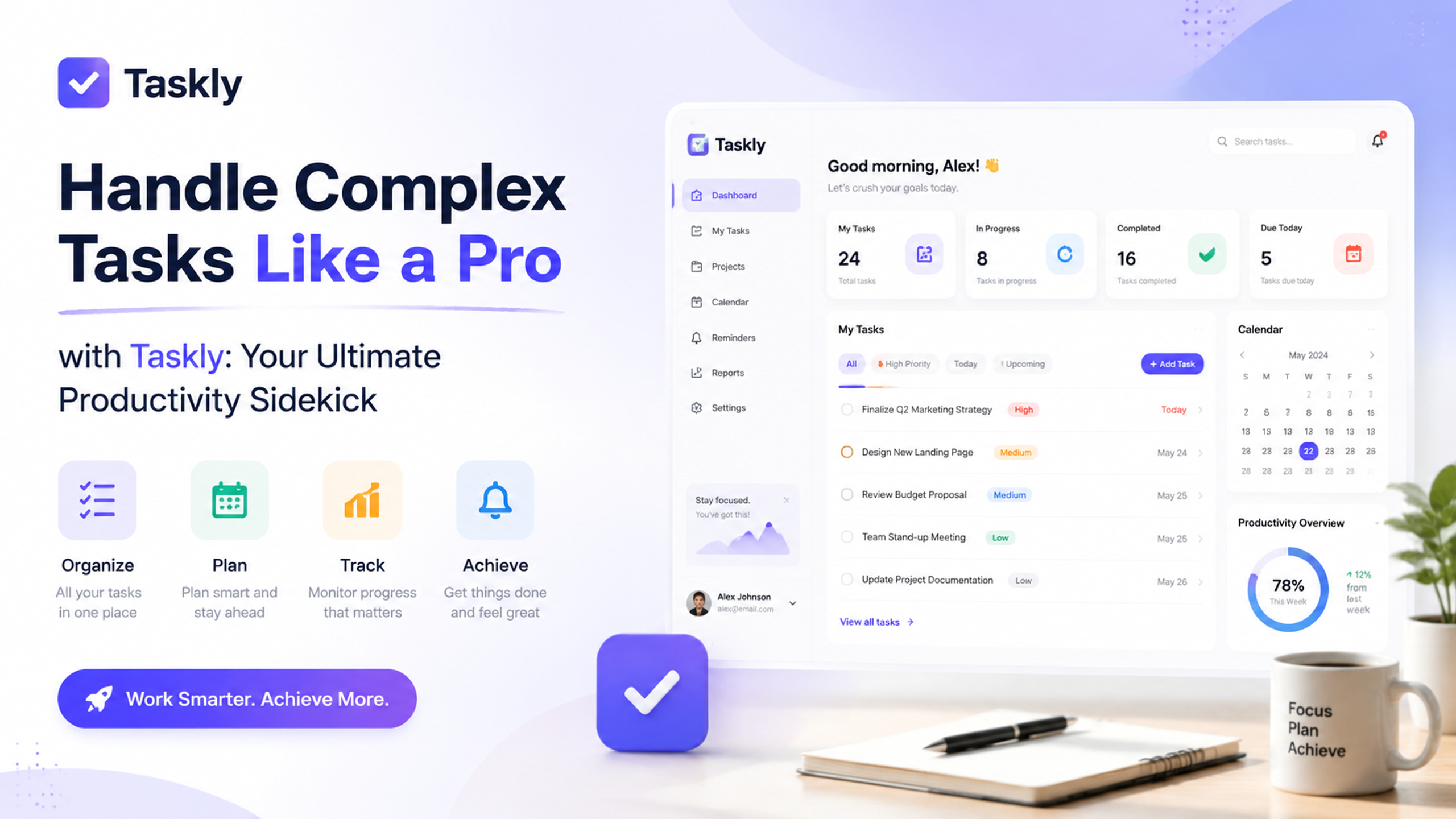
Where it beats the big players
Notion is for building your personal database empire. Todoist is for list nerds who color-code their laundry. Taskly sits in the middle: enough structure to handle multi-step workflows, but zero friction getting started. If you’re a Notion dropout who just wants something that works without three hours of setup, this is it.
The weekly view is a specific win for me. I set three “must-do” tasks for the week, then distribute my messy sub-tasks across days. Friday rolls around and I see exactly why I didn’t finish—usually because I underestimated one step, which is a lesson Taskly forces you to learn without judgment.
Not everyone needs this—and that’s fine
Honest tradeoff: if your job is mostly reactive (chat tickets, quick email replies, meetings that eat your soul), Taskly might feel over-engineered. The strength is planning ahead. If you never plan more than 10 minutes ahead, a sticky note works better.
Also, the learning curve is there if you want to use the goal feature. I tried linking my daily tasks to a “save for trip” goal. Neat idea, but honestly I don’t think about my vacation while I’m grinding a deadline. Your mileage will vary.
For someone in a project-heavy role—freelancers, mid-level ops, students with capstone work—this is genuinely useful. The UI doesn’t yell at you with notifications or smart suggestions. It just sits there patiently, matching your energy.
Does it make you a pro?
No tool will turn chaos into a clear path by itself. But Taskly comes close by making the chaos feel manageable. If you’re drowning in scattered priorities and your current system is “I’ll remember it” (spoiler: you won’t), give this a shot. Worst case, you delete it after three days like every other productivity app. Best case, you ship that thing you’ve been avoiding for two weeks.
That alone is worth tapping around for five minutes.
Comments
Leave a Comment