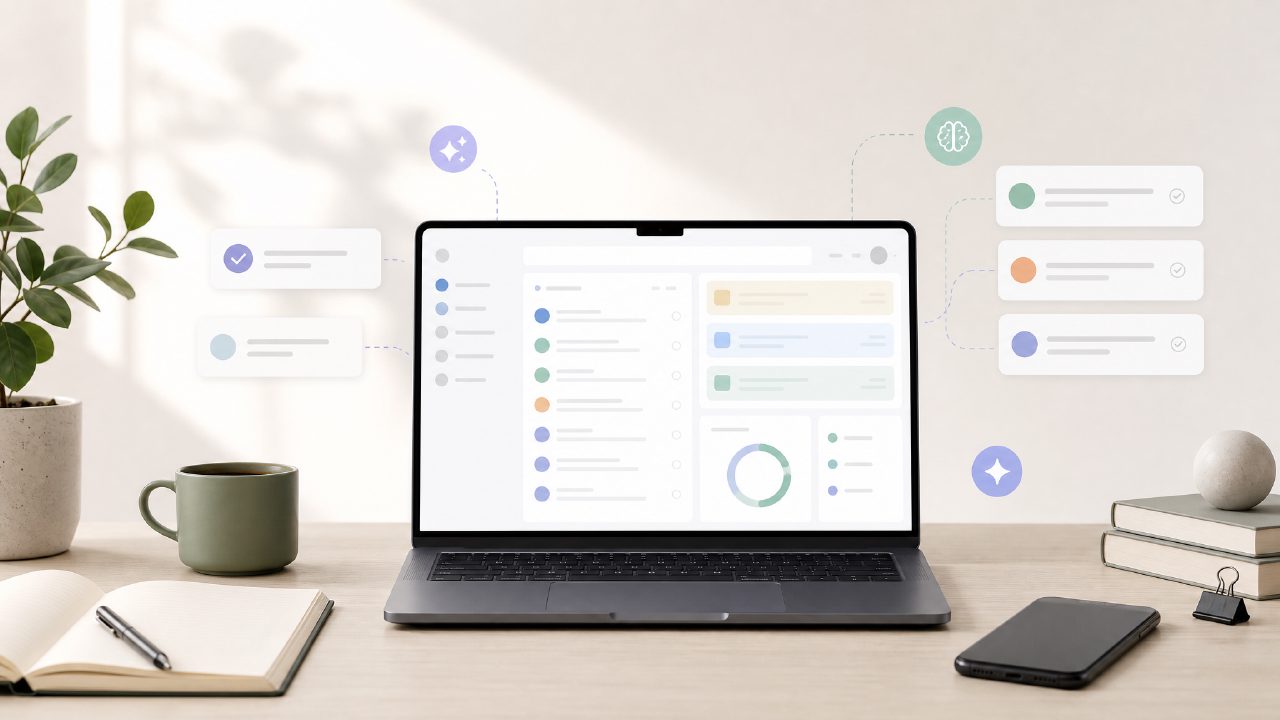
I’ve been testing a handful of free task managers lately, mostly because I wanted to stop paying for something I wasn’t sure I needed. Every app claims to use AI now, but most just slap an assistant icon on top of the same checkbox system. Taskly caught my attention because it actually markets itself as an AI-first planner rather than a to-do list with a chatbot bolted on. I spent a couple of weeks using it for real work—project notes, weekly goals, random errands—to see if it qualifies as the best free AI task management app you can download right now.
What actually worked
The biggest surprise was how quickly the AI understood what I meant. I typed in something messy like “order supplies Tuesday morning, also check budget before the call,” and taskly parsed it into a morning block and an afternoon reminder without me having to set times manually. That saved me at least a few minutes every day. I also liked that it split a single goal into smaller steps on its own—one entry for “finish proposal draft” turned into “outline sections,” “write intro,” and “review notes.” It wasn’t perfect every time, but it was right often enough that I stopped overriding it.
The week view is clean. Drag-and-drop rescheduling works without lag, which is more than I can say for some paid apps I’ve tried. I also noticed the AI learns from how you reschedule. When I kept bumping a particular task to Friday repeatedly, it started suggesting that task go directly to Friday next time. Small detail, but it felt like the app was paying attention rather than just repeating itself.
Where it gets a little messy
Not everything was smooth. The AI sometimes misinterprets vague input. I wrote “review feedback” and it scheduled it for the next morning at 8 AM. That was too early for what I needed—I wanted it attached to a specific document later in the day. Fixing it took one click, but the suggestion wasn’t helpful. This happened maybe once every three or four tasks. It’s not a dealbreaker, but it does mean you can’t blindly accept everything the AI proposes.
Another limitation: the free plan doesn’t let you set recurring deadlines with conditional logic. I wanted a task to repeat only when a previous step was marked complete, but that option is locked behind the paid tier. If your workflow relies on dependency triggers, you’ll feel the gap. For most everyday task management—simple goals, shopping lists, weekly reviews—the free version covers enough ground.
Who should actually use this
If you already have a system you like (Todoist, TickTick, even a paper notebook), Taskly might not replace it unless you really want AI suggestion that learns from your habits. But if you’re coming in fresh, or you’re tired of manually organizing a long list of tasks every morning, this is worth a real test. It does a better job than most at turning a messy brain dump into a plan you can follow. Just don’t expect it to handle advanced project management features without paying.
I think the ai task management app free tier hits the right balance for students, freelancers, or anyone with a moderate number of daily tasks. If you’re a team lead with complex dependencies, you’ll probably outgrow it quickly. But for the price tag (zero dollars), it offers more than I expected after the first two days of use.
Bottom line after testing
I wouldn’t call it perfect, and I’m not sure it’s the best free ai to do list app 2026 has to offer until I try a few more. But for now, Taskly is the one I’m still opening every morning. The AI isn’t a gimmick—it genuinely reduces the time I spend organizing. The friction is minimal enough that I haven’t felt the urge to go back to my old paid app. If you’re curious, I’d say just try it for a week and see how often you correct its suggestions. That alone will tell you if it fits.
Comments
Leave a Comment