The Problem That Won't Stay on the Shelf
You have drafts, outlines, research notes, and old versions of chapters scattered across Google Docs, Scrivener, your desktop, and maybe a physical notebook or two. You can find the thing you need if you search for it, but that search takes time and mental energy that you'd rather spend actually writing. The real issue isn't storage—it's knowing what to do next with those files.
That's where Taskly comes in. It's a daily planner app, yes, but the gap it fills for book archives isn't about "cataloging" your files. It's about turning that pile of manuscript fragments into a manageable sequence of actions.
How One Writer Uses It
Take a mid-list novelist with three partially finished projects. She used Taskly to create a separate "project" for each book. Inside each project, she added recurring tasks like "review chapter 7 draft" and "revise opening scene." She also attached links to the actual Google Docs inside the task notes. Now, when she opens her daily view, she sees exactly which file to tackle—no more hunting.
The key insight here: Taskly doesn't store your manuscripts, but it does store the path to them. If you're the type who keeps a dozen versions of a single chapter, you can create a task called "compare endings v3 and v4" with links to both. That specificity is what prevents "lost" manuscripts. You lose what you can't see a direct action for.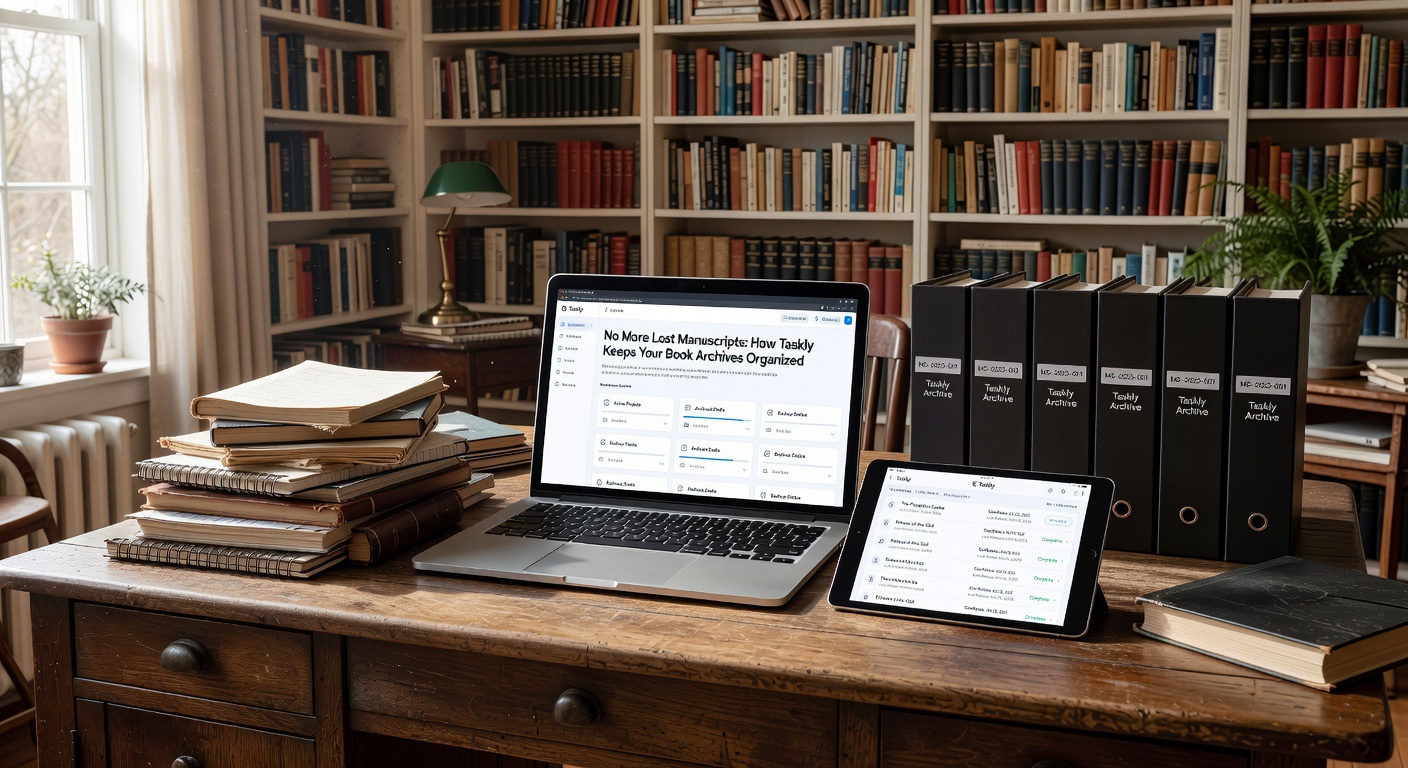
The Tradeoff You Need to Know
Taskly is not a document manager. You won't get version history, full-text search within your archives, or the ability to nest sub-documents. If your core problem is finding a specific paragraph from a year ago, Taskly won't help. But if your problem is deciding which of the five files in front of you needs your attention today, Taskly is surprisingly effective.
Another limitation: if you're a pantser who barely outlines and just writes one continuous draft, the task-by-task approach may feel stifling. Taskly rewards a certain level of planning and chunking. You have to be willing to define discrete steps for your book project.
When It Works Best
I've seen it work well for non-fiction writers who need to juggle interview notes, chapter outlines, and editorial feedback. They create tasks with due dates tied to each milestone, and tag them by status ("to transcribe," "first draft," "needs fact-check"). In the weekly view, they can see if the research tasks are piling up while the writing tasks are stalled. That visibility alone reduces the sense of "losing" work.
For fiction authors with multiple POV characters or timeline strands, Taskly can be used as a lightweight production board. A task per chapter, a subtask per beat, and a note field for the current revision notes. It's not as powerful as a dedicated plot board, but it's integrated into the same planner you use for your day job and grocery list.
Final Take
No More Lost Manuscripts means no more wondering where you left off. Taskly won't automatically organize your writing folder, and it won't recover a lost file. What it does is provide a structured daily lens for your book archive, turning a vague feeling of "I should work on my novel" into a concrete list of next actions. If that's the bottleneck, it's worth trying on one project for a week. You can always delete the tasks if they feel like extra overhead.
Comments
Leave a Comment