Let’s be real: staring at the same old to-do list every morning is a fast track to boredom. You write down “finish slides,” “respond to emails,” “do laundry,” and somehow the list feels more like a prison sentence than productivity. The monotony kills momentum before you even start.
That’s where I landed a few weeks ago. I had deadlines, side projects, and a growing sense of “ugh, I’ll do it tomorrow.” I tried bullet journaling, Trello, even paper sticky notes — but nothing broke the dull cycle. Then I gave Taskly a shot, and honestly, it’s the first planner that made me want to keep going.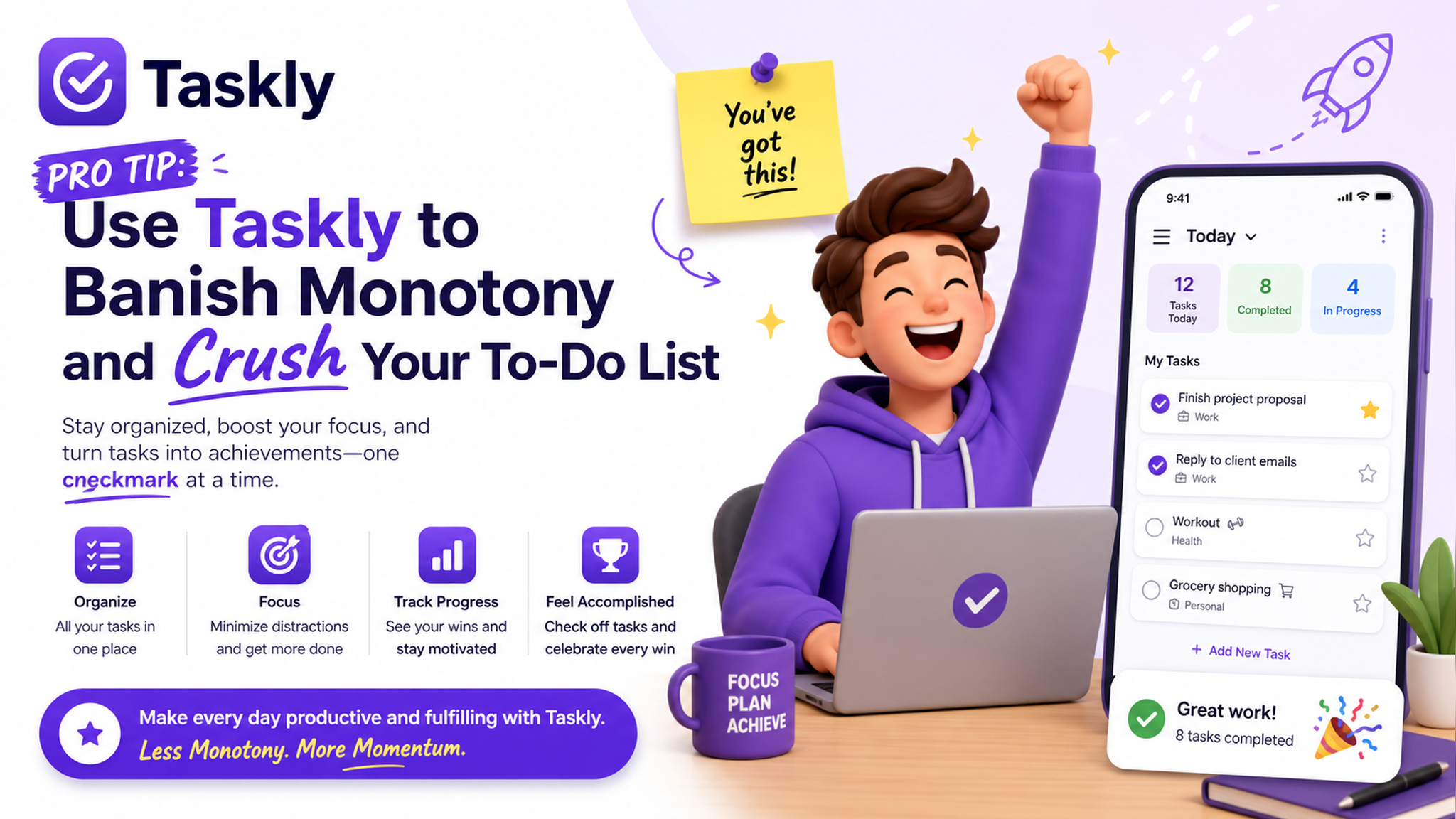
How Taskly Turns a Chore into a Challenge
The trick isn’t about adding more tasks. It’s about rethinking them. Taskly lets you break your day into small, themed chunks. Here’s what actually worked for me:
- Theme your mornings. I set a “Content Blocks” goal from 9–11 AM. Instead of a vague email task, I pick one creative output — write one short script, draft one IG caption. The goal becomes a game: finish before the timer runs out.
- Use mini-goals to trick your brain. One afternoon I felt zero motivation, so I listed: “Open the document” (takes 30 seconds), “Write 3 bullet points” (2 minutes), “Edit one paragraph” (5 minutes). Each tiny win gave a dopamine hit, and before I knew it I had a full draft.
- Separate “important” from “urgent but boring.” I moved all the tedious payroll stuff into one Friday slot. Out of sight, out of mind — until Friday, when I actually didn’t dread it because it was the only thing on that list.
The real shift? I stopped treating my to-do list like a passive record and started using it as an active experiment. Every task became a small test: “Can I finish this in 15 minutes?” “What if I do it backwards?” Taskly’s structure made that possible without forcing me into a rigid system.
The Trade-offs Nobody Talks About
Look, Taskly isn’t magic. If you’re someone who thrives on total chaos or free-style brainstorming (like pure bullet journaling with no app), this might feel too structured. I have friends who swear by plain paper because it doesn’t prompt them with “weekly goals.” They don’t want a planner to nudge them — they want a blank page. Fair.
Also, if your problem isn’t monotony but rather task paralysis from having too many things to do (not just boring ones), Taskly’s weekly view might overwhelm you before you even start. In that case, I’d recommend starting with just one goal per day instead of filling all slots.
For me, the balance worked. I didn’t want an AI telling me what to do — I wanted a framework that made my own choices feel fresher. Taskly does that without adding friction.
A Final Pro Tip
Don’t over-optimize. The real win came when I stopped trying to “perfect my system” and just used Taskly to plan one day at a time. Pick a boring task, turn it into a tiny challenge, and let the app hold the structure while you bring the creativity. That’s how you crush the list without feeling like a robot.
Comments
Leave a Comment