Let’s be honest: work doesn’t feel lighter just because someone tells you to “prioritize.” The real problem is that by 10 a.m., you’ve got five Slack threads, three meetings, and a sticky note that says “don’t forget the thing.” That thing is never the same thing twice. So when I tried Taskly Planner, I wasn’t expecting a productivity miracle. I was looking for something that could finally stop the mental ping-pong between “what should I do next” and “what did I forget.”
Taskly doesn’t pretend your work is a straight line
What struck me first is how it handles daily planning. Most to-do apps force you into a linear list: do A, then B, then C. But my actual day looks more like a tangled network. Taskly’s weekly view lets you drop tasks, goals, and even quick notes into time slots that actually match how you work. For example, I have a recurring “review analytics” task that never takes the same amount of time. Instead of rigid time blocks, I can set a rough intention and let the app nudge me when I’ve spent too long in one area.
I tested this with a real Wednesday: two client calls, a lunch break I usually skip, and a looming report deadline. Dropping these into Taskly’s drag-and-drop weekly grid felt almost too simple. But the moment I set a 15-minute buffer after each call, the entire afternoon stopped feeling like a panic chain. That micro‑adjustment—the ability to see how tasks sit next to each other—is something most planners miss.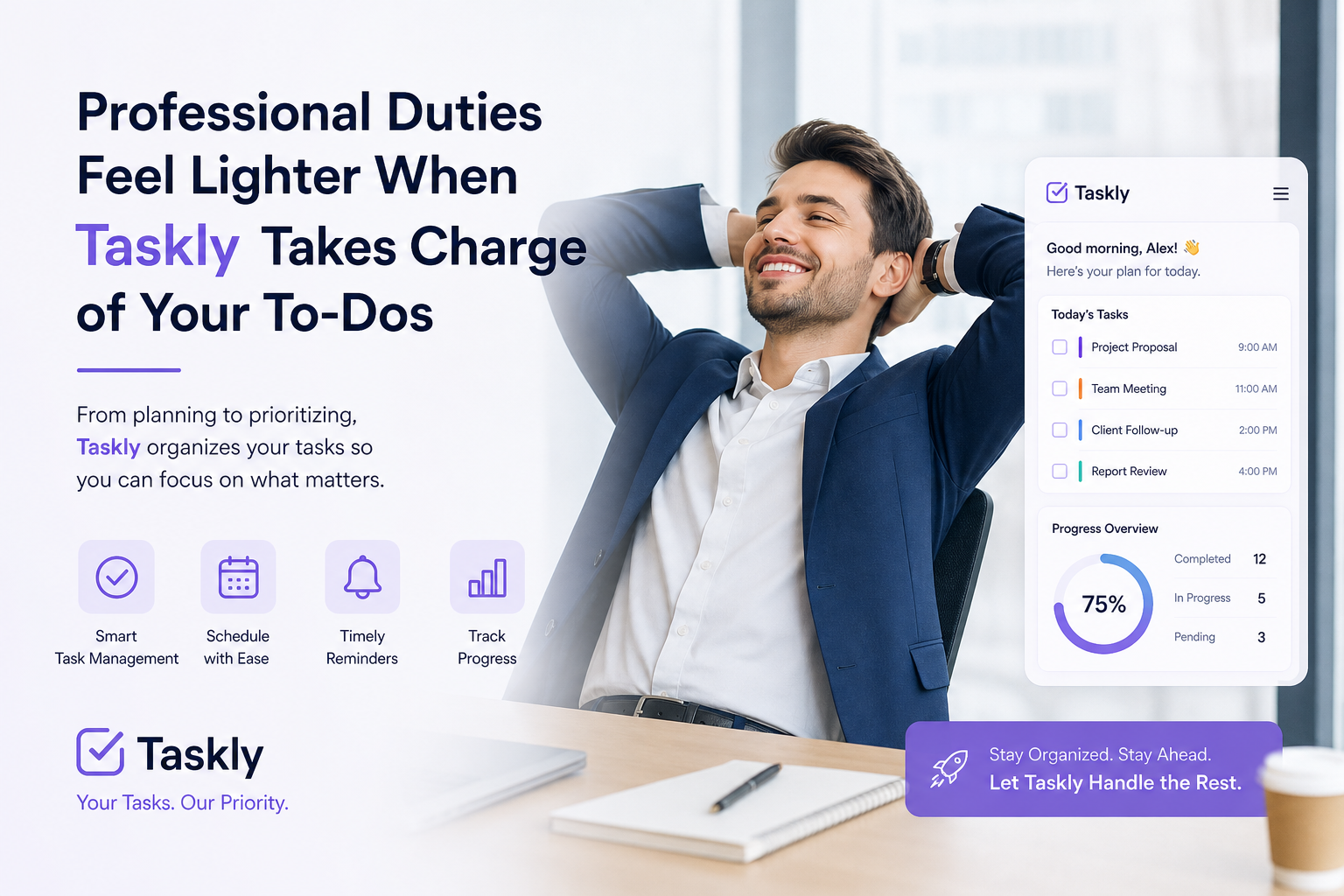
How it handles the ‘scattered priorities’ problem
The app’s core value is turning scattered priorities into a clear action plan. But I’ll be honest: the real magic isn’t in the categorization (task vs goal vs to‑do). It’s in the way Taskly lets you re‑plan without starting over. I often write a to‑do list in the morning, then by noon two things are irrelevant. In Taskly, I can just drag them to “next week” or “maybe later” without deleting them. That simple gesture saved me from that nagging guilt of unfinished items.
Let me give you a concrete scenario: I was planning a small product launch. The official checklist had 23 items, but about six of them were “wait for someone else.” Taskly’s weekly layout allowed me to group those waiting tasks on Friday, so I stopped checking them every day. That alone cut my mental load by maybe 40%. For a solo freelancer or a small team lead, this kind of structured deferral is gold.
Where it might not fit (and that’s okay)
I’d be lying if I said Taskly works for everyone. If you’re the type who needs a full Gantt chart or resource allocation for a 20‑person team, this isn’t it. Taskly is intentionally simple. It doesn’t have heavy project management features like dependencies or time tracking. And the mobile app—while usable—lacks the same visual clarity as the desktop version. I found myself using the phone app mainly for quick check‑ins, not for planning.
Also, the goal‑setting module is competent but not revolutionary. You can set weekly or monthly goals, but the app won’t break them into sub‑tasks for you. If you struggle with “how to start,” you’ll still need to write your own breakdown. That said, the clean interface makes it easier to spot when a goal is just a vague wish (“get fit”) rather than a concrete step (“run 3 km on Mon/Wed/Fri”).
The real trade‑off: simplicity versus power
Taskly’s biggest strength is also its biggest limitation: it refuses to be everything. It won’t integrate with your calendar or email (at least not directly). For me, that’s a plus—fewer distractions. But if you live inside Google Calendar and need every task to sync automatically, you’ll be copying events manually. I’d say it’s perfect for people who want a dedicated planning space that doesn’t get cluttered by notifications or project complexity.
On the flip side, the lack of collaboration features means it’s strictly personal. Not a dealbreaker for a solo creator or manager, but a definite no‑go for team coordination. If that’s your need, look at Todoist or Notion with shared lists.
Should you give it a try?
If your professional duties feel heavy not because the work is hard, but because you can’t get a clear view of what’s actually on your plate, Taskly is worth the download. Use it for one week—just drag your current to‑do list into the weekly grid and see how that small shift changes your morning anxiety. You might find, like I did, that a little structure goes a long way.
Comments
Leave a Comment