Teamwork usually starts with a Slack message and ends in a maze of forgotten threads, duplicated tasks, and nobody quite sure who is handling the final review. Scattered priorities kill momentum. You spend more time figuring out what to do than actually doing it. This is exactly the gap Taskly Planner targets: taking that tangled mess of team goals and daily to-dos and forcing them into a visible, weekly action plan.
From Inbox Chaos to a Weekly Blueprint
Most daily planners treat your tasks like a dumping ground. You throw everything in, feel overwhelmed, and close the app. Taskly works differently because it pushes you to plan the week first, then break it down into daily actions. When a new request comes in on Tuesday, you aren't just dropping it at the bottom of a list—you are slotting it into the existing week, forcing a tradeoff. Does this new client request bump the internal deliverable scheduled for Thursday? It should, and Taskly makes that conflict visible instead of letting both tasks quietly slip.
For a team, this shared visibility is the main draw. Instead of asking "where are we on this?" in a meeting, you just look at the planner. The shared structure means everyone is looking at the same blueprint, not their own isolated to-do lists. It connects high-level goals—like "launch the Q2 campaign"—to the specific daily tasks required to get there.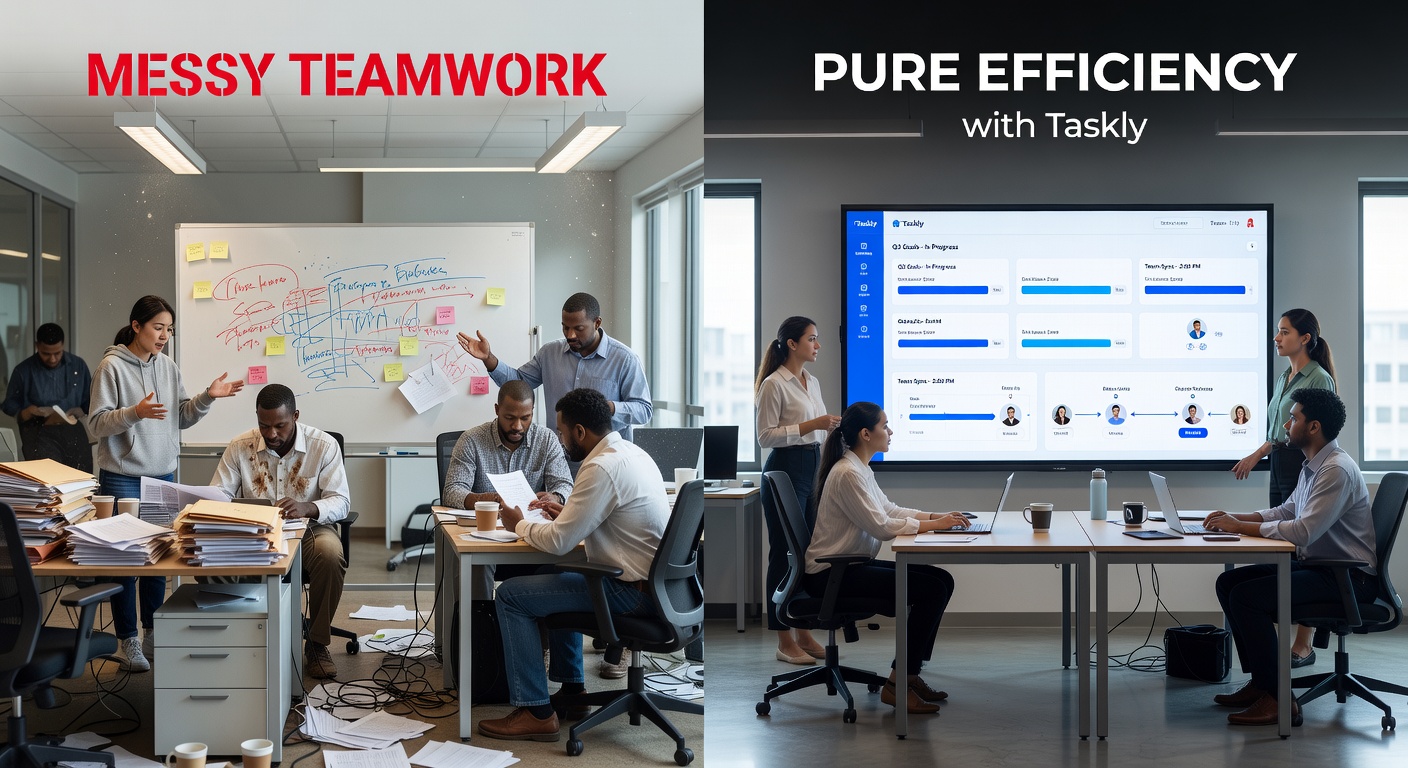
Where Taskly Actually Works
The tool shines in scenarios where the work is steady but the priorities shift constantly. Take a marketing team coordinating a product launch. You have blog posts, social assets, and email campaigns all running on different timelines with different owners. Taskly lets you map out the week so the copywriter knows exactly when their drafts are due for review, and the designer sees the same timeline. No more "I didn't know you needed that today."
It also works well for solo operators juggling multiple clients. If you are a consultant handling three different projects, Taskly keeps you from overcommitting your Monday. You block out the hours, assign the goals, and the rest of the week falls into place. When a client emergency hits, you see exactly what you are displacing to make room, rather than just working late to squeeze it in.
The Tradeoffs: What It Doesn't Do
Taskly is a planner, not a heavy project management tool. If your team relies on complex Gantt charts, deep dependency tracking, or automated workflows that trigger ten subtasks when one finishes, Taskly will feel too simple. It doesn't replace Jira or Asana for engineering teams running sprints with rigid backlogs. It focuses on the "what" and "when" of the week, not the intricate "how" of a multi-month project.
There is also a hard truth in the discipline it requires. A planner only works if you actually use it. If your team still defaults to dropping tasks in chat and ignoring the shared board, Taskly becomes just another unused tab. You have to commit to making it the single source of truth for the week, or the mess just moves to a different app.
Is Taskly Planner the Right Fit?
If your current setup involves a messy combination of sticky notes, scattered docs, and chat history, Taskly is a strong step up. It provides enough structure to organize work without drowning you in features you will never configure. It is best for small to mid-sized teams—or individuals—who need to turn vague goals into daily actions and need everyone looking at the same playbook.
If you need something more customizable, Notion gives you database freedom but requires you to build the system yourself. If you need hardcore project tracking, Asana has the depth but can feel heavy for simple weekly planning. Taskly sits right in the middle: structured, ready to go, and focused entirely on getting your week under control.
Turning messy teamwork into actual efficiency isn't about finding a magic app. It is about forcing scattered priorities into a format where you can see them clash and resolve them. Taskly Planner provides that framework. If you are willing to ditch the inbox-driven chaos and actually plan your week, it gets the job done without the bloat.
Comments
Leave a Comment