Nothing kills a project's momentum faster than waiting on a Slack reply to figure out if a task is actually in progress. Most teams operate in a split reality: individual to-do lists in one app, team updates in another, and a constant stream of "any updates?" messages bridging the gap. Taskly Planner steps in specifically to merge those worlds, turning scattered priorities into a shared action plan through real-time team collaboration.
Seeing Changes As They Happen
The core draw here is eliminating the lag between someone finishing a task and the rest of the team knowing about it. When a teammate checks off a deliverable or shifts a priority, the board updates instantly for everyone viewing it. You don't have to refresh the page or wait for a background sync to catch up.
Take a typical product launch week. The copywriter finishes the landing page text, changes the task status, and the designer immediately sees that card flip to "ready for design." They pick up the baton without a single handoff meeting or status ping. Or consider a weekly sprint planning session: when a sudden blocker pops up and a task gets reprioritized, the whole team watches it move to the top of the queue live. It cuts out the constant status-check ping-pong that dominates most team channels.
Because Taskly is built as a daily planner first, this live updating feels less like a rigid project tracker and more like a dynamic shared whiteboard. You can adjust your daily focus, and your team naturally adjusts around you.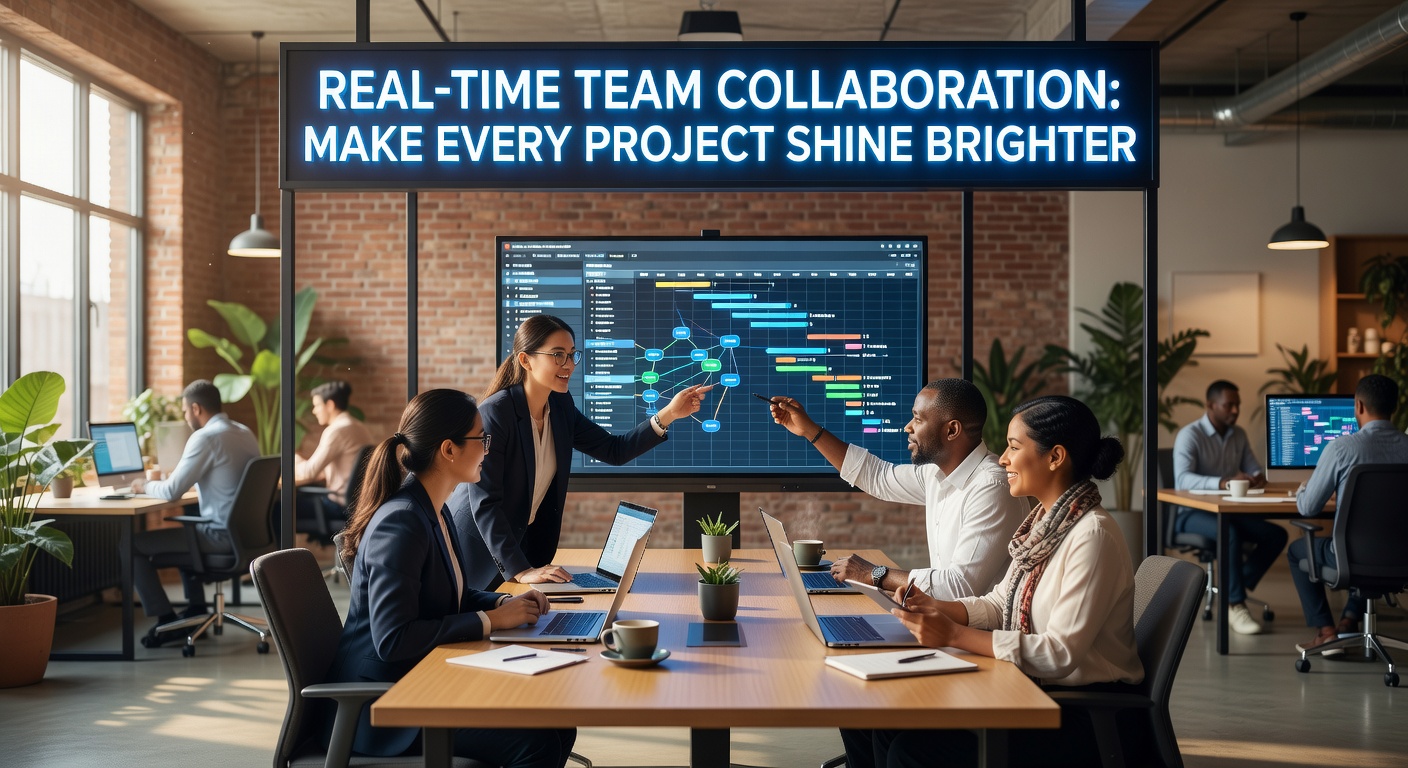
Where Taskly Planner Fits And Where It Doesn't
Taskly is fundamentally a task and goal planner that happens to have strong live-syncing capabilities. This is a crucial distinction. It excels at giving a team a clear, shared view of what needs to happen today or this week, but it deliberately avoids the bloat of traditional project management software.
If your workflow relies on heavy Gantt charts, automated Jira-style issue tracking, or deep GitHub integrations, Taskly will likely feel too lightweight. It doesn't try to replace those systems. It also lacks built-in document collaboration—you won't be drafting specs or reviewing design files inside the app. The tradeoff is simplicity and speed over granular, multi-layered control.
It works best for small to mid-sized teams who need visibility and fast alignment, rather than project managers who need to generate complex burndown reports. If you just need to know who is doing what right now, and need them to know what you're doing, the stripped-down approach is a breath of fresh air. For larger orgs deeply entrenched in enterprise PM tools, Taskly is better suited as a personal daily planner that syncs with your immediate working group, rather than a company-wide rollout.
Coordinating a team shouldn't require a separate meeting just to figure out the status of ongoing work. Taskly Planner handles the daily grind of task management by making real-time team collaboration the default state, not an extra feature you have to chase. If your team is drowning in scattered priorities and status pings, it provides a straightforward, no-frills way to get everyone looking at the same action plan at the same time.
Comments
Leave a Comment