Most team task sync tools just add noise. You end up digging through Slack threads to figure out who is doing what, or maintaining a Jira board that takes half a morning to update. The actual goal is simple: turn scattered priorities into a clear action plan without creating more administrative work. Taskly Planner approaches this from a daily planning angle, promising a way to sync tasks with your team and boost work quality without the usual friction of heavy project management software.
What Team Sync Actually Looks Like in Taskly
Taskly isn't trying to be a complex enterprise suite. It starts with the individual's daily to-do list and connects those lists to the team's weekly goals. When you organize your week in Taskly, your priorities aren't hidden in a private notebook or a disconnected app. They map directly to the shared team view. If a priority shifts, you drag it to a new day, and the team sees the update in real-time. It’s a straightforward mechanism that cuts down the "status update" meetings that plague most teams.
Consider a marketing launch prep scenario. The content writer, designer, and campaign manager all have their own daily Taskly lists. The manager can see if the writer has moved "draft landing page copy" to today's focus, meaning they don't need to ping them on Slack to ask for progress. The designer sees the copy is done and naturally pulls the "design landing page" task into their tomorrow block. The work flows without a single status check-in.
Another common use case is client onboarding handoffs. Sales marks the deal closed and drops the final handoff task into the team pool. Operations picks up the "setup account" task directly into their daily planner. The handoff is visible to everyone, so nothing sits in an unmonitored inbox for three days. The accountability is built into the daily planning habit, not forced through a separate tracking tool.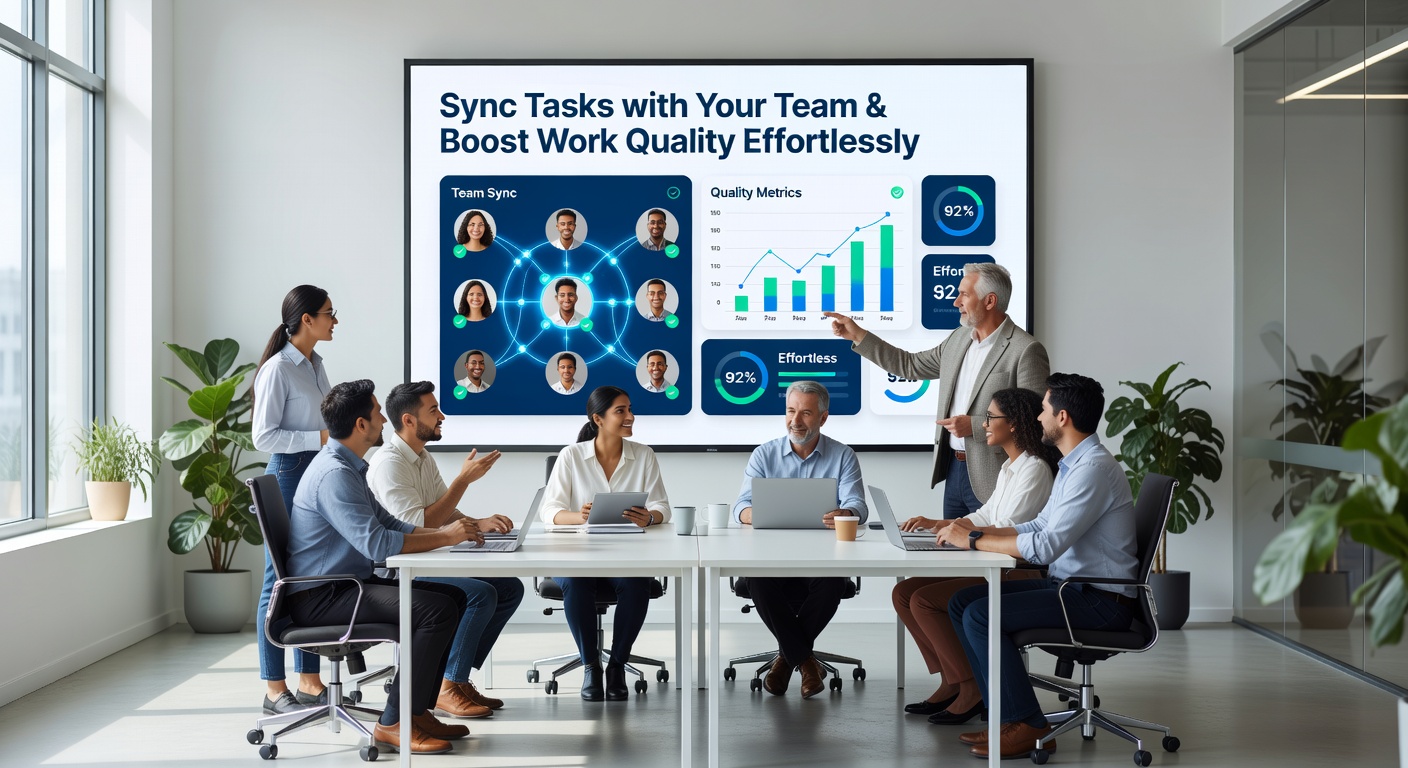
The Tradeoffs of a Planner-First Approach
Taskly's strength is its simplicity, but that comes with real limits. Because it focuses on daily and weekly planning, it lacks the deep Gantt charts, custom workflow automations, or detailed sprint reports you’d find in Jira or Asana. If your team relies on rigid, multi-stage approval processes—where a task must pass through five specific review gates before completion—Taskly might feel too loose. You have to manually enforce those stages by how you name and organize tasks, rather than relying on automated rules. It works best for teams that operate on trust and frequent, informal check-ins rather than strict process gates.
There is also a visibility tradeoff. Because Taskly centers on what people are doing today and this week, long-term roadmap planning can feel cramped. You can set goals, but tracking a six-month initiative with dozens of dependencies isn't what this tool is built for. You will likely still need a separate document or wiki for high-level strategy.
Evaluating Fit and Alternatives
Who should actually consider Taskly? It fits small to mid-sized teams—especially agencies, startups, or cross-functional pods—where priorities shift weekly and people need autonomy over their daily focus. If you're a solo freelancer, the team sync features are overkill; you’d just use the personal planner mode and ignore the shared views. If you're a 200-person engineering department with strict release cycles and compliance requirements, you likely need something heavier.
Looking at alternatives, Trello gives you visual Kanban boards but lacks the personal daily planner focus. Trello cards often end up sitting in "Doing" columns for weeks because there's no daily time-blocking mechanism to force action. Asana handles complex projects well but often becomes overwhelming for daily task management; people end up ignoring their Asana inbox because it floods them with updates irrelevant to today's actual work. Taskly sits in the middle: it gives individuals a structured daily planner while giving the team a live, low-friction view of what’s actually getting done today.
Keeping a team aligned usually means choosing between overloaded project tools or chaotic chat threads. Taskly Planner tries to split the difference by giving individuals a structured daily planner while giving the team a live view of what’s actually getting done today. It won't replace a full project management stack for complex engineering, but if your main frustration is just trying to sync tasks with your team without adding more meetings and dashboards, it’s a practical tool to test.
Comments
Leave a Comment