You open your task app on Monday morning and stare at 40 unchecked items. Half of them are overdue. You spend twenty minutes just deciding what to do first, and by then the coffee is cold. This is the exact friction Taskly Planner tries to eliminate. Instead of leaving you to manually drag items into some vague priority order, it uses AI to sort your day and organize priorities before you even start..
How Taskly Handles the Daily Chaos
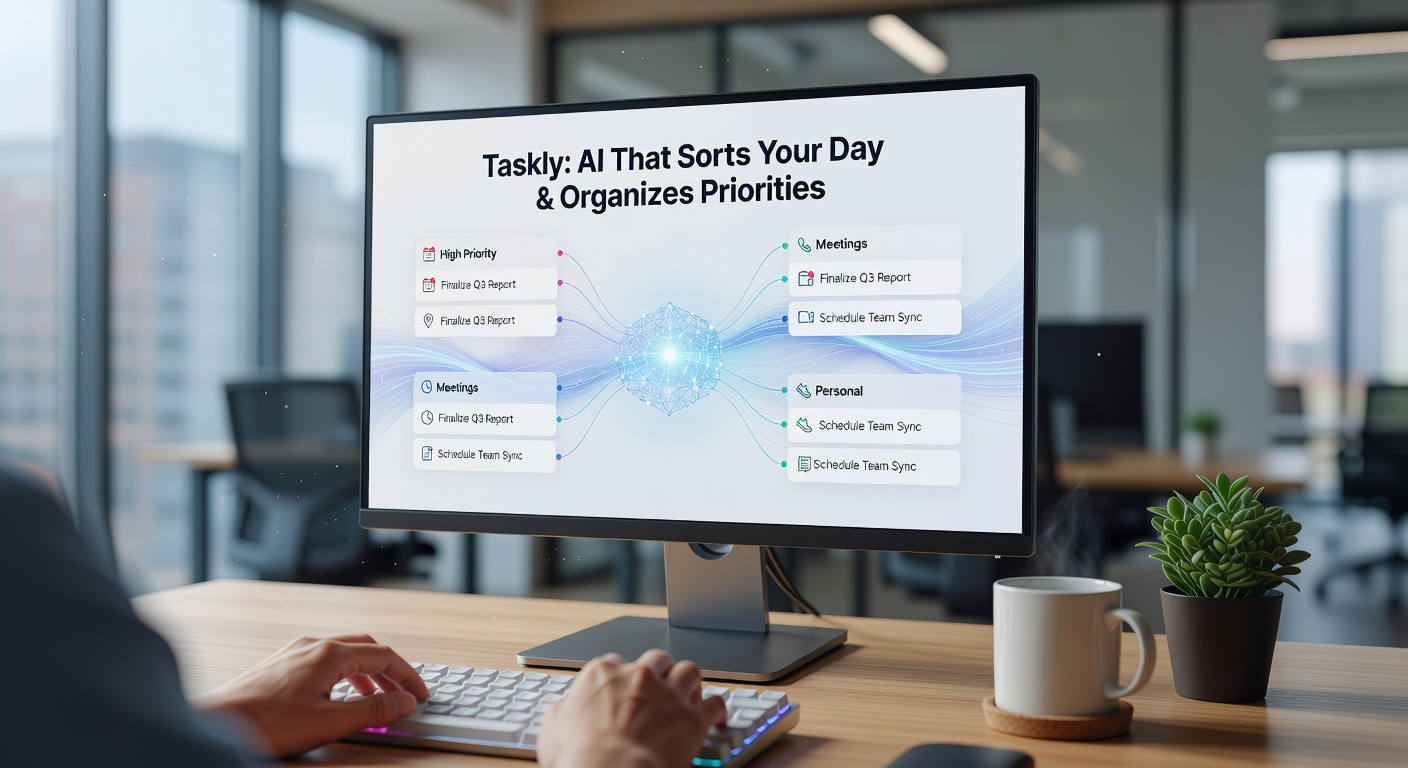
The core pitch is simple: dump your scattered thoughts into the app, and let the system figure out the sequence. Say you throw in "reply to the urgent client email," "draft the Q3 proposal," "pick up dry cleaning," and "update the shared spreadsheet." Taskly’s AI looks at deadlines, tags, and inferred weight to push the client email to the top and push dry cleaning to a mid-day gap. It saves you from that initial decision paralysis.
But this sorting isn't magic. It relies heavily on how you input the data. If you just type "proposal" without a deadline or context, the AI has to guess, and it often guesses wrong. You still have to feed it enough details—due dates, project tags—to make the prioritization actually functional. If you treat it like a dump-and-run brain dump, the sorted schedule will feel arbitrary.
Planning the Week Without the Drag
When you shift from a daily list to a weekly view, manual planning gets tedious. You start dragging blocks around, trying to balance deep work with meetings. Taskly attempts to map this out for you. It clusters similar tasks together, which is surprisingly useful for focus. Getting three minor admin tasks stacked into a single 30-minute block feels a lot better than scattering them across three different afternoons.
The tradeoff here is flexibility. AI schedules are rigid in a weird way. If a meeting runs over by fifteen minutes, your neatly sorted afternoon blocks suddenly cascade into a mess. You can manually adjust, but you start fighting the algorithm. It’s a bit like having a very opinionated assistant who gets sulky when you change their plan.
Fit, Tradeoffs, and Alternatives
Taskly Planner works best for people who suffer from decision fatigue. If you frequently freeze when facing a long list, having an AI take the first guess at your day is genuinely helpful. It gives you a starting point, and tweaking an existing plan is mentally easier than building one from scratch.
However, if you already run a tight time-blocking system, or if your day is dictated by fixed meetings rather than flexible tasks, Taskly adds unnecessary overhead. You’ll spend more time correcting the AI’s assumptions than you would just writing your own schedule. In those cases, a simpler checklist app or a more structured tool like Sunsama might fit better, since they respect manual control over automated sorting.
The AI prioritization also struggles with subtle human context. It doesn’t know you’re dreading that specific phone call, or that you need to do creative work before lunch when your brain is fresh. It sorts by logic, not by energy levels. You have to manually override those sorts often enough that it becomes a habit.
A Practical Takeaway
Using Taskly Planner to sort your day is a solid experiment if your current system is just a chaotic list you ignore. The AI does cut down the friction of starting your morning. Just don’t expect it to read your mind. Treat the sorted schedule as a rough draft, not a directive. If you’re willing to feed it clear data and override its bad guesses, it genuinely turns scattered priorities into a workable action plan. If you want total control, stick to a blank calendar block.
Comments
Leave a Comment