The optional notes say "用英文", so I'll write in English. ```html
Most task apps let you add items to a list and call it a day. The problem isn't capturing tasks — it's figuring out what to actually do next when you have 30 things staring back at you. That's where Taskly's AI layer starts to earn its place.
What the AI Actually Does
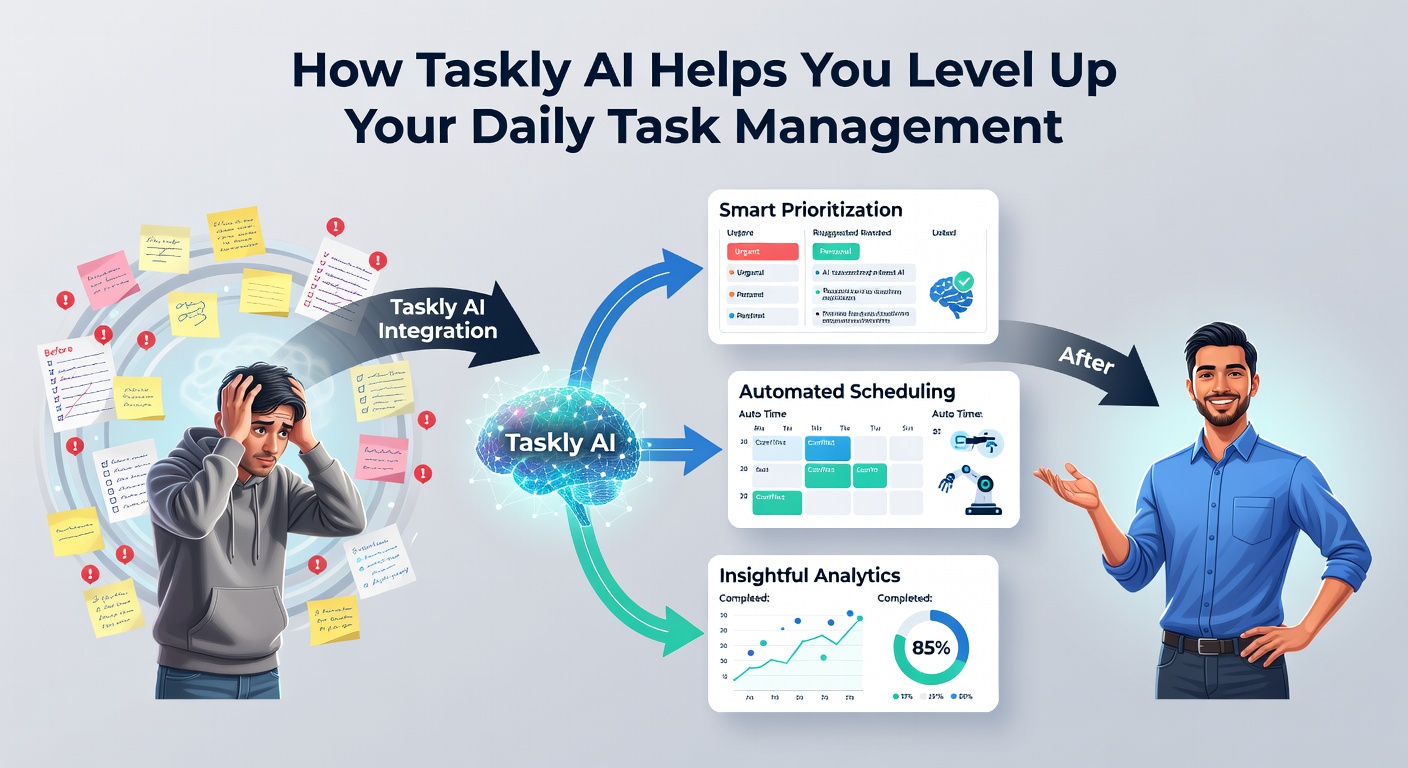
Taskly AI works within the planner to help you prioritize and structure your day rather than just store your to-dos. When your task list gets cluttered, it can suggest a focused daily plan based on deadlines, goals, and what you've been putting off. It's less about automation and more about giving you a clearer starting point when decision fatigue kicks in.
It also helps break down vague goals into smaller steps. If you add something like "finish project proposal," the AI can prompt you to split that into concrete actions — which is genuinely useful when you're staring at a big item and not sure where to start.
Where It Helps Most
A few scenarios where this actually makes a difference:
- Monday planning: You have a backlog from last week and new items coming in. Instead of manually sorting through everything, the AI can surface what needs attention first based on your goals and due dates.
- Mid-week drift: You've gone off-plan and your list is a mess. A quick AI-assisted review can help you reset and identify the two or three things that still matter today.
- Vague long-term goals: Things like "learn Spanish" or "get ahead on Q3 planning" sit on lists forever. The AI nudges you to attach real tasks to them so they don't just collect dust.
Honest Tradeoffs
The AI suggestions are only as good as the information you put in. If your tasks are vague or you haven't set any goals, the recommendations won't be particularly sharp. It works best when you've taken a few minutes to actually set up your priorities in Taskly — not as a shortcut around that setup.
It's also worth being clear about what this isn't. Taskly AI isn't a fully autonomous scheduler that blocks your calendar or syncs across every tool you use. If you need deep integrations with project management platforms or calendar blocking, you'll want to check current feature availability. For straightforward daily planning — personal tasks, weekly goals, keeping a clear action list — it covers the ground well.
Is It Worth Using
If you already use a planner and find yourself spending more time organizing your list than working through it, the AI features in Taskly are worth trying. The value isn't in novelty — it's in reducing the low-grade friction of deciding what to do next. That's a small thing that compounds over a week.
If you prefer full manual control over your schedule and find AI suggestions more distracting than helpful, Taskly still works fine as a straightforward planner. The AI layer is there when you want it, not forced into every interaction.
```
Comments
Leave a Comment