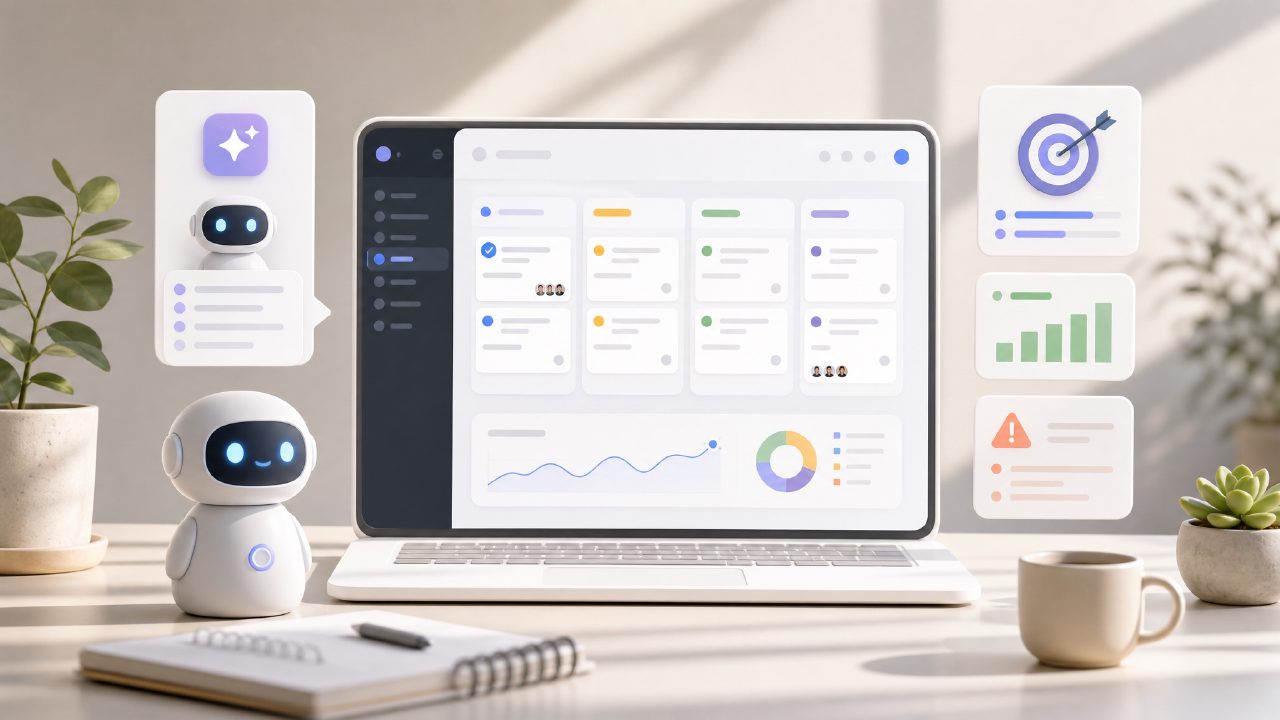
I’ve been testing a handful of task apps lately, and one that kept coming up was taskly. It positions itself as a daily planner for tasks, goals, and to-do lists — with an AI angle. I had some doubts, so I dug in. Here’s what I found, structured around the questions I kept hearing from other users.
Is Taskly really a free AI task management app?
Most people land on Taskly expecting a free ai task management app 2026 — the buzz is out there. The free tier is real, but it has limits. You get basic task creation, goal setting, and a weekly view. The AI features (smart suggestions, priority sorting) are partially available for free, but the more useful predictive stuff sits behind a subscription. I tested the free version for a week. It handled my daily to-dos fine. The AI nudges — like suggesting which task to tackle next — felt more like simple rules than real intelligence. Worth trying, but don’t expect a full AI assistant without paying.
How does Taskly manage goals vs. daily tasks?
One specific observation: Taskly separates “goals” from “tasks” more cleanly than most apps I’ve tested. Goals can have milestones and deadlines; tasks are the daily actions. I set up a goal for “learn basic Python” and broke it into weekly lessons. The app then suggested daily 30-minute slots. That worked reasonably well, though the integration between goal progress and task completion felt awkward — I had to manually link completed tasks to the goal. Not a dealbreaker, but could be smoother.
Does Taskly replace something like Todoist or Notion?
For simple list-keeping, yes. But once you need project management, team sharing, or deep note-taking, it falls short. I tried migrating from Notion for a personal project and hit friction: no nested sub-tasks, no database views. Taskly seems built for individuals who want a clear plan, not a full workspace. That’s a tradeoff. If you’re bouncing between tools already, it might be a better fit for focused planning than for tracking complex workflows.
What’s the AI actually good at?
The taskly ai task management feature that stood out was recurring task optimization — it learned that I tend to push “review email” from morning to afternoon and started suggesting afternoons automatically. That felt useful. On the other hand, the “AI weekly plan” generator over-committed: it scheduled 8 hours of deep work for a day I had meetings. I had to manually adjust. So the AI helps with patterns, but it doesn’t know your real calendar. A cautious take: it’s a helpful assistant, not a set-it-and-forget-it solution.
Is Taskly actually an ai task management app free for good?
Yes, the free version doesn’t expire. But “good” depends on your needs. I found the free AI suggestions degraded after the first 30 days — the app started repeating generic tips. Possibly intentional, possibly not. That mild friction made me wonder about retention tricks. Still, as a free planner for basic weekly organization, it beats paper. If you need real predictive AI, check the paid plan.
Should you try it?
If you’re overwhelmed by scattered tasks and want a lightweight structure, Taskly is worth a week’s test. Just don’t expect it to be your only tool, and don’t trust the AI blindly. I’m still using it for my weekly priorities, but I keep Notion for the messy stuff. That’s probably the realistic role for a task management app like this: a clean front door for your day, not the whole house.
Comments
Leave a Comment