You open your phone in the morning and see 47 unread messages, 12 calendar notifications, and a to-do list that looks exactly like yesterday's. The problem isn't that you're lazy—it's that most task apps just give you a blank list and expect you to figure out what matters.
Taskly AI Todo tries to solve this by actually reading your tasks and deciding what you should work on first. Instead of staring at "finish report" and "buy milk" on the same list, the app uses AI to sort them by urgency, context, and your usual work patterns. It's not magic, but it does cut down the mental overhead of constantly re-prioritizing.
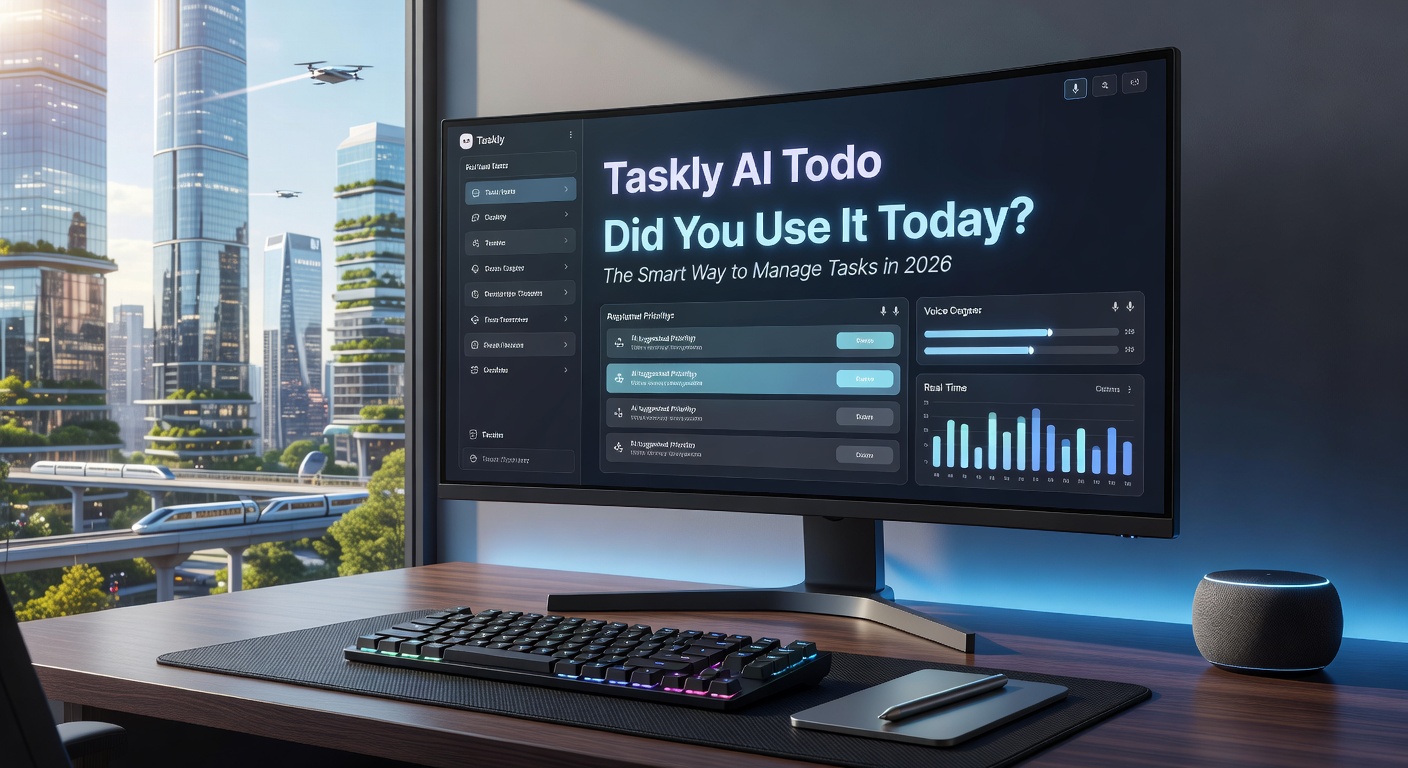
How the AI Prioritization Actually Works
When you add a task like "prepare slides for Friday meeting," Taskly picks up the deadline and bumps it higher as Friday approaches. If you usually do creative work in the morning, it'll suggest design tasks early and push admin stuff to the afternoon. The system learns from what you complete and when.
The auto-reminders are more context-aware than most apps. Instead of pinging you at random times, Taskly waits until you've finished another task or checks your calendar for free slots. It's still not perfect—sometimes it reminds you about grocery shopping while you're in a meeting—but it's better than fixed-time alarms that interrupt flow.
Real-Time Collaboration Without the Chaos
If you're working with a team, Taskly shows who's doing what without requiring constant status updates. You assign a task, the other person sees it instantly, and the app adjusts everyone's priority lists based on dependencies. It's closer to how Asana works, but lighter and faster to set up.
The free tier includes unlimited tasks and basic AI features, which is rare in 2026. Most competitors either cap your task count or lock smart prioritization behind a paywall. Taskly's bet is that you'll upgrade for advanced analytics or integrations, but the core experience doesn't feel crippled.
Where It Falls Short
The AI can be overly confident. If you have a vague task like "think about Q2 strategy," it might rank it as low priority because there's no clear deadline, even if it's actually critical. You'll need to manually adjust priorities more often than the marketing suggests.
The interface is clean but not customizable. If you prefer Kanban boards or calendar views, you're stuck with Taskly's list-first design. And while it integrates with Google Calendar and Slack, it doesn't connect to project management tools like Jira or Monday.com, so it's not a full replacement for teams already invested in those ecosystems.
Who Should Actually Use This
Taskly works best for individuals or small teams who are drowning in scattered tasks and need help deciding what to do next. If you're a freelancer juggling client work, personal errands, and side projects, the AI prioritization saves real time. If you're a team of 3-5 people who don't need complex workflows, the collaboration features are enough without the bloat.
It's less useful if you need detailed project tracking, custom fields, or strict process enforcement. And if you're already comfortable with your current system, the AI features might not justify the learning curve.
The "did you use it today" framing in Taskly's branding is a bit pushy, but the app itself is straightforward. It won't revolutionize how you work, but it does reduce the daily friction of figuring out what to do next. Try the free version for a week and see if the AI suggestions actually match how you work—if they do, it's worth keeping.
Comments
Leave a Comment