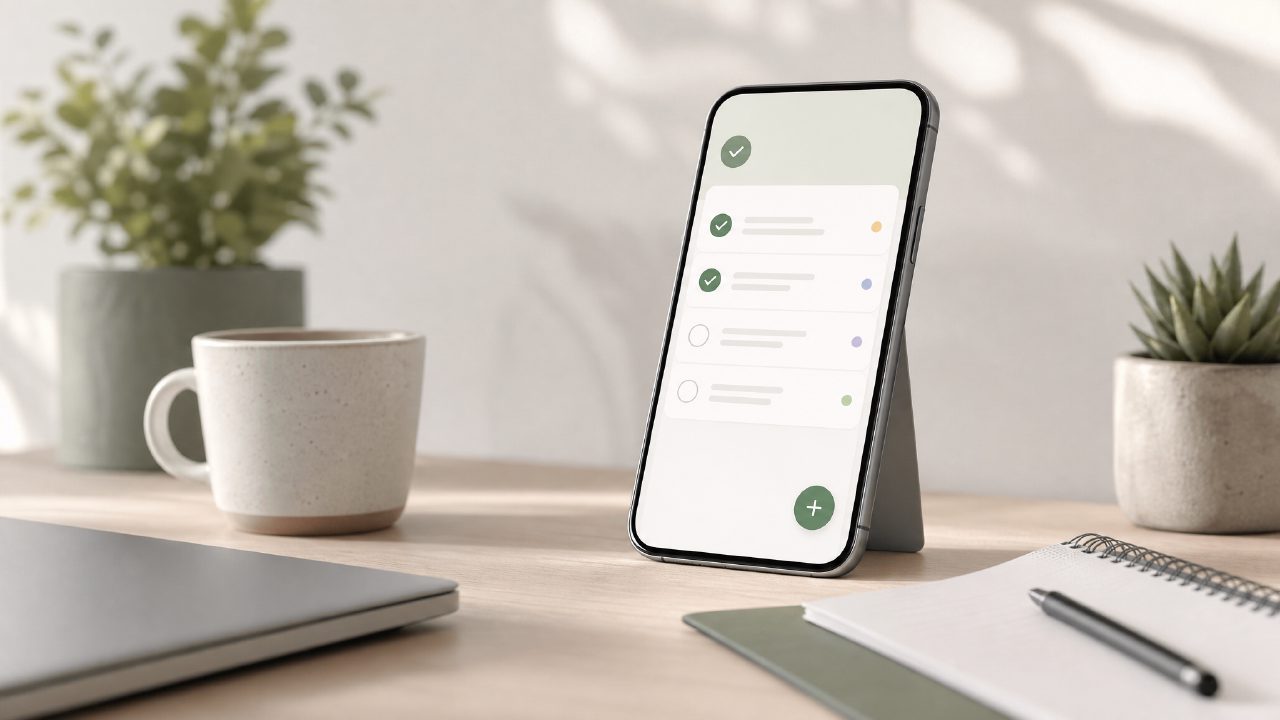
I’ve tested a lot of to‑do apps this year, and most either overcomplicate things or ask for a subscription before you can do anything useful. When I heard about Taskly Planner, I wanted to see if it could actually turn scattered priorities into a clear action plan without the usual noise. After using it for a couple of weeks, here’s what stood out – organised as a practical checklist so you can judge fit fast.
What actually makes a productivity app useful (and where Taskly lands)
- It stays out of your way. Taskly doesn’t try to be a full project management tool. The daily planner view lets you drop in tasks, set a goal for the week, and move things around without friction. I like that the week view is one click away – you’re not forced into a Gantt chart or nested subtrees. It’s closer to a paper planner than a software dashboard, which helped me stick with it past day three.
- The weekly plan actually helps with priorities. Most apps let you list tasks endlessly. Taskly pushes you to pick a main goal for the week and then break it into daily chunks. That simple nudge – not a fancy AI – forced me to decide what mattered. I caught myself moving a low‑priority task to “next week” instead of pretending I’d do it tomorrow. That’s a win for a free to‑do list app, even if it’s not flashy.
- It won’t replace an AI smart to do list app – but that’s okay. There’s no auto‑scheduling or smart prioritisation engine. If you want an AI smart to do list app that learns your habits, look elsewhere. Taskly is manual, and that’s honest. I typed in “review quarterly report” and had to decide its place myself. Some days I wished for automation, but the friction also kept me engaged. It’s a trade‑off between control and speed.
- The free tier is surprisingly complete. No paywall for the core weekly planning feature. You get unlimited tasks, a clean calendar view, and a basic progress tracker. I’ve used it for work errands, personal goals, and even a weekend hike plan. It handled all three without bloat. For a free ai to do list app 2026 (even though it’s not AI), it’s better than most freemium tools that hide the good stuff behind a subscription.
- One friction point: no recurring task automation. If you have daily habits (meditate, water plants), you have to re‑enter them each day. Taskly doesn’t do recurring sets yet. That felt like a missing piece for a tool that otherwise simplifies planning. I ended up keeping a separate sticky note for daily repeats. Not ideal, but for weekly project tasks it’s fine.
- The mobile version is competent but not excellent. On desktop the drag‑and‑drop is smooth; on mobile you tap and hold, which sometimes mis‑drops. It’s usable, but I wouldn’t call it the best ai task manager 2026 (it’s not AI by any means). Still, for checking off items during a commute, it worked. I just had to be careful not to accidentally move a goal to next month.
Who should consider Taskly
If you’re overwhelmed by complex task managers and want a straightforward weekly planner that doesn’t nag you with notifications, try it. It’s not the best ai task manager 2026, and it won’t schedule your day automatically. But it made my Monday mornings feel less chaotic. The lack of recurring tasks is a real limitation – I hope they add it soon. For now, it’s a solid, no‑hype tool for people who prefer deciding their own priorities over letting an algorithm guess.
Comments
Leave a Comment