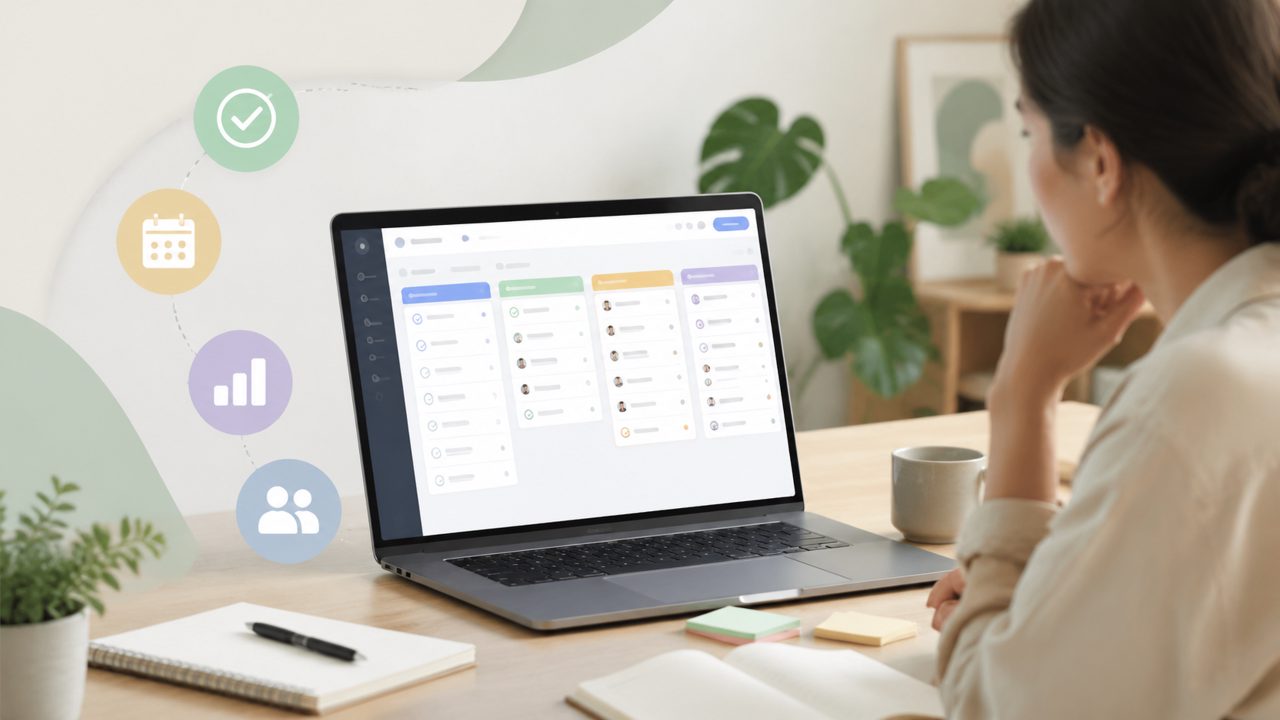
I've been meaning to find a task management app that actually sticks. Tried maybe a dozen over the years. Most either overcomplicate things or stay so basic they're just a digital sticky note. Taskly Planner landed on my radar when a colleague mentioned it handles both daily tasks and longer-term goals without making you feel like you need a project management certificate. I spent a few weeks using it seriously. Here's what I found, answered in the format that covers the real doubts most people have.
What makes a task management app actually useful for daily work?
The short answer: it needs to fade into the background when you're working, but be there instantly when you're planning. Taskly does this better than most. Its weekly view is where it shines. You drop in tasks, drag them across days, and it automatically adjusts if something shifts. I noticed I stopped writing things down on random scraps of paper. That's a small win, but a real one. The app also groups tasks by goal, which sounds neat in theory, but in practice it means you can't ignore that big project you've been avoiding. That's both helpful and slightly uncomfortable.
Is AI necessary in a task management app, or just a gimmick?
I was skeptical about the smart suggestions in Taskly. The app claims to learn your priorities and surface what matters most. After two weeks, I can say it's not a gimmick, but it's not magic either. It does get better the more you use it. For example, it started suggesting I prepare for recurring weekly meetings right after lunch, because that's when I usually batch that work. That felt eerily right. But sometimes it overestimates how many tasks I can fit in a day. I've had mornings where it says "you have 3 high priority items" and I'm still waking up wondering who decided all three were urgent. So the AI is helpful, but you still need to override it regularly. That's fine — I'd rather have a tool that gives me a starting point than one that stays silent.
How does Taskly compare to other free AI task management apps in 2026?
Right now, if you're searching for a task management app that's free and uses AI, Taskly is one of the better options I've seen. There are a few competitors, but Taskly's AI feels more grounded in your actual calendar rather than just making generic suggestions. For example, I blocked two hours on Tuesday for deep work, and Taskly automatically rescheduled a low-priority follow-up to Thursday. That kind of behavior makes it a free ai task management app 2026 that actually respects your time. However, the free tier has limits on how many active goals you can track. That's the tradeoff. If you're managing only one or two big projects, it's fine. If you're juggling five initiatives, you'll probably need the paid plan or switch between goals.
Can it replace a simple pen-and-paper to-do list?
Not entirely, and that's okay. I still keep a small notebook for quick brain dumps that feel too messy to type into an app. But for anything that requires follow-up, prioritization, or scheduling across days, Taskly has replaced my paper list. The friction point: entering tasks quickly. The app doesn't have a super fast capture window — you have to open it, tap "add task," and type. That extra step means I sometimes forget small things. If you're the kind of person who whips out their phone and jots down a thought in three seconds, you might find it a bit slow. On the positive side, once the task is in, the app's organization is solid. You can group by due date, goal, or energy level (high/low focus). That energy label surprised me — I started using it to schedule creative work in the morning and admin in the afternoon. Not bad.
Is Taskly really an ai task management app free or are there hidden costs?
It's genuinely free for the core features. You get unlimited tasks, the weekly planner, a basic AI that learns your routine, and up to three active goals. That's enough for most individuals. The paid version adds more goals, deeper analytics, and team collaboration. I used the free version for three weeks and never felt limited. But I did notice the app occasionally nudges you to try premium for "advanced prioritization." That's a small annoyance, but not a dealbreaker. If you're looking for an ai task management app free that doesn't hide essential functions behind a paywall, Taskly is worth trying.
Final realistic take
After a few weeks, I haven't deleted Taskly. That's rare for me with productivity apps. It doesn't solve everything — I still struggle with big creative projects that don't fit neatly into tasks — but for the daily grind of meetings, deadlines, and recurring chores, it's solid. The AI learns at a reasonable pace, the interface is clean without being sterile, and the free tier is genuinely usable. If you're tired of chasing after scattered priorities and want a plan that feels your own, give it a shot. Just don't expect it to read your mind completely. You still have to show up and do the work.
Comments
Leave a Comment