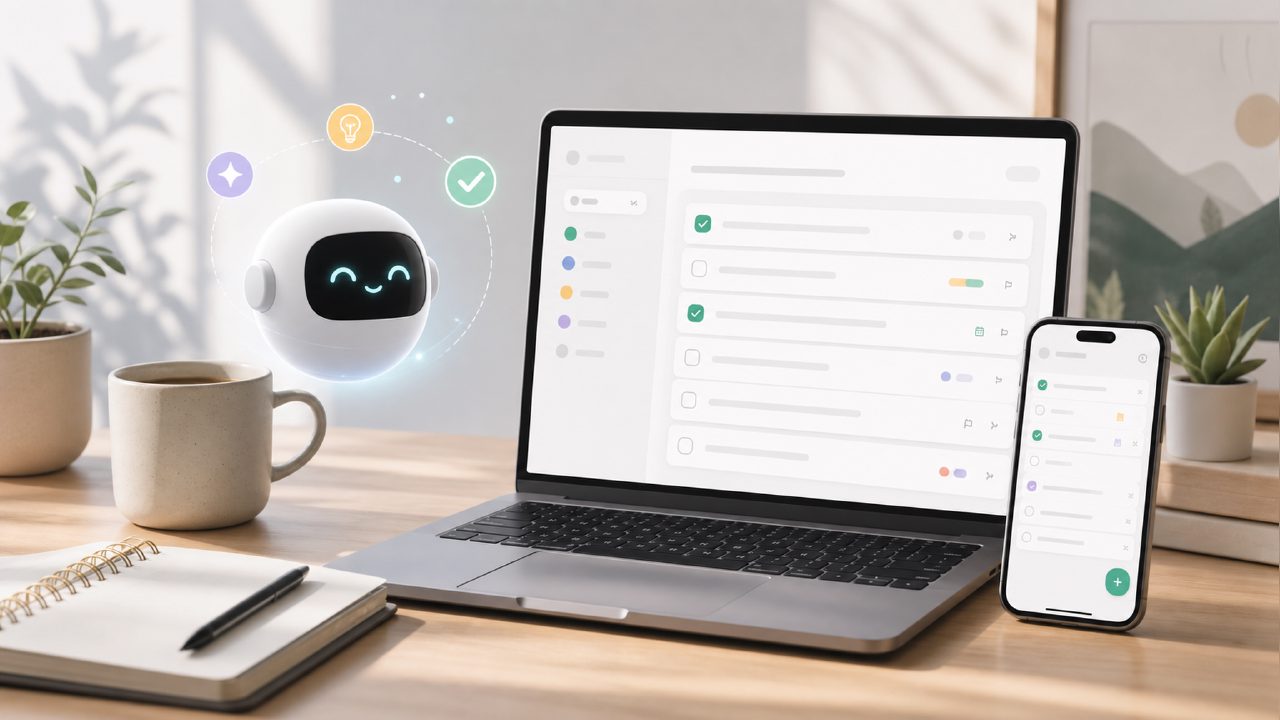
I’ve been testing a handful of free task managers lately, partly because I’m tired of hitting premium paywalls and partly because I wanted to see if the AI‑powered planning hype actually helps real people or just sounds good in a demo. That’s how I ended up trying a free ai to do list app 2026 called taskly – a daily planner that promises to turn scattered priorities into a clear action plan. Here’s what I found after a couple of weeks of honest use.
First impressions: the AI feels useful, not gimmicky
The moment I opened the app, taskly asked me to describe my week ahead in a few sentences. I typed something like “finish the quarterly report, prep for three client calls, and get groceries for the dinner party.” The AI immediately broke that into subtasks: “draft report outline,” “gather Q3 data,” “review call scripts,” and even “create grocery list by cuisine.” That level of breakdown saved me probably 10 minutes of manual organization.
But here’s where it got a little less impressive: once I started using it for recurring daily tasks – like “check email,” “review team updates” – the AI kept suggesting similar breakdowns every time. It’s not bad, just repetitive. You can edit or skip the suggestions, but you’ll do that manually if your routine is stable.
Where the free tier really works
One reason I’d call this a legitimate best free ai task management app contender is the lack of aggressive upsells. The free account includes AI task suggestions, weekly planning view, and unlimited projects. I didn’t run into a “premium feature required” message for anything I actually needed. That’s rare in 2026.
The weekly layout is clean – not overloaded with color tags or animation. You get a simple grid with your tasks under each day. It felt like a paper planner that learned how to copy‑paste.
A realistic tradeoff: great for starting, less for adapting
The biggest tradeoff I noticed: taskly’s AI is really good at helping you begin a plan, but it struggles when you want to reprioritize mid‑week. I moved a few tasks from Wednesday to Friday, and the app suggested rewriting the entire weekly plan from scratch. That’s kind of helpful if you’re totally restructuring, but annoying if you just want to shift one client meeting.
There’s also no calendar integration (yet). If you rely on Google Calendar or Outlook to block time, you’ll need to manually copy your tasks across. The app does let you set due times, but it’s not synced. For me, that was the one limitation that made me hesitate before fully switching over.
Does it replace a paid app?
If you’re looking for a free ai task management app 2026 to handle day‑to‑day to‑do lists and goal planning, taskly is a solid pick. The AI genuinely saves time during the first planning session of the week. But if you manage projects that involve lots of dependencies or need deep integration with other tools, you’ll probably hit the limits within a month.
I’d say try it for a week, especially if you’re tired of apps that overcomplicate things. Just keep your expectations realistic about mid‑week changes and calendar sync. That’s the honest tradeoff for a truly free tool.
Comments
Leave a Comment