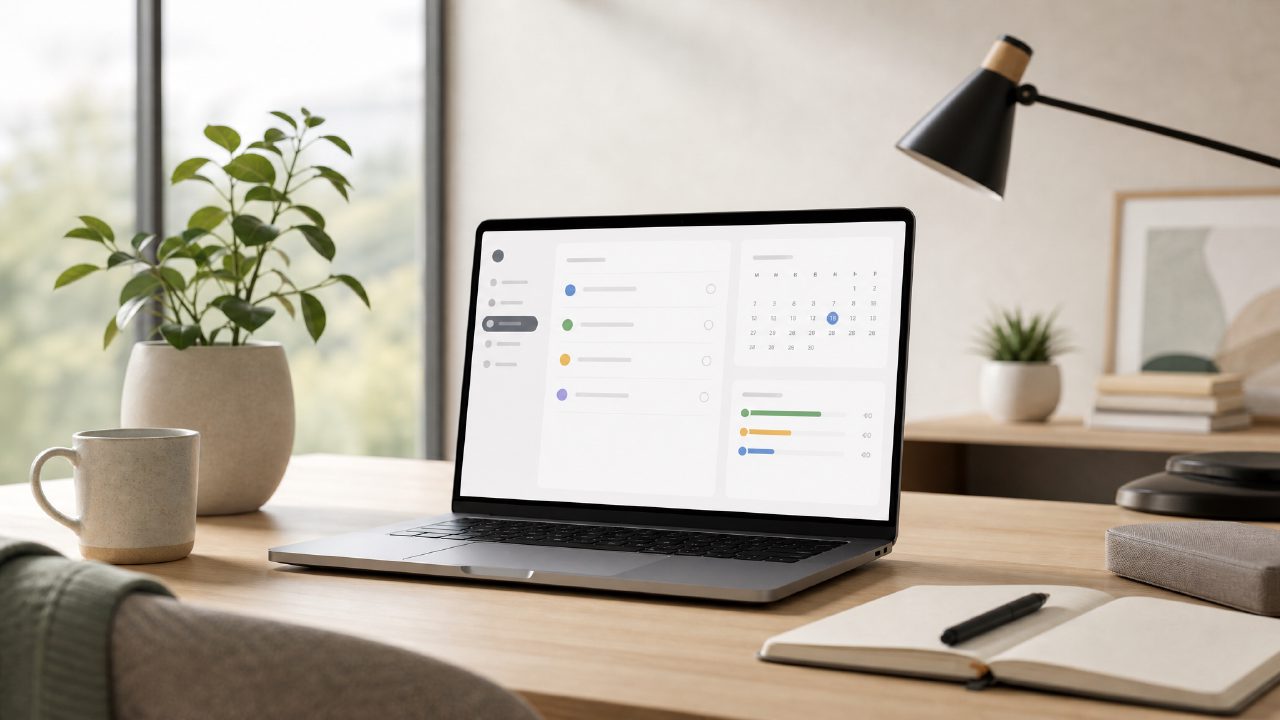
Can a simple daily planner actually improve remote work productivity?
I’ve tried project management boards, complex kanban tools, and even sticky notes on a wall. After a month of testing Taskly — a daily planner focused on tasks, goals, and to-do lists — I found that the biggest boost to my remote work productivity came less from fancy features and more from reducing mental clutter. Taskly doesn’t try to do everything. It just helps you turn scattered priorities into a clear action plan for the day or week. That might sound basic, but when you’re remote, basic often wins.
What exactly is Taskly and how does it help with remote work?
Taskly is a cross-platform planner app. You create tasks, set goals, and organize them into daily or weekly views. It’s not trying to replace Asana or Notion — it’s more like a digital version of a paper planner with some intelligent reminders. For remote workers, the value is in its simplicity. No steep learning curve. You open it, write down what you need to do, and the app structures it into manageable chunks. I found that after three days, I stopped bouncing between five different tabs for my to-dos. That alone saved me a solid 20 minutes daily.
Does Taskly qualify as an ai smart to do list app?
Partially. Taskly uses some light AI — for example, it can suggest task prioritization based on deadlines and your stated goals. But it’s not an autonomous agent. If you’re looking for an AI smart to do list app that auto-organizes your entire calendar, Taskly might feel limited. I personally appreciated that it didn’t try to guess my schedule too aggressively. The AI suggestions were helpful for reordering my morning tasks, but I still had to override about half of them. That felt like a reasonable tradeoff: it gave me a head start without taking control away.
Is Taskly the best ai task manager 2026 could see?
Tough to say without testing every new tool that will appear by then. If I had to predict, Taskly’s current trajectory suggests it will be a strong contender — but only if it keeps its current focus on simplicity. It won’t be the best for teams or for power users who need dependencies, Gantt charts, or deep integrations. But for an individual remote worker juggling multiple projects and personal goals, it could easily become the best AI task manager 2026 in the “lightweight and dependable” category. My cautious take: it’s very good right now, but I’m not certain it will stay ahead once competitors add similar daily planning features.
Is Taskly really the best free ai task management app 2026?
The free tier is generous — unlimited tasks and basic AI suggestions. I’ve been using the free version for three weeks and haven’t hit a paywall. The premium features (custom themes, advanced recurring tasks, longer goal horizons) are nice but not essential for daily planning. Right now I’d say it’s among the best free AI task management app 2026 options, especially for remote workers who don’t want to commit to a subscription. One friction: some advanced AI features (like suggested task breakdown) are locked behind the paid plan. That’s fair, but it means the “AI” label on the free version is a bit modest.
What’s the biggest tradeoff when using Taskly for remote work?
It doesn’t integrate deeply with other tools. You can’t sync with Slack, email, or project management platforms. If your remote work workflow relies on automatic task creation from emails or tickets, Taskly will feel disconnected. I initially found this annoying. But after a week I realized that manual entry forces me to be deliberate about what I actually need to do. The tradeoff is real: less automation, more intentionality. For some remote workers that’s a win; for others it’s a dealbreaker.
Does Taskly help with long-term goals or just daily tasks?
Both, but unevenly. The daily and weekly views are excellent. You can set weekly goals and the app breaks them into daily steps. The long-term goal tracking, however, feels like an afterthought. You can set quarterly or yearly goals, but there’s no roadmap view or progress dashboard beyond simple checklists. I set a quarterly writing goal and after two weeks I wasn’t sure if I was on track. Taskly reminded me of the goal, but didn’t show me how my daily tasks added up. That’s a realistic limitation — it’s better for planning the next few days than for strategic vision.
Would I recommend Taskly to improve remote work productivity?
If you’re drowning in scattered to-dos and want a clean, low-pressure way to plan each day, yes. It helped me stop over-thinking my task list. I was skeptical of the AI at first — it felt gimmicky — but after a week I saw it was genuinely reducing my morning planning time. It’s not perfect: integrations are weak, long-term goal tracking is basic, and the free AI features are limited. But for the core use case of organizing your workday and week, Taskly delivers. I’d say try the free version for a month; you’ll either quickly adopt it or realize you need something more connected. Either way, you’ll have a clearer sense of what your remote work productivity actually needs.
Comments
Leave a Comment