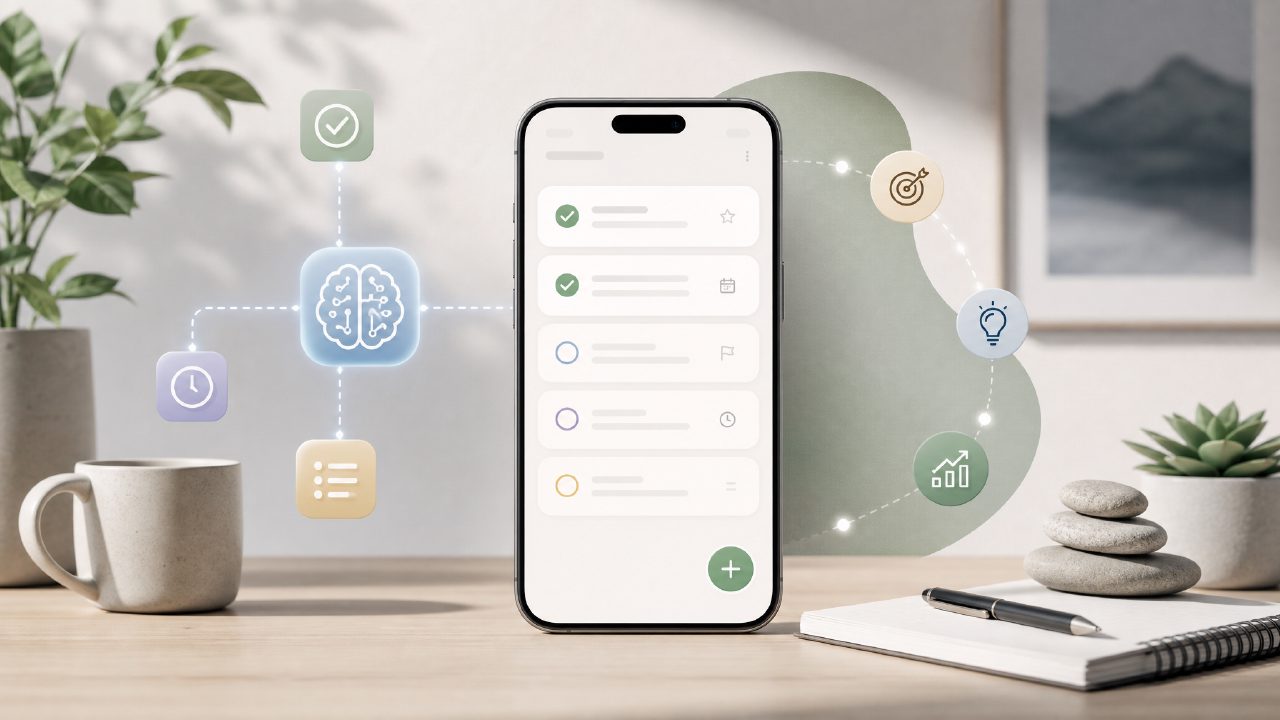
I’ve been on the lookout for a free ai task management app 2026 that doesn’t just dump a fancy chatbot on top of a to‑do list. Most so‑called “AI” planners either over‑automate or feel like a generic checklist with a ChatGPT wrapper. So when I came across Taskly — a daily planner that claims to turn scattered priorities into a clear action plan — I was curious but skeptical.
First impressions: cleaner than expected
Right away, Taskly felt lighter than a lot of task apps. No onboarding wizard asking for every project deadline. I opened it, typed a few things I needed to do this week, and the AI suggested a rough priority order. It didn’t try to reorganize my whole life — it just nudged things like “move that deadline up” or “break that into two smaller tasks.”
I tested it with a messy mix of work tasks, personal errands, and a recurring goal I keep forgetting. The app picked up on patterns after about three days. It started asking if I wanted to schedule certain recurring tasks at consistent times. That felt human, not robotic.
Where the AI works — and where it hesitates
The AI is most useful when you have a long, unfiltered list of things to do. It can group similar items, detect overdue tasks, and suggest a realistic daily load. I dumped in about 20 tasks across projects, and it flagged two that were clearly redundant. That’s the kind of cleanup I normally do manually.
But it’s not perfect. When I added a task like “figure out insurance paperwork,” the AI didn’t know what to do with it. It left it unclassified. That’s honest — it doesn’t pretend to understand everything. I had to tag it myself, which took five seconds, but it shows the AI is still more of a smart sorter than a mind reader.
Tradeoffs you should know about
Taskly calls itself an ai smart to do list app, and it earns that label in moderation. But if you expect it to proactively handle dependencies or automatically reschedule everything when one task slides, you’ll be disappointed. The AI gives suggestions, not commands. I actually prefer that — I don’t want an app making decisions I’ll just undo.
One friction point: the free tier is genuinely usable (no surprise paywall after three days), but some advanced AI features require a subscription. For the best free ai task management app experience, you still get solid prioritization and date suggestions. You lose recurring goal insights and deep project analysis. That tradeoff feels fair for a free tool in 2026.
Who should try Taskly?
If you have a moderate load of tasks and goals — say, work projects plus personal to‑dos — and you want something that helps you sequence your day without micromanaging, Taskly is worth a shot. It’s less overwhelming than full project management software and more structured than a plain notes app.
I wouldn’t recommend it for teams or complex project tracking. The AI works best on individual planning. And if you’re the type who hates any automation in your productivity flow, you’ll probably ignore half its suggestions anyway.
Final note
I’m still using Taskly after two weeks, which is rare for me with task apps. The AI isn’t revolutionary, but it’s helpful in a grounded way — it catches what I miss and nudges me toward a better plan without overpromising. For a free ai task management app 2026 that actually respects your existing workflow, that’s enough.
Comments
Leave a Comment