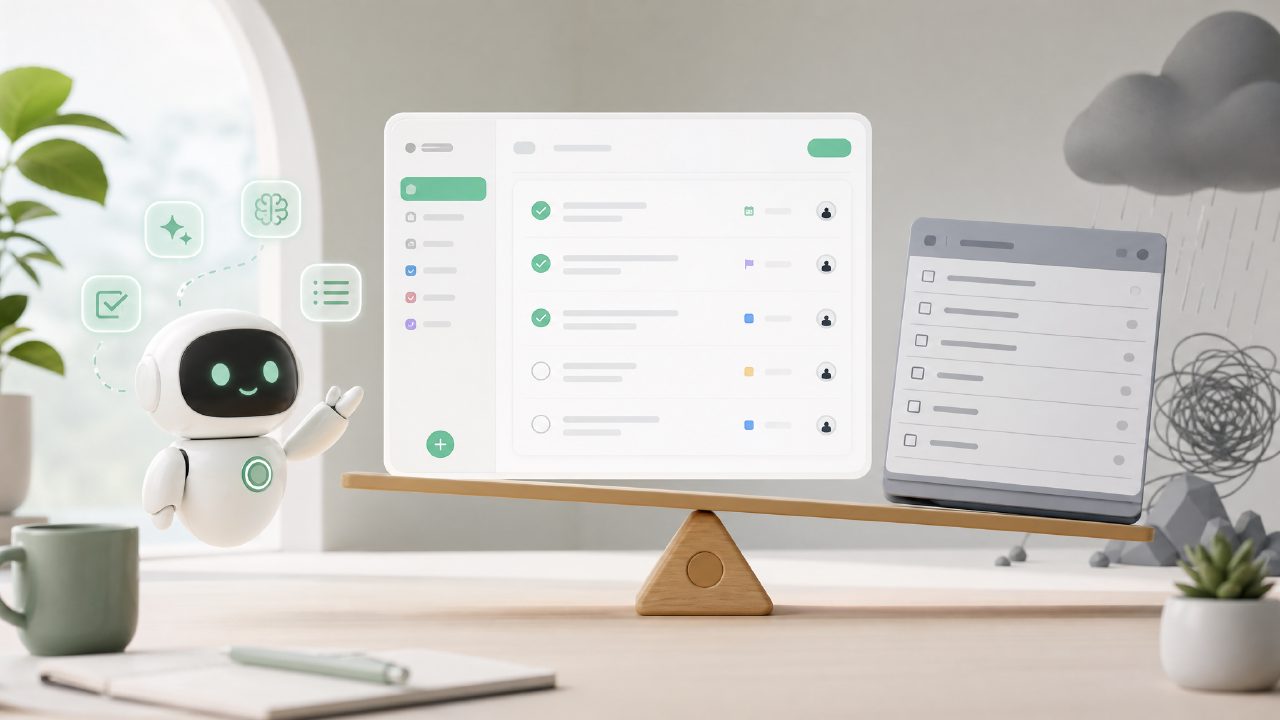
If you're searching for the best free AI task management better than TickTick, there's a good chance you've already run into some frustration. Maybe TickTick's free tier started feeling too restrictive, or the AI features felt more like gimmicks than real helpers. I've been down that road, testing a handful of alternatives to see what actually works without a monthly subscription. One that kept coming up was Taskly — a daily planner app that promises to turn scattered priorities into a clear action plan. But before you jump, there are some common pitfalls and gotchas worth knowing.
The "AI" trap: not all intelligence is useful
The first mistake people make is assuming any AI-powered task app will automatically reorganize your life. I tested Taskly for about two weeks, and the AI features are more about smart suggestions than automation. It can help break down a vague goal into smaller steps, but it doesn't read your calendar or predict when you'll slack off. One morning I told it "work on the Jones report," and it suggested three sub-tasks — reasonable, but nothing I wouldn't have thought of myself. If you're expecting a Jarvis-like assistant that magically schedules everything, you'll be disappointed. The real value here is for people who want structure more than magic.
Watch the feature gap on the free plan
Another gotcha: the free version of Taskly is generous compared to TickTick, but it's not limitless. You can set daily goals and use the basic AI to-do list breakdowns, but some of the more interesting integrations — like syncing with Google Calendar or exporting data — are locked behind a subscription. I found that annoying because the app sells itself as a free alternative, yet the moment you want deeper task-management habits (like recurring tasks with dependencies), you hit a wall. If your workflow requires heavy calendar integration, the ai task management app free label doesn't quite hold up. It's more accurate to call it a free-to-start planner.
Where TickTick still wins (and loses)
A fair comparison: TickTick's free tier offers a pomodoro timer and habit tracking, two things Taskly currently lacks. But TickTick's "AI" features are minimal unless you pay. So if your primary need is an ai smart to do list app that actually helps you prioritize without costing money, Taskly does a better job at breaking projects into steps. However, I found the app's interface a little cluttered — too many buttons and labels for a daily planner. It took me three days to stop accidentally marking a whole week's tasks as done. That's a friction point that might frustrate people who prefer minimal design.
Realistic scenario: when Taskly works and when it doesn't
Let me give you a concrete example. I have a friend who's a freelance writer with five simultaneous projects. She tried Taskly for a week. The AI breakdown helped her split "edit client A's whitepaper" into "review outline, rewrite intro, check citations." That was genuinely useful. But she also wanted to see deadlines on a weekly calendar — Taskly's free version only shows a day view. That limitation forced her back to a spreadsheet. On the other hand, for someone like me who just wants a free ai to do list app 2026 style tool to manage daily errands and one big work goal, Taskly works fine. The caution: don't expect it to replace a full project management suite.
Final caveat: the "better than TickTick" claim is situational
I'd say Taskly is better than TickTick if your main complaint with TickTick was the lack of free AI task breakdown. But if you need habit tracking, timers, or cross-platform reliability (Taskly's mobile app felt slightly buggy on my Android during the second week), then TickTick's free version might still be a better fit. The best free AI task management better than TickTick answer really depends on whether you value AI suggestions over other features. I'm not fully sold yet — I'm still testing — but for now, taskly earns a cautious recommendation with that calendar and habit caveat clearly stated.
Comments
Leave a Comment