I’ve been rotating through task managers for years — Things 3, Todoist, TickTick — and none ever stuck. The problem isn’t features. It’s that most apps let me dump tasks in a list and then do nothing to help me actually 时间管理 beyond that. So when I heard about Taskly, which pitches itself as a planner that turns scattered priorities into a clear action plan, I wanted to see if it could do what others didn’t.
What Taskly does differently
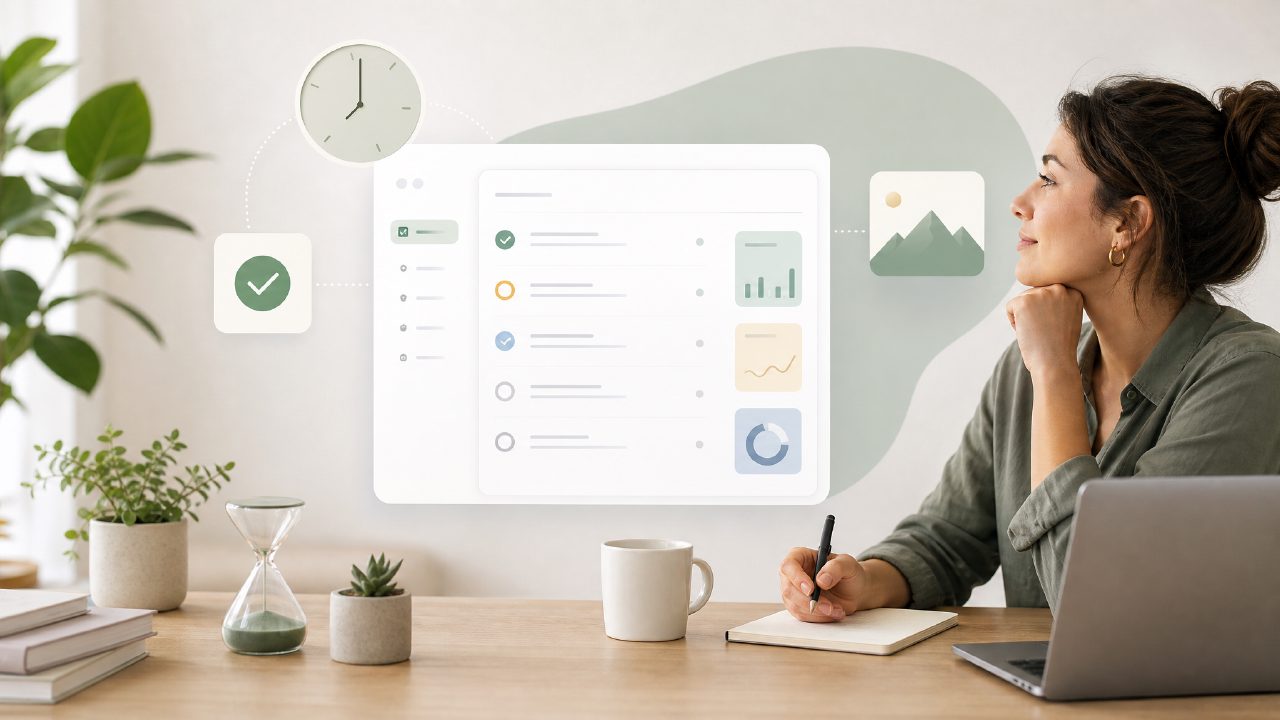
The big idea is combining tasks, goals, and weekly planning in one view. I set up a few work projects and personal goals — “finish quarterly report” and “run three times a week” — to test how the app handled both. What stood out immediately was the weekly layout. Instead of a bottomless list, you see a grid of days with tasks dropped into specific time slots. That alone cut down the mental overhead of figuring out when to do things.
But the real test came mid-week when priorities shifted. A client deadline moved up two days, and I had to reorganize. Taskly let me drag a task block to a new day, and the timeline adjusted automatically. It felt faster than re-sorting a list, though I noticed that long task names sometimes got clipped in the daily view — a small friction that forced me to abbreviate notes.
Where it works and where it doesn’t
For shallow planning — say, five to eight tasks per day — Taskly is great. I used it for a week of standard office work and liked how the evening review (a built-in prompt) helped me reflect on what I actually finished. But when I tried loading it with a dozen micro-tasks one afternoon, the daily view felt crowded. The app doesn’t automatically group or collapse subtasks, so you end up scrolling. That’s where a best free ai task management app 2026 might offer smarter prioritization, but Taskly mostly leaves that to you.
I also ran into a limitation with recurring tasks. Setting up a daily reminder for “standup prep” was easy, but editing the recurrence later (e.g., switching from every weekday to weekdays only) required a few extra taps through a modal that felt outdated compared to the rest of the UI. Not a dealbreaker, but noticeable.
Who should consider Taskly — and who shouldn’t
If you’re someone who needs a weekly roadmap more than a giant project management dashboard, Taskly is worth trying. It respects the idea of limited daily capacity. But if you manage a team of ten or juggle hundreds of tasks across multiple clients, you’ll likely outgrow it quickly. It’s also not the best ai task manager 2026 in the sense of auto-scheduling or predictive suggestions — Taskly is more of a structured planner than an AI-driven assistant. The AI element is subtle: it helps you set goals and break them into weekly steps, but it won’t reorder your list based on deadlines unless you drag them yourself.
The free version covers weekly planning and a handful of projects. For the price (free with limited premium features), it’s a solid middle ground between a bare-bones to-do list and an overbuilt tool like Notion. I’ve been using it for two weeks now, and while I’m not ready to declare it the best free ai task management app, it has made me more consistent about planning my week — which is more than most apps have done.
If you’re looking for a best free ai task management app 2026 that actually helps you think about your week instead of just collecting tasks, Taskly is a reasonable pick. Just don’t expect it to think for you.
Comments
Leave a Comment