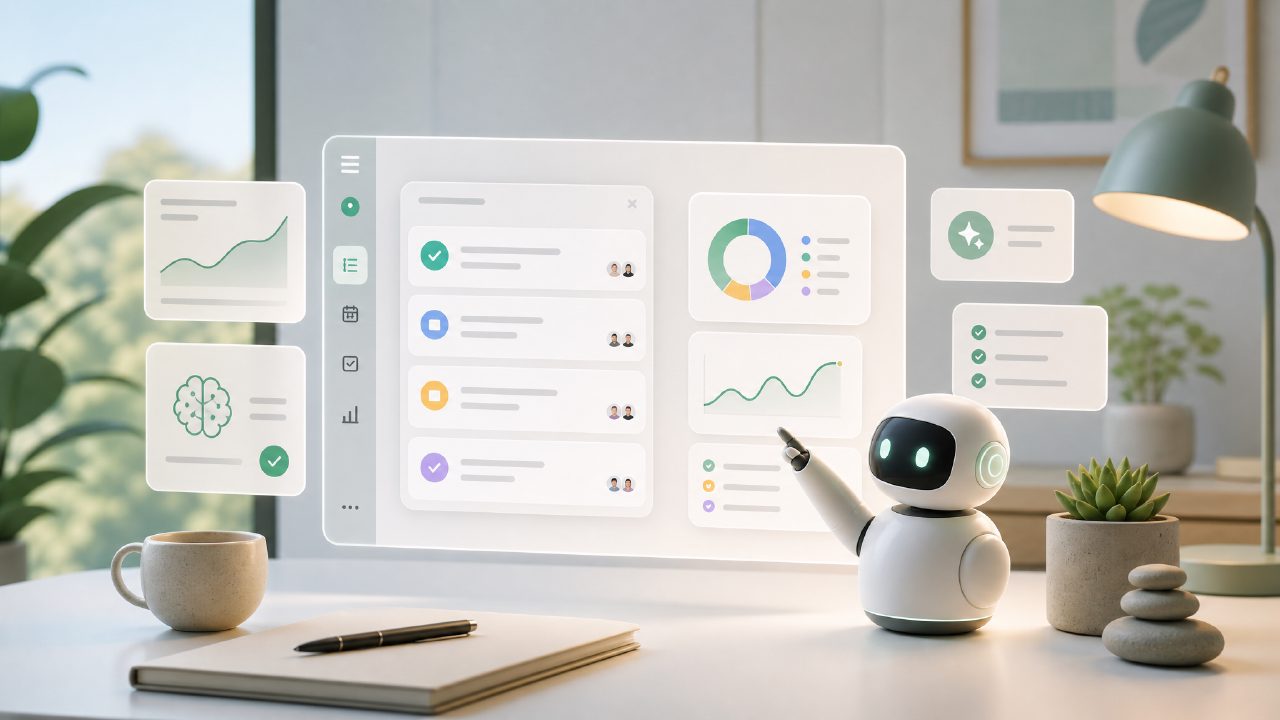
I’ve been testing a handful of AI-powered task managers this year, trying to figure out which one actually cuts through the noise. The promise is always the same: organize your work, plan your week, turn scattered to-do lists into a clear action plan. But most apps just give you another list with a chatbot glued to the side. So when I started evaluating candidates for the best ai task manager 2026, I was looking for something that actually adapts to how people work—not the other way around. That’s how I ended up spending a couple of weeks inside taskly.
Below are the most common questions I ran into (and answered) while testing free and paid options for the best free ai task management app 2026.
Is Taskly really free? What’s the catch with the best free ai task management app 2026?
Taskly has a free tier that covers the core daily planning features: task creation, simple goal tracking, weekly views, and a lightweight AI assistant that suggests next actions. I used the free plan for about ten days before hitting any walls. The catch? Advanced features like team collaboration, calendar syncing beyond read-only, and custom automation rules are locked behind a paid plan. For a solo user or someone just testing the waters, the free tier is genuinely usable and not artificially crippled. That alone puts it in the running for best free ai task management app right now.
One thing that surprised me: the AI’s weekly planning suggestion actually improved after I fed it a few weeks of real tasks. It started grouping errands by location and blocking time for focused work. That felt less like a gimmick and more like a useful shortcut.
How does Taskly’s AI actually save time compared to a plain to-do list?
I ran a small test. One week I used a basic text file for daily tasks. The next week I used Taskly’s AI planner. Both setups had the same ten tasks per day. The AI version took me less time to organize each morning—about three minutes vs. eight—because it automatically prioritized overlapping deadlines and rescheduled anything I had missed. It also surfaced a recurring task I kept forgetting to write down, which was mildly embarrassing but helpful.
That said, the AI isn’t perfect. A few times it suggested grouping work meetings with personal errands, which made no sense. I had to override it. The friction was minor, but it’s worth noting: the assistant needs a little training before it understands your context. If you’re looking for a fully autonomous system, you might be disappointed. But if you’re okay with a copilot that gets things 80% right, Taskly works.
What’s the biggest tradeoff when picking taskly over other AI task managers?
The main tradeoff is ecosystem depth. Taskly is a focused daily planner, not a project management suite. If you need something that integrates deeply with Jira, Salesforce, or complicated Kanban workflows, this isn’t it. It’s designed for individuals or small teams who want clarity on what to do today and this week.
During testing, I missed having a proper timeline view for longer projects. The weekly layout is great, but when I had a project spanning three months, I had to manually break it into milestones. A competitor like Motion offers full calendar projections, but that comes with a steeper price and more complexity. Taskly sits in a middle zone: simpler, cheaper, but less powerful for long-horizon planning.
Another limitation: the mobile app feels slightly less polished than the web version. Notifications sometimes lagged by a few minutes, and the AI suggestions don’t adapt as quickly on phone. It’s not a dealbreaker, but if you live on your phone, test it first.
Does the “AI” part justify the hype for the best ai task manager 2026?
Honest answer: it depends on how you define help. Taskly’s AI doesn’t write your tasks for you. It nudges, reorders, and occasionally spots patterns you missed. I appreciated the “you forgot to review your weekly goal” alert, which actually prevented me from missing a deadline once. But the AI is not magic. If your tasks are vague (“do work”), the algorithm has nothing to work with. I had to get in the habit of writing slightly more specific items like “draft Q1 report intro” instead of “report.”
I also ran into a moment of uncertainty: after a week, the AI started suggesting I break larger tasks into subtasks automatically. The first suggestion was fine. The second felt randomly split. I corrected it, and the system learned. That iterative improvement felt believable—not like a canned response. For a free ai task management app 2026, that level of adaptability is rare.
Would I recommend Taskly to someone looking for the best free ai task management app 2026?
If you’re a freelancer, student, or remote worker juggling multiple daily responsibilities and you want a planner that learns your rhythms without costing money, yes. If you need to manage complex projects with dependencies across teams, look elsewhere. Taskly is good at what it promises: turning scattered priorities into a clear action plan. That might be enough for most people. I’m still using it, but I keep a text file as a backup—just in case the AI has an off day.
Comments
Leave a Comment