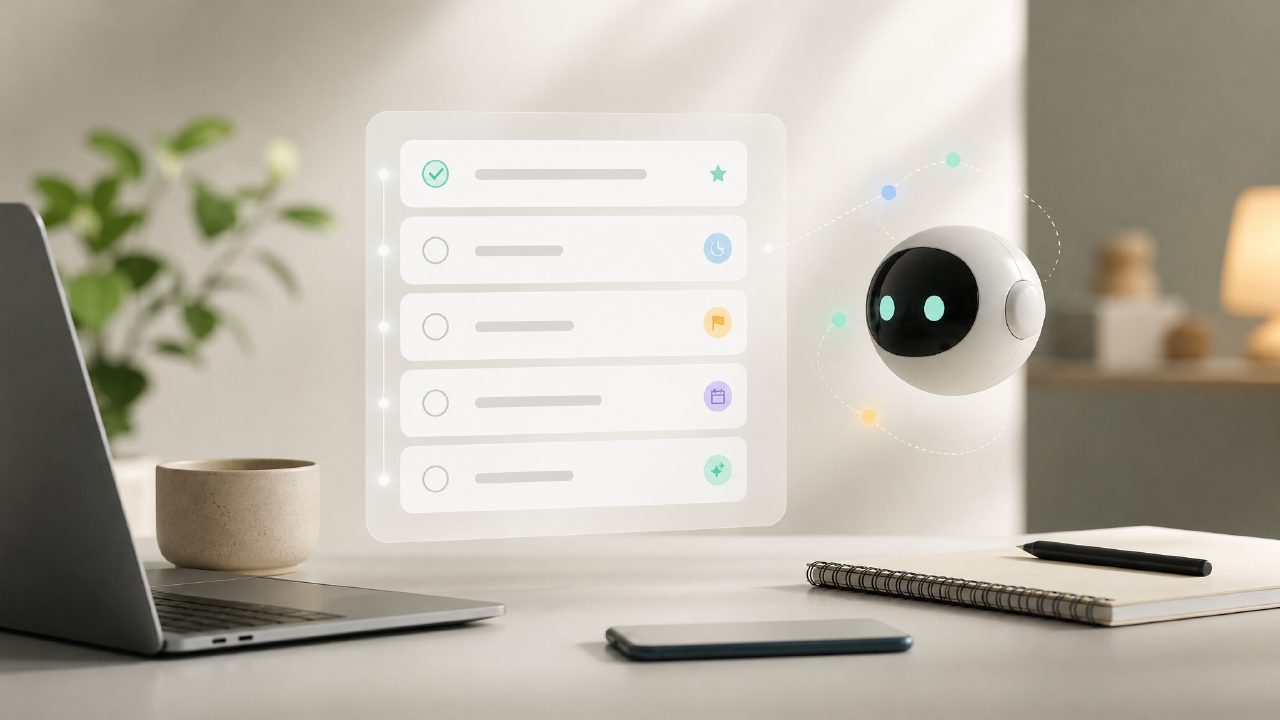
I’ve been testing a handful of AI-driven task managers lately, mostly because my usual to-do lists keep turning into dumpster fires by midweek. The promise of a “real time ai smart to do list tool” that actually adapts and reprioritizes on the fly sounded good on paper, but I’ve been burned before by apps that just slap “AI” on a basic checklist. So I spent a couple of weeks with taskly to see if the real-time smarts are real or just marketing buzz.
What stood out after using it daily
The first thing I noticed was how taskly handles incoming tasks. I usually dump everything into one inbox — personal reminders, work deadlines, random ideas. The AI immediately started grouping them into time-based chunks and even flagged a few that I’d forgotten to add deadlines to. That felt surprisingly useful, not gimmicky. It didn’t just sort by date; it seemed to weigh urgency and estimated effort, which I tested by adding a low-priority item with a close deadline — it didn’t blindly push it to the top, which was a good sign.
Another thing: the real-time sync across devices worked faster than I expected. I added a task on my phone while walking to the kitchen, and by the time I sat down at my laptop, it was already in the timeline with a suggested time block. No manual refresh, no delay. That alone made the “real time” claim feel earned.
I also gave the ai task management app free tier a proper run. Honestly, most free versions feel like a demo you outgrow in two days. taskly’s free plan limits how many AI suggestions you get per day, but it still lets you use the core real-time features. For light personal use, I could see it working fine without paying. The paid version unlocks unlimited AI reprioritization and more goal-tracking options.
Where the AI stumbles (and that’s okay)
The tool tried to reschedule a recurring weekly review into a random Tuesday afternoon slot because it detected I had a free hour. That made sense on paper, but I actually prefer doing that review on Friday mornings. I had to manually lock that time block — a small friction, but worth noting if you have rigid routines. The AI is smart but not psychic, and it sometimes over-estimates how much you can cram into a short window.
Another tradeoff: the AI can suggest sub-tasks based on a task title, but those suggestions felt hit or miss. For a task called “plan vacation itinerary,” it broke down “book flights, reserve hotel, pack bags” — which is fine, but generic. If you rely on the AI to create detailed breakdowns, you’ll still need to tweak them. It’s a decent starting point, not a finished plan.
Who might get the most out of it
If you’re someone who juggles multiple roles or projects and needs a free ai to do list app 2026 that can keep up without constant manual sorting, taskly is worth a test. It’s less useful for people who already have a tight, pre-structured routine and don’t want an algorithm meddling with their schedule. The real-time AI works best when you’re somewhat flexible with your day and want help cutting through noise.
For now, I’m keeping taskly on my phone. It hasn’t solved every time management headache, but it’s the first “smart” to-do list that actually felt like it was paying attention, not just checking boxes.
Comments
Leave a Comment