I needed a simple way to organize my week, but I kept bouncing between apps without settling on one. That’s not exactly productivity — it’s just admin. So I gave Taskly a real test over a couple of weeks to see if it could actually make a difference. Here’s what I found, broken down as a quick checklist-style review.
What Taskly does well: a short checklist
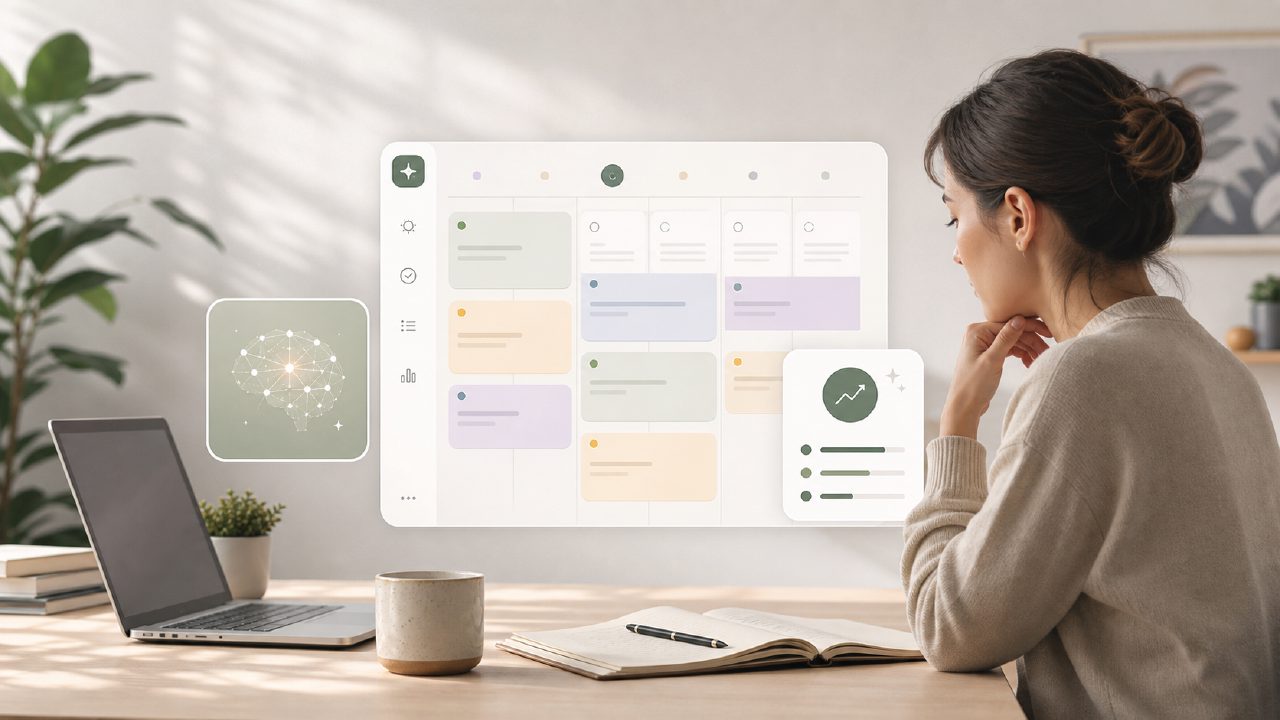
- Weekly planning that actually sticks – Taskly’s main screen lets you view the whole week in one scroll. I could drag tasks between days, which felt natural. The layout doesn’t hide deadlines behind tabs the way some planners do. That alone saved me a few minutes of clicking around every morning.
- AI suggestions that are genuinely useful – When I typed a vague goal like “finish client report,” the app suggested subtasks: “compile data,” “write summary,” “review with team.” I didn’t have to think too hard. It’s not perfect, but it was a solid starting point. If you’re looking for a free ai to do list app 2026 that doesn’t just spit out generic templates, this one delivers.
- Minimal friction for recurring tasks – I set up a weekly “plan meals” task, and Taskly handled it cleanly. No random duplicate reminders or silent failures. It just worked. That’s the kind of reliability that keeps you using an app long enough to see real productivity gains.
The app also integrates a simple goal tracker. You can tag tasks to larger objectives, which helped me see how small daily actions connect to bigger outcomes. Not revolutionary, but it’s well executed.
Where it wobbled
I hit a few rough edges. The AI that suggests subtasks sometimes misunderstands context. I wrote “call James about the budget,” and it offered subtasks like “prepare budget spreadsheet” — which I didn’t need because the spreadsheet was already done. You have to check the suggestions rather than blindly accepting them. That’s a mild friction, but it does slow you down if you’re in a hurry.
Also, the mobile app lags when syncing across devices. I added a task on my laptop and checked on my phone five minutes later — it wasn’t there yet. Hard refresh solved it, but in a fast-moving day, that moment of uncertainty can break your flow. I’d call that more irritating than critical.
As an ai smart to do list app, Taskly is good but not flawless. The AI doesn’t learn your personal patterns yet. After two weeks, it still suggested the same generic breakdowns regardless of how often I edited them. That limits its long-term appeal for power users who want a tool that adapts to them.
The real tradeoff: depth vs. simplicity
Taskly is intentionally clean. That’s a strength for most people, but if you need heavy project management features — Gantt charts, dependency tracking, team collaboration — you’ll outgrow it fast. It’s a daily planner, not a full PM suite. I tried using it to manage a small project with deadlines across six weeks, and it felt too cramped. The weekly view can’t handle long-term timelines well.
Is it the best ai task manager 2026? Not yet, not across all use cases. But for everyday task handling — errands, work to-dos, personal goals — it holds its own. I’d recommend it to someone who wants structure without the bloat of tools like Notion or Asana.
One more thing: pricing is confused. The free tier is generous enough for a single user, but the paid version doesn’t clearly explain what you gain. I couldn’t find a straightforward comparison. That’s a minor annoyance, but it reflects a product still figuring out its positioning.
Final practical take
Taskly helped me plan my week more deliberately than my previous method (sticky notes and Google Keep). The AI-suggested subtasks saved real time, even if I had to tweak them. If you can tolerate the occasional sync lag and don’t need deep project tracking, it’s a worthwhile daily companion. Try the free version first, especially if you’re looking for a free ai to do list app 2026 with no hard upsells. It won’t magically fix procrastination, but it gives your scattered priorities a decent home.
Comments
Leave a Comment