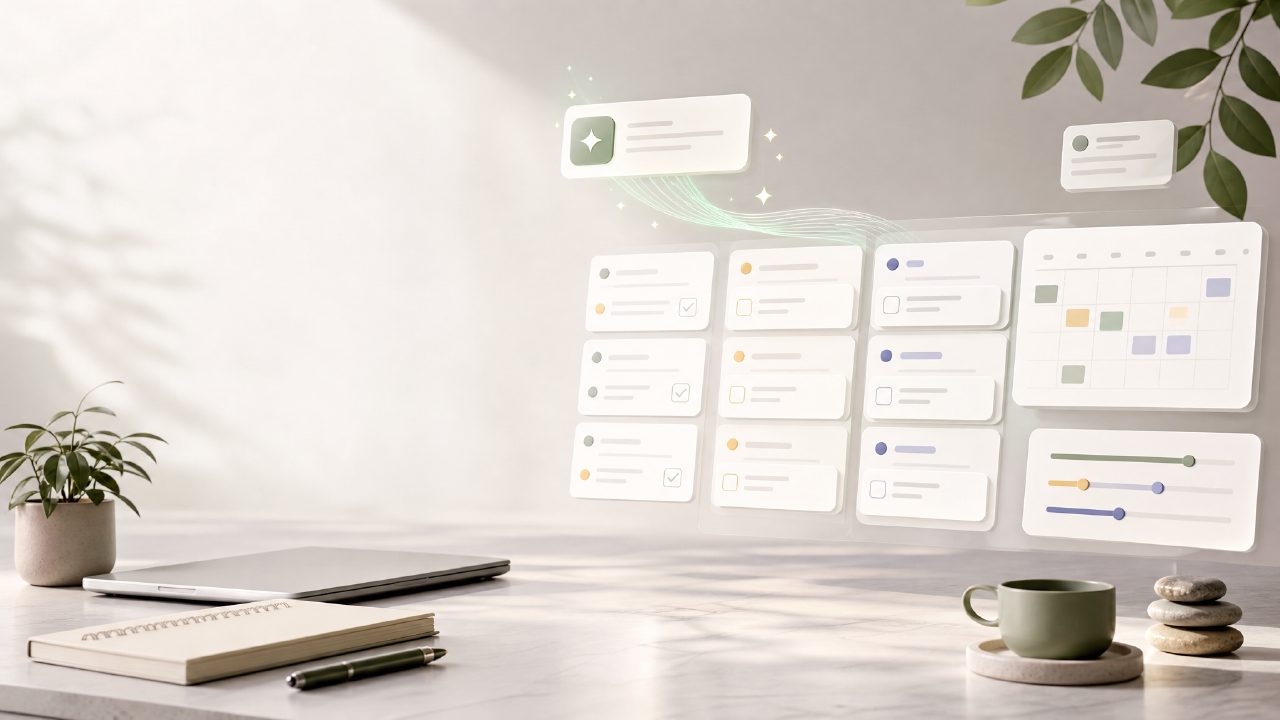
Let’s be real: finding a genuinely capable free task manager in 2026 that actually uses AI well feels like a hunt. Most apps dangle "AI" features but cap task creation the moment you start hitting your stride. I brought taskly into my setup specifically to test the claim—unlimited ai task creation and organization free 2026—to see if it actually holds up under a real workload.
Setting Up a Real Project
I started with a messy Monday morning: three client projects, a blog editorial calendar in disarray, and personal goals scattered across sticky notes. Instead of manually sorting this noise, I dumped the raw list into Taskly. The AI didn’t just copy the text—it parsed it. It recognized "Finish Q1 report" as a multi-step task and "Buy groceries" as a simple to-do. This kind of contextual sorting is tricky for a lot of free tools, and honestly, it handled it faster than I expected.
The "Unlimited AI Task Creation" Test
This is the core feature driving the search for an unlimited ai task creation and organization free 2026 tool. Over three days, I tested the input limits. I created tasks for meeting prep, blog drafts, design revisions, and even random errands. No "upgrade to create more" popup. No hidden cap. The AI prompt for breaking down tasks into subtasks was consistently responsive.
One thing I noticed—the AI tends to generate very logical structures. It groups things by project or urgency well, but it sometimes misses the emotional priority (like that one small task you're dreading but needs to get done first). You still need to shift a few things manually.
Where It Works, and Where It Falters
The weekly planning view is straightforward. It turns a jumble of due dates into a clean action plan. However, the "suggested schedule" feature can be a little aggressive—it once scheduled a deep-work writing session right after a long meeting block. It’s a good starting point, but you’ll need to add your own context about energy levels.
The mobile interface sometimes lags behind the desktop version in terms of loading saved AI templates. It’s a minor inconsistency, but if you toggle between devices a lot during the day, it creates just enough friction to notice.
Final Take
If you're hunting for the best ai task manager 2026 without spending money, Taskly is a solid contender. It’s not a magic bullet—you still have to show up and do the work—but it removes the friction of task creation and organization. For anyone overwhelmed by the "blank slate" problem, the unlimited AI creation makes it a lot easier to just get started. I’d rank it highly among best free ai task management app 2026 options purely because it doesn’t hold the core feature (AI task generation) hostage behind a paywall.
Comments
Leave a Comment