I’ve been a developer long enough to have a toxic relationship with productivity tools. You probably know the type: Jira boards that feel like bureaucracy disguised as agility, Notion dashboards that require more maintenance than the actual codebase, and GitHub Issues that turn into a graveyard of half-written tickets.
So when I stumbled upon Taskly, I wasn’t looking for “the best planner ever.” I was just tired of the overhead. I wanted something that didn’t feel like homework.
What surprised me is how quickly it stopped being just another app. Taskly became the thing I actually wanted to open in the morning — and that’s coming from someone who once wrote a script to auto-dismiss Trello notifications.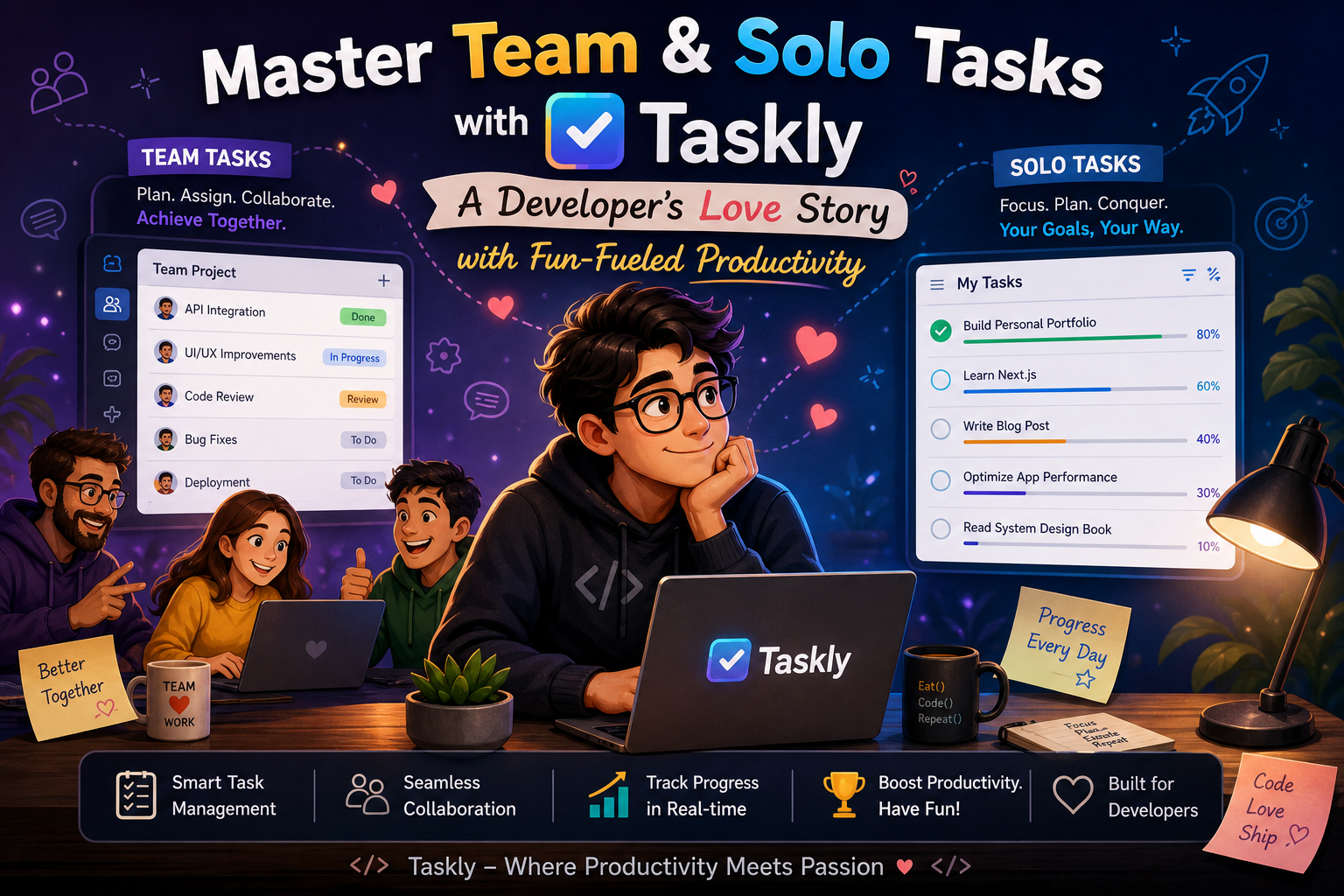
The “Solo Sprint” problem
Here’s a concrete scenario: I’m working on a side project, an open-source CLI tool. No deadlines, no stakeholders, just me and a loose vision. The usual approach? Half-baked notes in a markdown file, random TODOs in the code comments, and a vague sense of “I should ship this.”
Taskly let me define a weekly goal — something I’d normally never do for personal projects — and break it into daily chunks. And because the interface is playful (there’s a subtle reward animation when you check things off), I actually followed through. Three weeks later, I had a working release. That never happens.
Is the gamification a gimmick? Maybe. But it worked on me, and I’m not ashamed to admit it.
When the solo dev needs a team brain
Then there’s the team side. My small crew uses a messy combo of Slack threads and shared Google Docs for task tracking. The result? People forget what they owned, and the “could you just…” conversations pile up.
Taskly’s shared lists aren’t revolutionary in concept, but the way they integrate with your personal view is. I can see what I need to do today, then toggle to see how it fits into the team’s overall week. No separate views, no extra clicks. It just feels like the same brain.
One specific thing I appreciated: you can assign a task to someone without it feeling like a command. The tone is more “hey, let’s grab this together” than “you must do this by Friday.”
Tradeoffs and reality checks
I’ll be honest — Taskly isn’t for everyone. If you need heavy project management features like Gantt charts, dependency tracking, or burndown reports, this isn’t your tool. It’s also not great for large teams with complex approval workflows. The charm starts to wear thin when you’re coordinating 15 people across time zones.
And the mobile app? Functional, but not as polished as the desktop. I mostly use it for quick check-ins, not serious planning.
But for solo developers, small teams, or hybrid setups where you juggle personal goals alongside collaborative work? This is where Taskly genuinely shines. It removes the friction between “I should do this” and “I did this.”
Who should actually use it
If you’re a developer who:
- Hates tools that require a manual to use
- Has a mix of personal projects and team responsibilities
- Responds to small, satisfying dopamine hits (meaning: you like checking things off)
- Wants to plan your week without scheduling every hour
Then Taskly is worth a real try.
If you need enterprise governance or detailed analytics, save yourself the disappointment and look elsewhere.
At the end of the day, Taskly helped me stop thinking about organization and just get things done. And for a developer drowning in context-switching, that’s a pretty good love story.
Comments
Leave a Comment