You know that feeling when your to-do list is just one long, depressing block of text? I do. Every Monday morning I'd stare at my planner, see "Finish report," "Organize files," "Start project," and immediately feel my motivation drain. The tasks were too big, too vague, and too easy to put off until tomorrow.
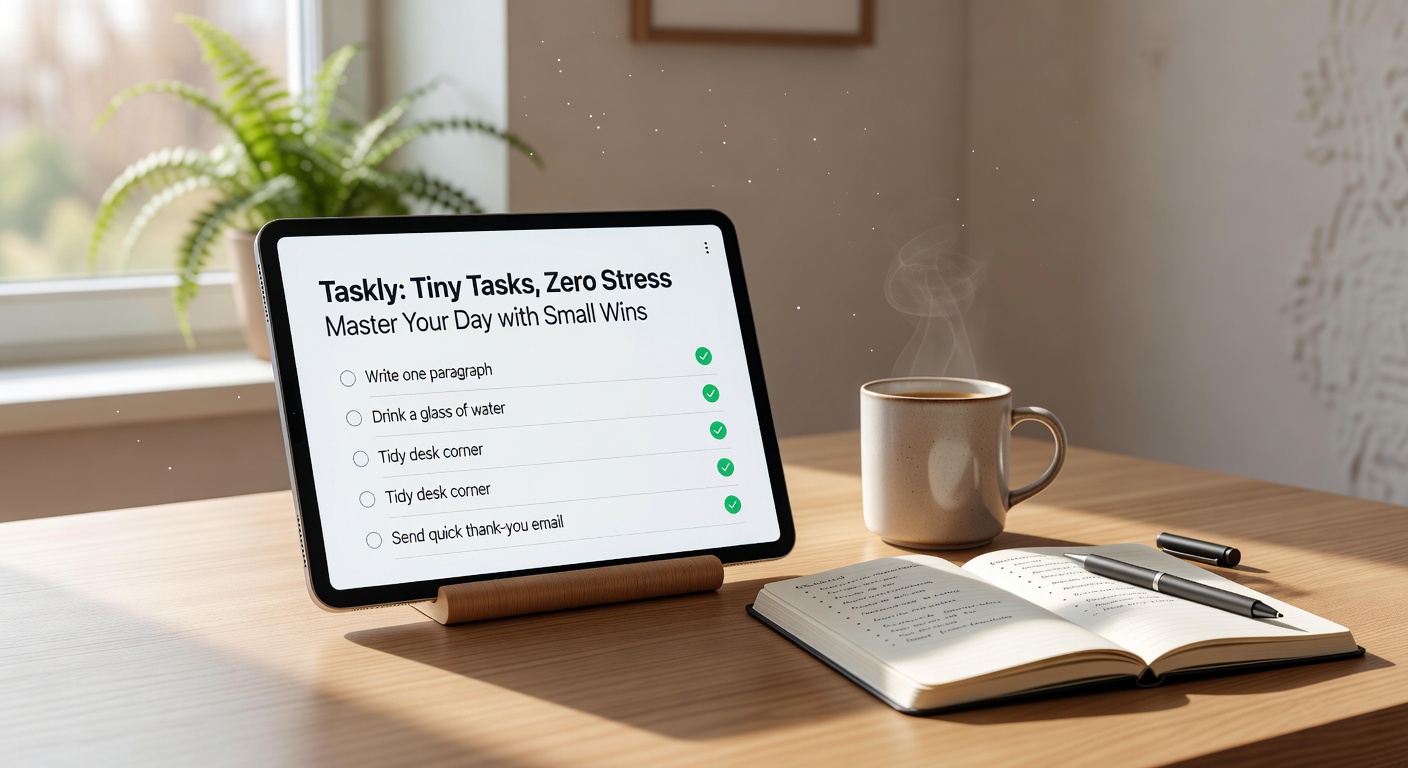
That's exactly the problem Taskly tries to solve. Instead of asking you to conquer massive milestones, it pushes you to break everything into tiny tasks — things you can actually check off in five or ten minutes. The headline promise is "Zero Stress," which sounded like productivity marketing fluff to me, until I gave it a honest try for two weeks.
How tiny tasks change your actual day
The core idea isn't new — atomic habits, eating the frog, all that. But Taskly makes it genuinely frictionless. When you add a task, the default view nudges you to split it. I had "Plan summer trip" and the app suggested sub-tasks like "Check passport expiry," "Compare flights to Osaka," "Ask friend for hotel recommendations." Each one felt doable. So I actually did them.
Here's a scenario: a freelancer I know used it to manage three client projects plus personal errands. She'd write "Write newsletter draft" and the app would ask — how? First draft only, 300 words, just the intro. That subtle prompt changed her behavior completely. Instead of avoiding a big block of text, she sat down and wrote 300 words in fifteen minutes.
Two specific use cases where it clicked for me
First: morning overwhelm prevention. I usually wake up with a dozen scattered priorities floating in my head. With Taskly, I spend two minutes the night before listing three tiny tasks for the next morning. "Reply to client email," "Buy cat food," "Set up coffee timer." That's it. The stress of deciding what to do first is gone because the list is already curated into small, manageable chunks.
Second: the procrastination loop on big projects. I had a presentation due in three weeks. Normally I'd panic, avoid it, then cram. Taskly let me define one tiny step per day: "Find three statistic sources," "Write slide titles only," "Find two relevant images." None of those felt like work. By week two, I had a rough deck without ever having a stressful "work on presentation" session.
Where it might not fit your style
I'm not going to pretend this works for everyone. If you thrive on big-picture thinking and hate granular breakdowns, Taskly can feel micromanaging. There's a tradeoff: the app pushes you to stay small, but sometimes you need to hold the whole mess in your head to see the connections. For creative brainstorming or open-ended research, the tiny-task structure can be limiting — you might spend more time splitting tasks than actually doing them.
Also, the habit of breaking down everything takes conscious effort at first. The app helps with prompts, but it's still on you to define what "tiny" means. I found that if my tasks were too small (like "Open email app"), I felt patronized. But if they were too big (like "Draft entire chapter"), the system lost its benefit. You have to calibrate.
Another concern: if you juggle many overlapping priorities, the linear checklist model can feel rigid. Taskly does have a week planner and daily view, but it's not a full project management tool. It's a personal planner, and that's fine — just don't expect it to replace Notion or Trello for complex team workflows.
Final practical take
Taskly works best when you feel stuck in a cycle of avoiding big tasks. The psychological relief of checking off something tiny — even just "Open document and add one sentence" — is real. But it demands honesty about what "tiny" means for you. If you try it, spend the first week just experimenting with how you break down one or two tasks. Don't try to populate a full life planner on day one. Start small. That's literally the product's advice.
Is it the ultimate solution for zero stress? No planner can promise that. But if you're tired of being frozen by your own to-do list, this approach is worth a genuine shot.
Comments
Leave a Comment