Let’s be real. You’re in your twenties or thirties, your calendar is a battlefield, your to‑do list is a graveyard of good intentions, and every productivity app you’ve tried feels like signing up for a second job. You don’t need another boring checklist. You need something that actually makes you want to open it — something that turns scattered priorities into a clear action plan without feeling like punishment.
That’s where Taskly comes in. It’s a daily planner for tasks, goals, and to-do lists, but the “fun” part isn’t just marketing fluff. After using it for two weeks, I can tell you: it’s the rare efficiency tool that doesn’t feel like a chore.
The “Fun” actually works
I know, “fun” and “productivity” usually don’t belong in the same sentence. But Taskly pulls it off by making the act of organizing work feel lightweight. Instead of rigid folders and project hierarchies, you drop tasks into a clean timeline, tag them with emojis (sounds silly, but it works), and visually drag your week into shape. The app doesn’t lecture you about getting things done — it just helps you see what’s next.
During a chaotic Wednesday last week, I had three client deadlines, a dentist appointment, and a side project that refused to die. I threw everything into Taskly, colored‑coded by energy level (yes, you can do that), and suddenly the week didn’t feel like a monster. It felt like a puzzle I could actually solve.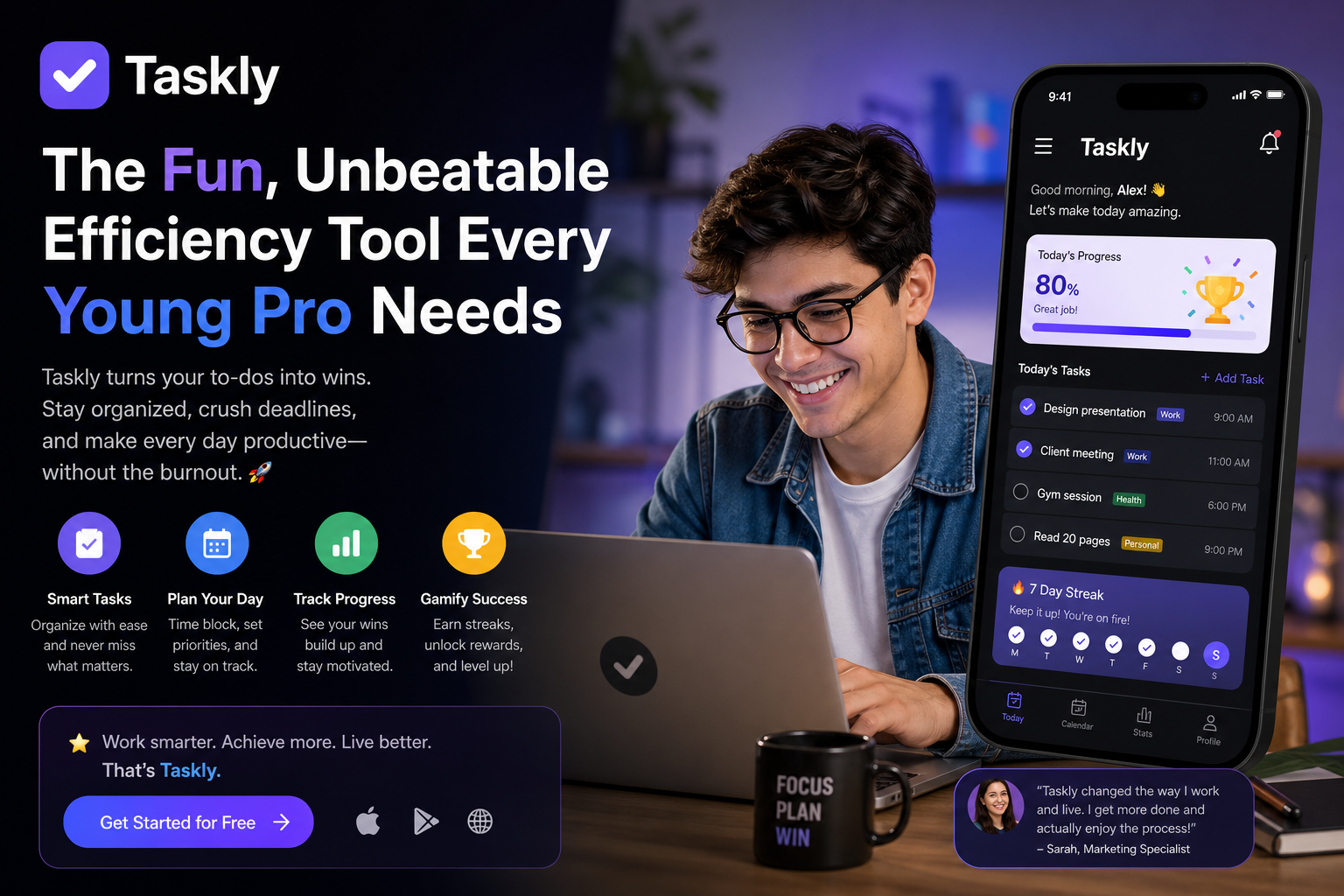
Where it shines for young pros
Taskly isn’t designed for corporate project managers with Gantt charts. It’s built for people who juggle work, side hustles, fitness goals, and maybe a social life. The weekly planner view is the sweet spot: you can see Monday to Sunday, block out focus time, and slot in personal priorities without switching apps.
I tested it alongside a few other tools. Todoist felt too dry. Notion was overkill for daily tracking. Taskly hit the middle: structured enough to keep you honest, flexible enough to let you change plans on the fly. The interface feels like a friendly assistant, not a boss.
A real tradeoff you should know
Here’s the honest part: Taskly is great for weekly planning and daily task management, but it doesn’t do deep project management. If you need dependencies, resource tracking, or a timeline spanning months, you’ll still need something else. Also, the “fun” aesthetic might feel a bit much if you prefer a minimalist, no‑nonsense style. The app uses color and emoji by default — you can tone it down, but the vibe stays playful.
For me, that’s a plus. For a friend I recommended it to, he switched back to TickTick because he wanted more control over recurring tasks. So if you’re the type who thrives on strict automation, Taskly might feel too loose. But if you’re the type who gets overwhelmed by rigid systems and wants a planner that actually feels good to use, it’s a perfect fit.
Who should give it a try
Taskly is for the young professional who has too many priorities and needs a single place to turn them into an action plan — without spending an hour configuring the tool itself. It’s for anyone who wants to stop feeling scattered and start feeling in control, but doesn’t want their productivity app to feel like spreadsheets.
If you’ve been bouncing between sticky notes, calendar events, and forgotten reminders, Taskly might be the simple, fun solution that finally sticks. Give it a week. Drag your week into shape. You might surprise yourself.
Comments
Leave a Comment