When a project involves more than one person, task lists start breaking down fast. Someone updates a doc, someone else works off an old version, and by Friday nobody's sure what's actually done. Taskly's collaboration features are built around fixing exactly that kind of friction.
Shared Tasks Without the Overhead
Taskly lets you share tasks and to-do lists with teammates directly inside the app. You assign a task, it shows up in their planner, and both of you can see its status in real time. There's no need to CC anyone or paste a link into Slack — the task just lives where the work gets tracked.
This works well for small teams running recurring workflows. A content team, for example, can keep a shared weekly list where each person owns specific items. When one task moves to done, everyone sees it without a check-in meeting.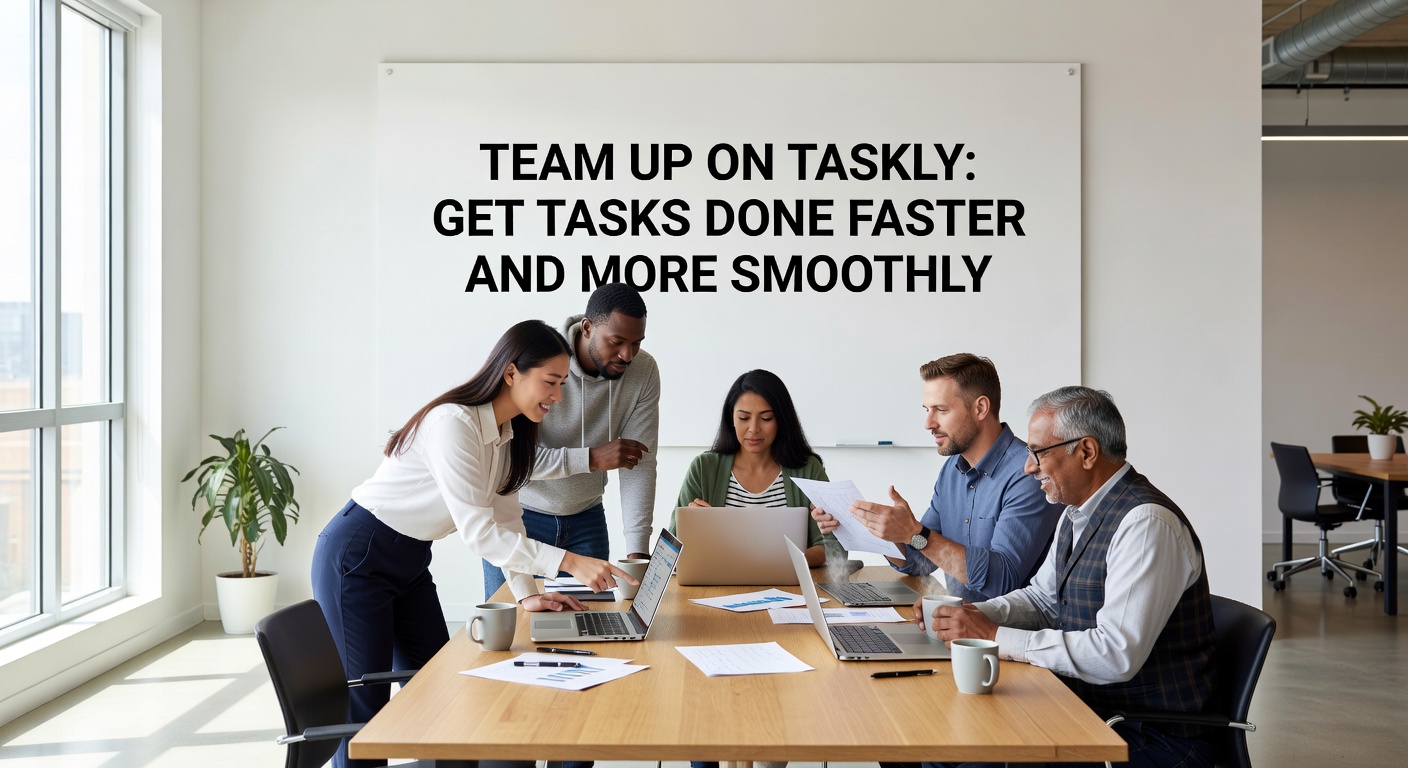
Where It Fits — and Where It Doesn't
Taskly is a daily planner first. Its collaboration layer is lightweight by design, which is a real advantage if your team doesn't need Gantt charts or dependency mapping. Onboarding takes minutes, not days.
That said, if you're coordinating a large cross-functional project with multiple workstreams, you'll probably hit the ceiling. Taskly doesn't offer timeline views, workload balancing, or deep permission controls. For a team of two to five people managing shared priorities week to week, it's a clean fit. For a 20-person product launch, you'd likely want something more structured alongside it.
A Few Practical Scenarios
- Freelancer + client: Share a task list so the client can see progress without needing status emails.
- Small ops team: Assign recurring weekly tasks to specific people and track completion in one place.
- Co-founders: Split a goal into tasks, divide ownership, and stay aligned without a dedicated project tool.
The Honest Tradeoff
Taskly keeps things simple on purpose. You won't get comment threads on tasks, file attachments, or activity logs. If your team's collaboration needs are mostly about knowing who owns what and whether it's done, that simplicity is a feature. If you need a full audit trail or rich async communication, it's a gap worth knowing about before you commit.
For teams that already live in Taskly for personal planning, adding a shared layer costs almost nothing to try. For teams evaluating it as a primary collaboration tool from scratch, it's worth testing against one real workflow before rolling it out broadly.
Comments
Leave a Comment