Coordinating tasks with other people usually means drowning in Slack threads or sending passive-aggressive texts about who forgot to submit the weekly report. You start with a shared Google Doc, and by Tuesday it’s a mess of unassigned bullet points, conflicting priorities, and vague promises to "look into it." This is exactly the friction Taskly Planner aims to eliminate. Instead of treating collaboration as an afterthought tagged onto a personal to-do list, it builds shared accountability directly into the daily planning workflow.
Turning Scattered Priorities into Shared Momentum
When you invite someone into your Taskly workspace, the dynamic shifts immediately. You aren't just listing things to do; you are distributing ownership. I tested this with a three-person content team trying to push out a launch campaign. Normally, we’d waste twenty minutes in a standing meeting just figuring out who owns what asset. With Taskly, we dropped the tasks onto the weekly board, tagged each other, and moved on. No verbal ping-pong.
The interface leans heavily on drag-and-drop mechanics, which feels genuinely satisfying when you’re rearranging a chaotic week. Seeing a teammate drag a "draft copy" card into the "in review" column provides a small, tangible hit of progress that a standard checklist notification lacks. It makes the daily grind feel a bit more like a coordinated game than a slog, which is where the "fun" aspect actually lives—not in gamified badges, but in the smoothness of the handoff.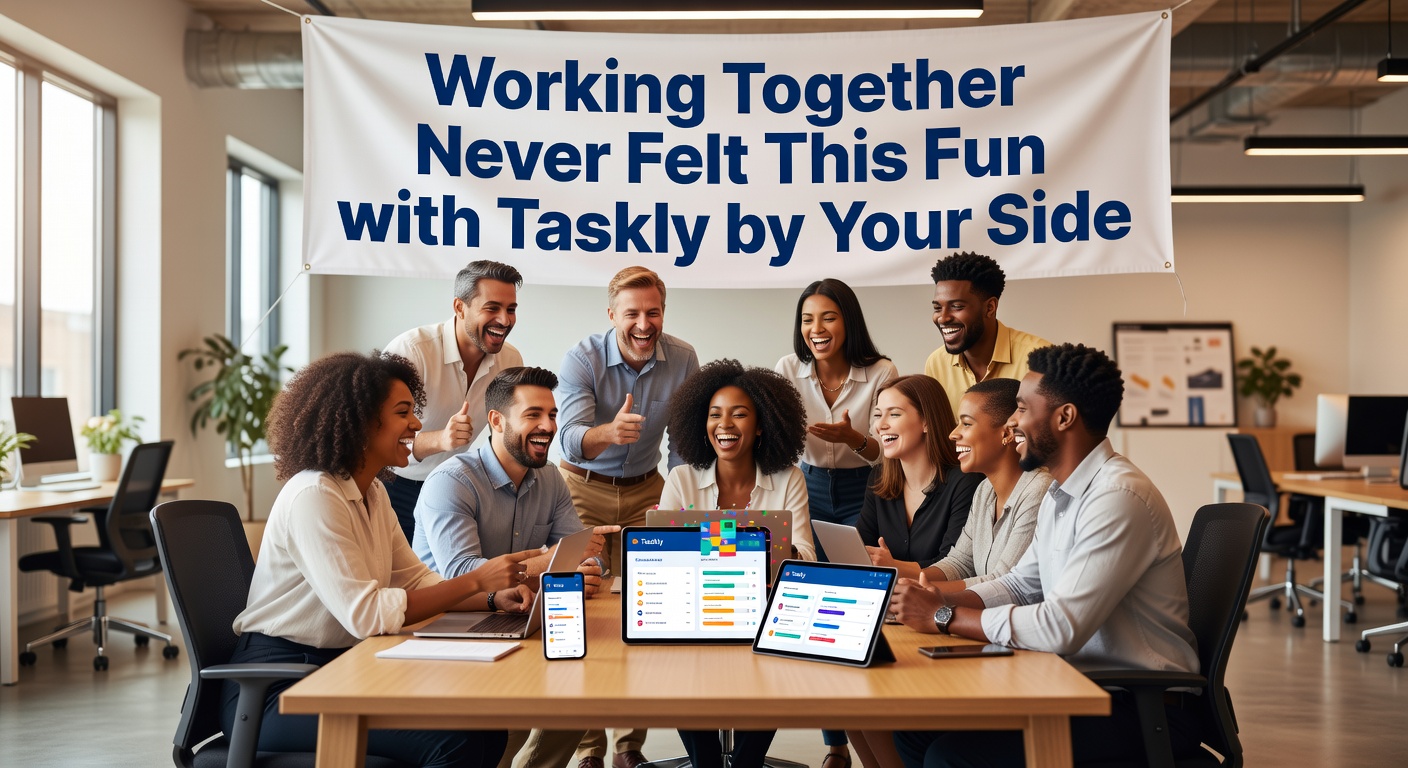
Where the Collaboration Actually Works
Taskly Planner shines brightest in scenarios where the workload is fluid but the deadline is hard. Take a household managing shared chores and grocery runs. Assigning "clean the kitchen" to a roommate with a due date stops the arguments before they start. When the task gets checked off, it disappears from the shared view, clearing the mental clutter for everyone.
Or consider a freelance designer and a copywriter pairing up on a client pitch. They can break the project into dependent tasks—copy first, then design—and visually track the handoff without sending a single "are you done yet?" message. The copywriter finishes their block, moves it to the next stage, and the designer picks it up seamlessly. This kind of quiet coordination is where the tool proves its value.
The goal-setting feature also translates well to groups. You can set a collective target—like hitting a specific revenue milestone or completing a sprint—and tie individual daily tasks back to that broader objective. It connects the mundane daily work to the actual reason why you're collaborating in the first place.
Evaluating the Tradeoffs and Alternatives
Taskly keeps things intentionally lightweight, which is its biggest strength and its main limitation. If you manage a 50-person department with complex cross-dependencies, you will likely find it lacking. It doesn’t offer the deep Gantt charts, resource allocation, or automated workflows that Jira or Asana provide. It also avoids the bloated feature sets that make those tools exhausting for small groups to maintain.
You have to decide what kind of friction you hate more. If you hate spending 15 minutes figuring out where to log a task or who is responsible for a step, Taskly is a relief. If you need automated reminders triggered by three different conditions and multi-layered approvals, you’ll feel constrained here. For teams already running on Notion or Trello, switching to Taskly makes sense only if you prioritize daily focus over database-style flexibility. Taskly forces you to look at today and this week, not an endless archive of project history.
Compared to something as simple as a shared Apple Notes checklist, Taskly gives you structure without the rigidity. You still get the speed of jotting down a task, but you also get due dates, assignments, and visual progress tracking that a plain text list simply cannot handle.
A Practical Verdict on Taskly Planner
Working together shouldn't feel like a bureaucratic exercise in status updates. Taskly Planner strips away the overhead and leaves you with a clear, shared view of what needs to happen right now. It won't replace heavy-duty project management software for large organizations, but for small teams, partnerships, and households that just need to get things done without the drama, it hits the right balance. You spend less time talking about work and more time actually moving the cards across the board.
Comments
Leave a Comment