You open your laptop on Monday morning and there are 14 tabs, three half-finished docs, and a Slack thread you forgot to reply to on Friday. The to-do list you scribbled on a sticky note yesterday is somewhere under your coffee mug. This is the daily chaos most of us don't admit we're living in — scattered priorities, no clear next step, and a vague anxiety that something important is slipping.
That's the exact problem Taskly Planner targets. It positions itself as a "second brain," not just another checkbox app. The idea is to take the mental load of what to do next off your head and put it into a structure that actually forces decisions. But does it work, or is it just a prettier list?
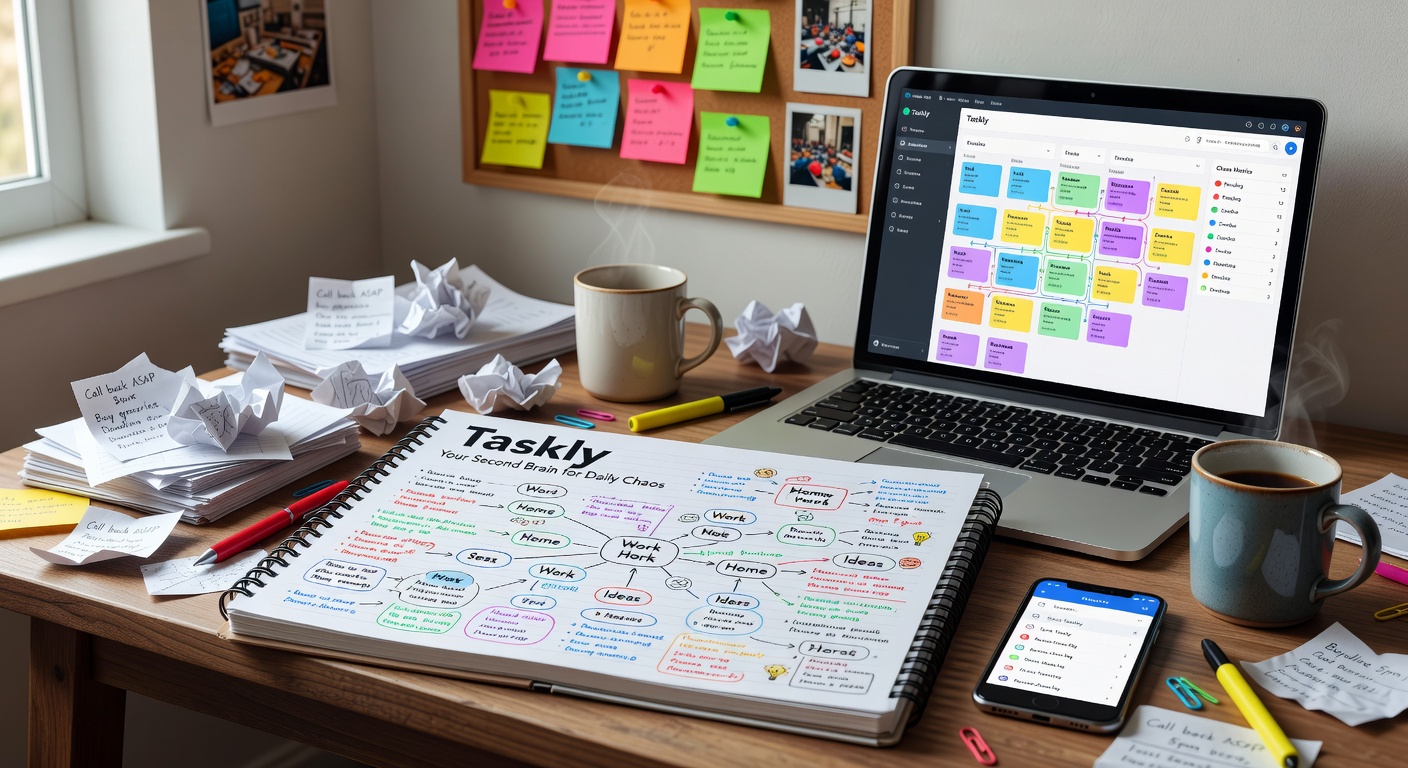
What Taskly Actually Does Differently
Most task apps let you dump items into a list and color-tag them. Taskly's approach is closer to planning than listing. When you add a task, it pushes you to slot it into a specific day — today, this week, or a backlog. You can't just leave it floating. That friction is intentional. It makes you decide whether something actually matters right now or is just noise you're avoiding.
The weekly view is where Taskly earns its "second brain" label. Instead of a vertical scroll of overdue items, you see a laid-out week with time blocks. You can drag tasks between days, and the unassigned stuff sits in a sidebar reminding you it still needs a home. It's a small design choice, but it changes how you relate to your workload. You stop reacting and start allocating.
Goal linking is another layer that most planners skip. You can attach a task to a broader goal — say, "launch newsletter" — and see which micro-steps feed it. This isn't revolutionary, but it solves a real problem: the disconnect between daily busywork and the stuff you actually care about progressing. Without that thread, you end up with a finished to-do list and zero forward momentum on big projects.
Real Scenarios Where It Clicks
The Friday brain-dump. You finish the week with eight loose ideas and no clarity on what Monday should look like. You drop them into Taskly's backlog, then on Sunday evening you drag three into Monday, two into Tuesday, and shelve the rest. Monday morning you open one screen and know your first move. No scanning, no deliberation.
The multi-project juggle. You're running client work, an internal side project, and personal admin. Taskly lets you filter by goal or tag, so you can see just the client tasks for today without the noise of everything else. That lens matters when your brain is already split across contexts.
The recurring commitment. Weekly standups, review blocks, gym — you set these as repeating items and they fill your week automatically. The remaining space shows you how much room you actually have for new work, instead of letting you over-commit and discover the collision at 4 p.m.
Where It Falls Short
Taskly is rigid by design. If you like loose lists where everything sits in one pile and you pick at it when the mood hits, this app will feel annoying. It demands placement. You have to assign a task to a day or it stares at you from the sidebar. For some people, that pressure is exactly what they need. For others, it's just stress in a different font.
Collaboration is thin. You can share tasks, but there's no real team workflow — no assignments, no comment threads, no approval steps. If your chaos involves coordinating with three colleagues on a shared deliverable, Taskly won't replace your project tool. It's built for individual planning, not team execution.
The mobile experience is decent for checking your day, but heavy planning — dragging blocks, reshuffling a week — works better on desktop. If you do most of your organizing from a phone during commute pockets, the friction goes up.
Should You Use It, or Stick With What You Have?
If you're currently running your life off a Notes app, random sticky pads, or a to-do list with 47 unchecked items, Taskly will probably feel like an upgrade. The forced scheduling and goal threading solve the two biggest failures of plain lists: stuff that never gets dated and stuff that doesn't connect to anything bigger.
If you're already deep into Notion templates, Todoist with custom filters, or a full project management stack, Taskly might be redundant. It doesn't replace those systems — it simplifies the daily planning layer. Some people run Taskly alongside a heavier tool: the big tool tracks projects, Taskly tracks what you are doing this week. That split works well if your project app is too noisy for personal focus.
The tradeoff is commitment. Taskly only works if you actually use it to plan, not just to record. You need the Sunday review, the daily check-in, the willingness to shelve low-priority items instead of letting them clutter your view. If you won't maintain that rhythm, the structure becomes dead weight and you'll drift back to chaos within two weeks.
Taskly isn't magic. It's a planning discipline packaged into an interface that makes that discipline easier to keep. For people whose chaos comes from never deciding when to do something, it closes that gap. For everyone else, it's a clean weekly planner with a few smart constraints — useful, but not essential unless you're ready to stop dumping and start placing.
Comments
Leave a Comment