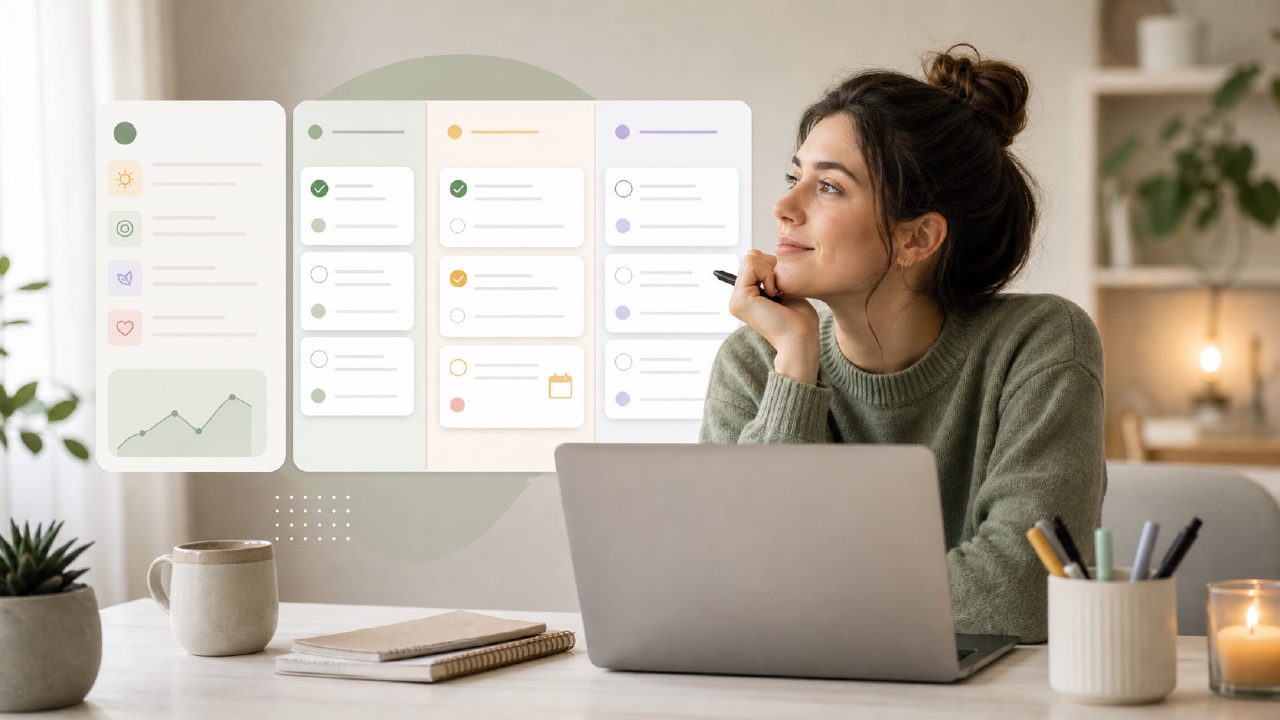
I’ve been trying to keep my ADHD-driven scatterbrain from derailing every workday for years. When I came across Taskly Planner, I decided to give it a real shot — not just a quick demo, but a week of actually using it to see if it could handle the chaos. What I found isn’t perfect, but there are a few things that genuinely helped my ADHD productivity. Here’s a checklist-style breakdown of what matters most when choosing a planner for this kind of brain, and how Taskly measured up.
Checklist: What I Look for in an ADHD-Friendly Task Planner
- Low friction to capture thoughts — When an idea or task pops up, I need to dump it in taskly without navigating three menus. Taskly’s quick-add button works fast. I could type a task in under 10 seconds. No tagging or sorting required. That’s huge for me.
- Visual weekly view, not just a daily list — I tested a few best ai task manager 2026 candidates, but Taskly’s weekly layout helped me see the whole week without switching tabs. I could drag tasks around, which sounds small but saved me from forgetting Friday’s deadline on Monday.
- Simple priority system — I’m easily overwhelmed by colors, labels, and nested folders. Taskly uses a basic priority flag (high/medium/low). That’s enough. I didn’t have to invent a custom system, which usually fails when I stop maintaining it.
- Built-in time blocking (sort of) — There’s no calendar integration, but you can assign time estimates to tasks and see them in a timeline view. I tried blocking out my morning routine. It worked okay, but I had to manually adjust when things ran long. Not a dealbreaker, but not seamless.
- Reminders that don’t annoy — Taskly has push notifications. I set one for a 3 PM weekly review. It didn’t spam me. That’s a win for my focus. Some best free ai task management app options I’ve tried send five reminders for the same task.
Where Taskly Falls Short for ADHD Brains
The biggest friction I hit was the lack of natural language input. You can’t type “meeting tomorrow at 2” and have it auto-set date and time. I had to manually pick from a calendar widget. That small extra step sometimes made me skip adding a task at all. A true best free ai task management app 2026 candidate should handle that smoothly. Taskly isn’t there yet.
Also, the “goals” section feels half-baked. You can set a goal like “write 500 words daily”, but there’s no habit streak view or progress widget. I quickly stopped checking it. The core task management works better than the goal tracking.
The Real Tradeoff: Simplicity vs. Flexibility
Taskly is deliberately simple. That’s a strength for someone with ADHD who gets lost in feature-rich apps. But simplicity also means I can’t create recurring tasks with complex logic (like “every other Tuesday”). I used a separate app for that. So if you need robust recurring scheduling, this isn’t it. For just capturing daily and weekly to-dos, it’s solid.
Final Verdict (No Hype)
After a week of real use, Taskly helped me stay a little less scattered. It’s not a magic fix, and it won’t replace a calendar or habit tracker if you need those. But for straightforward ADHD productivity — getting tasks out of your head and into a visible plan — it’s worth trying. Just keep your expectations modest. The best planner is the one you actually use, and Taskly made me want to use it more days than not.
Comments
Leave a Comment