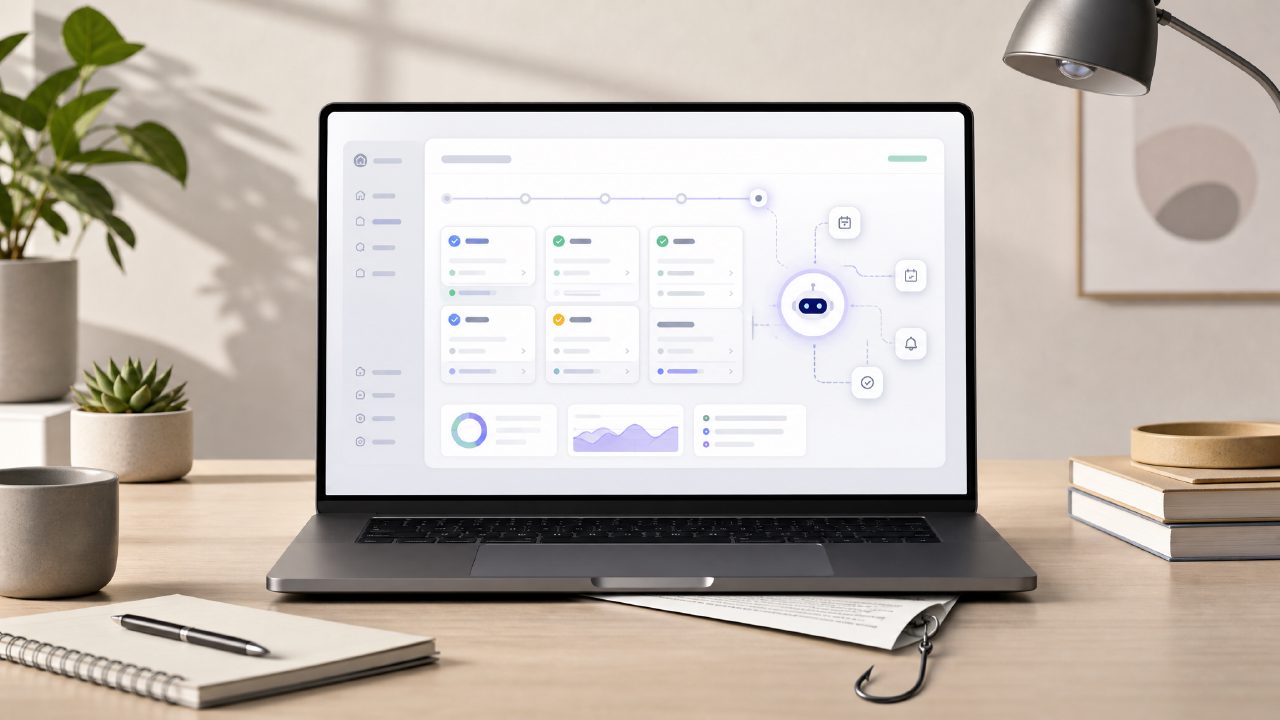
I’ve been testing a handful of free AI task management apps lately, trying to find one that actually saves time instead of creating more busywork. When I came across Taskly, the promise of an AI-powered daily planner that turns scattered priorities into a clear action plan sounded exactly like what I needed. But after a few weeks of using it, I hit some snags that aren’t obvious from the landing page. If you’re looking for the best free ai task management app 2026 has to offer, here’s what I wish someone had told me before I started.
The “Free” Trap – What You Actually Get
Taskly lets you sign up without paying, which is great. But the free tier is more limited than I initially realized. The AI task suggestions only appear for the first 20 tasks or so. After that, you’re basically using a decent to-do list with a few smart date parsing tricks. It still works, but the “AI” label feels oversold. I found myself manually re-prioritizing things that the app had tried to schedule automatically. That’s not bad – it just means the best free ai task management app might still leave you doing the thinking.
One specific example: I added “write quarterly report” and the app suggested a two-hour block on Friday. But when I clicked to accept, it didn’t check my existing Google calendar. So the task sat on top of my team stand-up. I had to drag it to a different slot. That kind of friction adds up over a week.
Overpromising on Smart Scheduling
The core appeal is that Taskly will plan your week for you. In theory, you feed it your tasks and it builds a schedule. In reality, it often ignores priority conflicts. I had three moderate-priority tasks and one high-priority task, but the app scheduled the high-priority one last, because it assumed I’d work in order of due date. That’s not “smart” – that’s just date sorting. I had to manually reorder tasks and lock them into time slots. The AI scheduling is really just a basic algorithm that needs a lot of handholding.
Tradeoff: You get a clean weekly view, but you lose time fixing its logic. If you’re someone who relies on automatic scheduling to save mental energy, be prepared to override it regularly.
The Weekly Planning Illusion
Taskly’s weekly view looks great at first glance: color-coded tasks, progress bars, a neat timeline. But actually moving tasks between days is clunky. I tried to drag a task from Tuesday to Thursday, and it snapped back to Tuesday. I had to tap into the task editor, change the date manually, then return to the week view. That happened multiple times. For a tool that’s supposed to help you “plan your week”, these small UI hiccups make the process slower than using a paper notebook.
Another friction: if you change a task’s duration after scheduling it, the app doesn’t shift surrounding tasks automatically. You have to re-run the scheduling function, which then wipes any manual adjustments you made. That’s a real gotcha if you like to fine-tune your day.
Where It Falls Short for Goal Tracking
Goal tracking in Taskly is shallow. You can set goals and link tasks to them, but the progress bar only shows the number of tasks completed, not their weight or effort. I had one big goal “complete client project” with ten subtasks. Nine small checkboxes were done, but the tenth was a massive deliverable worth 80% of the effort. The app showed 90% progress, which was misleading. The goal feature feels like an afterthought. It’s possible that a future update will add better metrics, but right now it’s not reliable if you need to track real outcomes.
Who Should Actually Use It
Taskly works best for people who want a straightforward daily planner with minimal overhead – like students tracking assignments or freelancers juggling a handful of projects. It’s less suitable if you manage complex workflows with dependencies, detailed priority levels, or team collaboration. The AI part is mostly hype; the real value is in the clean interface and quick task entry.
If you’re comparing options for the free ai task management app 2026 landscape, don’t go in expecting something like Motion or Akiflow. Taskly is a solid basic planner with a few AI bells, but it won’t plan your day for you accurately out of the box. You’ll need to invest time in manual tweaks and learn its quirks.
Final thought: Taskly isn’t a bad app, but the marketing oversells the automation. If you can accept that most of the thinking still falls on you, it’s worth a try. Just don’t ditch your calendar app or checklist system yet.
Comments
Leave a Comment