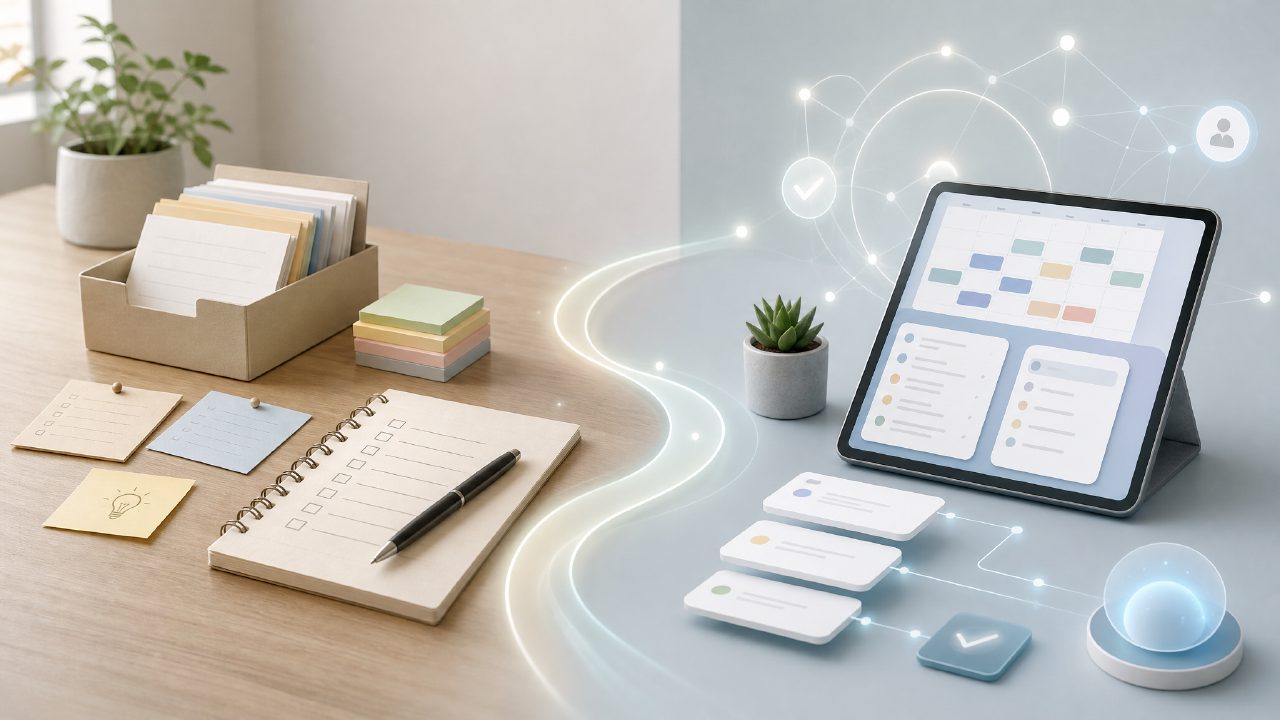
I’ve tried sticking with GTD across maybe a dozen different apps over the years. The flow usually breaks down after a few weeks when the tool’s rigid structure doesn’t match how David Allen actually recommends processing tasks. So when I saw Taskly positioning itself as a flexible daily planner, I decided to test taskly against my usual GTD setup to see if it could actually hold up.
Inbox and Capture: Fast Start, Weird Gaps
The first few hours were promising. Taskly makes it dead simple to dump raw stuff into an inbox. No labels, no folders, just a field. For the capture phase of GTD, it works fine. But I ran into a problem when I wanted to process those items. GTD relies heavily on having a "Someday/Maybe" list and a tickler file. Taskly doesn’t have a native spot for either. I had to manually create a new "List" called Someday/Maybe. It’s not a dealbreaker, but it’s an extra step that a dedicated GTD app wouldn’t need.
Projects, Actions, and the AI Hook
Taskly organizes stuff into "Tasks", "Goals", and "Lists". Mapping these to GTD principles takes some thinking. I ended up using "Goals" for multi-step projects and "Lists" for contexts like @Computer or @Errands. It’s flexible, but it’s not obvious at first.
This is where the AI comes in. I wanted to see if it deserved the title best free ai task management app 2026. I tested it by dumping in a vague project: "Plan backyard renovation." The AI broke it into steps like "Find contractor," "Set budget," and "Research materials." It was decent for generating raw material, but none of those were true next actions. I still had to clarify the physical, visible next step myself. The AI helps with the *thinking* phase, not the *doing* phase. If you are looking for a free ai task management app that automates your GTD workflow, this isn't quite it.
Weekly Review: The Make-or-Break Habit
The weekly review is where GTD apps usually lose me. Taskly’s "Planner" view is actually useful here. I could look back at the week, see what tasks lingered, and drag them to the next week. That felt smooth and natural. The friction? There’s no built-in workflow to check your Someday/Maybe list or force an inbox zero. The tool won’t nudge you to do the hard processing work. You have to build that discipline yourself, which is doable but takes a bit of effort.
Mobile Friction and Real Tradeoffs
I’ll be honest—the mobile app needs work. It’s fine for capturing a quick task, but context switching between Goals and Lists on a small screen is clunky. For a tool that claims taskly ai task management capabilities, the mobile experience doesn’t feel as polished as the desktop version.
That said, if you are searching for an ai task management app free that lets you apply GTD principles rather than fight them, it’s worth a look. You just need to accept that you will be building a few manual workarounds for the deeper parts of GTD.
Is It a GTD Fit?
I’ve been using Taskly for a few weeks. It’s not a perfect GTD machine. The lack of native Someday/Maybe lists and tickler files means you have to adapt the tool to the methodology. But it’s flexible enough that you can make it work without feeling like you are hacking the system.
If you are looking for a rigid, all-in-one GTD app, this probably isn't it. But if you want a digital daily planner that stays out of your way and lets you apply GTD yourself, it’s one of the better options I have tried, even with the mobile rough edges.
Comments
Leave a Comment