Anyone running a small team knows the drill. Tasks come in from Slack, email, and hallway chats, landing in a pile of scattered priorities. By the time you actually sort team tasks instantly, half the morning is gone, and your developers or designers are already asking what's next. The friction isn't just about lost time; it's about dropped details and rushed work. Taskly Planner steps in right at this bottleneck, promising to turn that daily chaos into a clear action plan without the usual drag.
Instead of maintaining a shared spreadsheet that everyone ignores or a complex project board that takes twenty clicks to update, Taskly keeps the interface tight. You drop in tasks, tag them by urgency or project phase, and the daily planner view forces you to confront what’s actually happening today. It’s less about heavy project management methodology and more about getting a realistic snapshot of the week. When a new urgent request drops in, you don't have to restructure a whole timeline—you just slot it into today's list and push something else to tomorrow.
Let’s look at how this actually plays out. Say a client emails on Wednesday demanding a feature moved up the queue. In a traditional setup, you’d be rewriting tickets and adjusting milestones. With Taskly, you just drag that task into today’s high-priority bucket. The team’s shared daily view updates, and they know to pivot without a lengthy sync meeting. Or consider the Friday afternoon blocker dump. Instead of a chaotic Slack thread where issues get lost, you pull up the week’s view, see what missed its deadline, and deliberately roll those items into next Monday’s goals. Another common headache is cross-functional overlap—design needs copy from marketing before they can finalize a layout. Tagging those tasks together in Taskly makes the dependency visible, so marketing actually delivers before design starts asking where the text is.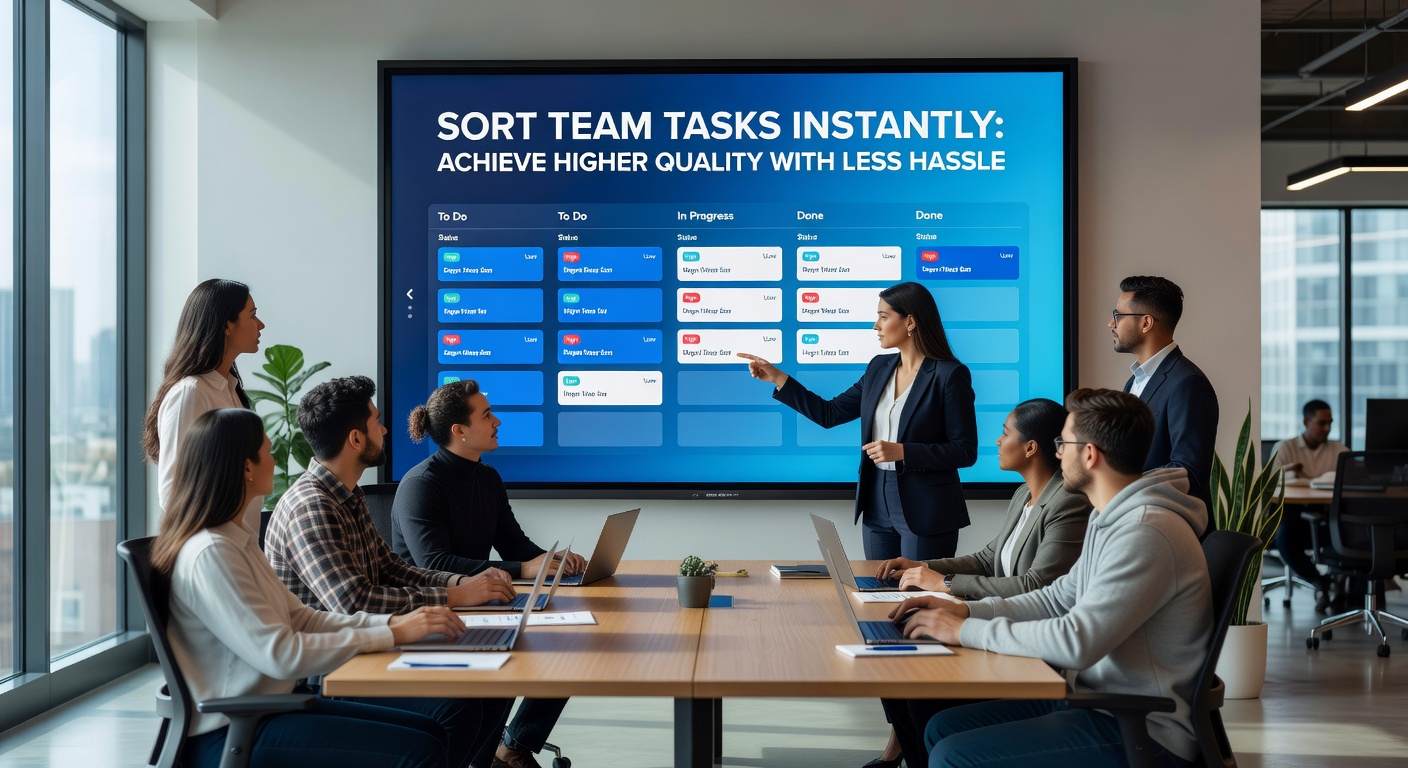
Sort Team Tasks Instantly: The Tradeoffs You Need to Consider
Taskly’s speed comes from its simplicity, but that simplicity has a ceiling. If your team relies on deep burndown charts, automated Jira pipelines, or complex sprint planning configurations, Taskly will feel too flat. It doesn't do granular time-tracking or generate detailed velocity reports for stakeholder meetings. It’s a daily planner scaled up for a team, not a full engineering project management suite.
You also have to stay disciplined. Because moving tasks around is so frictionless, it’s tempting to just keep pushing things to tomorrow. The tool relies on someone actually making the hard calls on what gets cut or delayed. If your team culture avoids those decisions, Taskly just becomes a very clean-looking list of postponed work.
Deciding Between Taskly and Alternatives
Taskly hits the sweet spot if you're running a fast-moving team of five to fifteen people—like a startup product squad, a small design agency, or a freelance collective. It replaces the messy combination of Notion docs and Slack reminders with a single, focused daily agenda. If you’re already deeply entrenched in Asana or Jira and have automated workflows running, adding Taskly might just create another layer of tool fatigue. In those cases, tightening up your existing board filters or creating a dedicated daily task view in your current tool is usually the better move. But if your current setup is just a shared Google Sheet that nobody updates, Taskly is exactly the kind of lightweight upgrade that actually gets adopted.
The core promise of Taskly is straightforward: sort team tasks instantly and stop losing hours to priority confusion. It doesn't try to replace your entire project management stack; it just gives your team a shared, realistic picture of what needs to happen today and this week. If scattered priorities are actively hurting your output quality, forcing clarity through a simple daily planner is the most practical fix. Just remember, the tool makes sorting easy, but you still have to make the hard calls on what actually matters.
Comments
Leave a Comment