Let’s be real: most to-do lists are stress generators. You open an app, see 20 overdue tasks, feel a knot in your stomach, then close it and do nothing. That’s not productivity. That’s just anxiety with a checkbox.
So when I stumbled on Taskly, I was skeptical. Another planner promising to fix my broken workflow? But after a week, something weird happened: I actually wanted to open it. Not because it’s a “game” or has cute stickers (though the design is clean), but because it made my scattered priorities feel… manageable.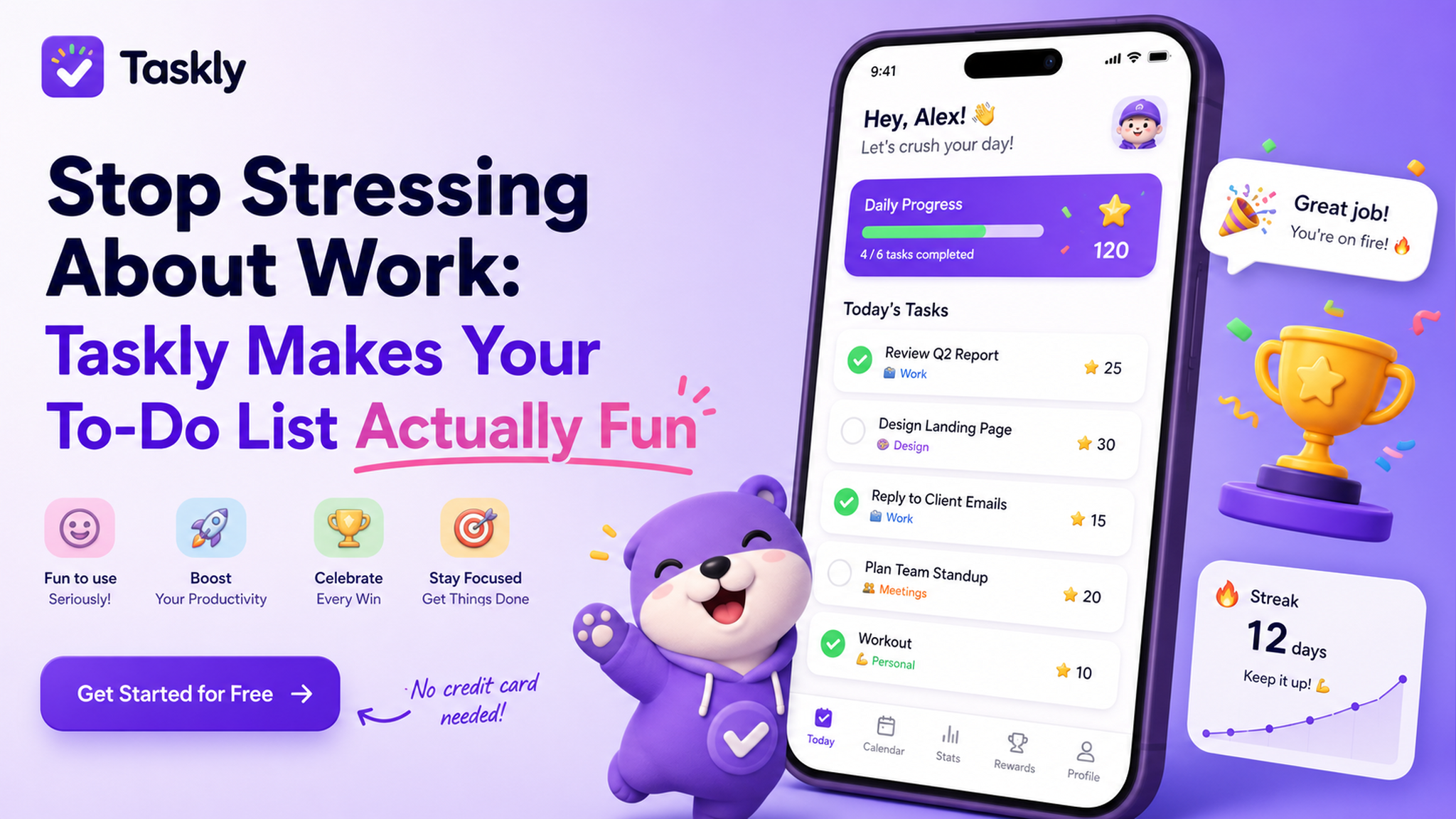
It starts with the “Today” view
Taskly does this thing where it separates your infinite list of ideas from what you actually need to do today. No more staring at a mountain of “maybe someday” tasks. When I plan my week, I drag a few items into the daily slot, and the rest stay hidden. It sounds simple, but it changes your brain chemistry—suddenly you’re not a failure for not finishing 30 things; you’re a hero for doing 3.
I used it to plan a chaotic work week: three client deadlines, a dentist appointment, and a side project. Instead of that classic panic-jotting, I broke each big thing into a couple of small steps. The app doesn’t force you to write “block time 9–11” like some rigid calendar tools. You just check off when done. That freedom actually kept me moving.
Trade-off: Not a project manager
If you’re running a 10-person team with dependencies and Gantt charts, Taskly will feel too light. It doesn’t do subtasks, dependencies, or time tracking. But honestly? For one person’s daily life, those features are often overkill. The trade-off is speed. I can open the app, add a task in 3 seconds, and close it. No wrangling with settings.
Another limitation: the “goal” feature isn’t super flexible. You can set a weekly goal like “read 3 articles,” but it doesn’t break down how. So if you love structured habit tracking (like Habitica or Streaks), you might miss it. But if you just need a place to dump tasks and plan your week without getting lost, Taskly hits that sweet spot.
Who should try it (and who should skip)
Taskly works best if you’re a solo operator—student, freelancer, or someone with a mix of work and personal stuff. The weekly planning view is perfect for Sunday evening brain dumps. I also appreciate that it doesn’t shove notifications down your throat; you can set reminders only for important ones.
Skip it if you need color-coded labels, project folders, or collaboration. Or if you’re the type who loves tweaking systems more than doing work—Taskly doesn’t give you much to tweak. And that’s exactly why it works for stress reduction: less time managing the tool, more time doing the thing.
The real test? After two weeks, I still had unfinished tasks, but I didn’t feel like crap about it. I just moved them to next week and kept going. That’s the closest thing to “fun” I’ve ever seen in a to-do list.
Comments
Leave a Comment