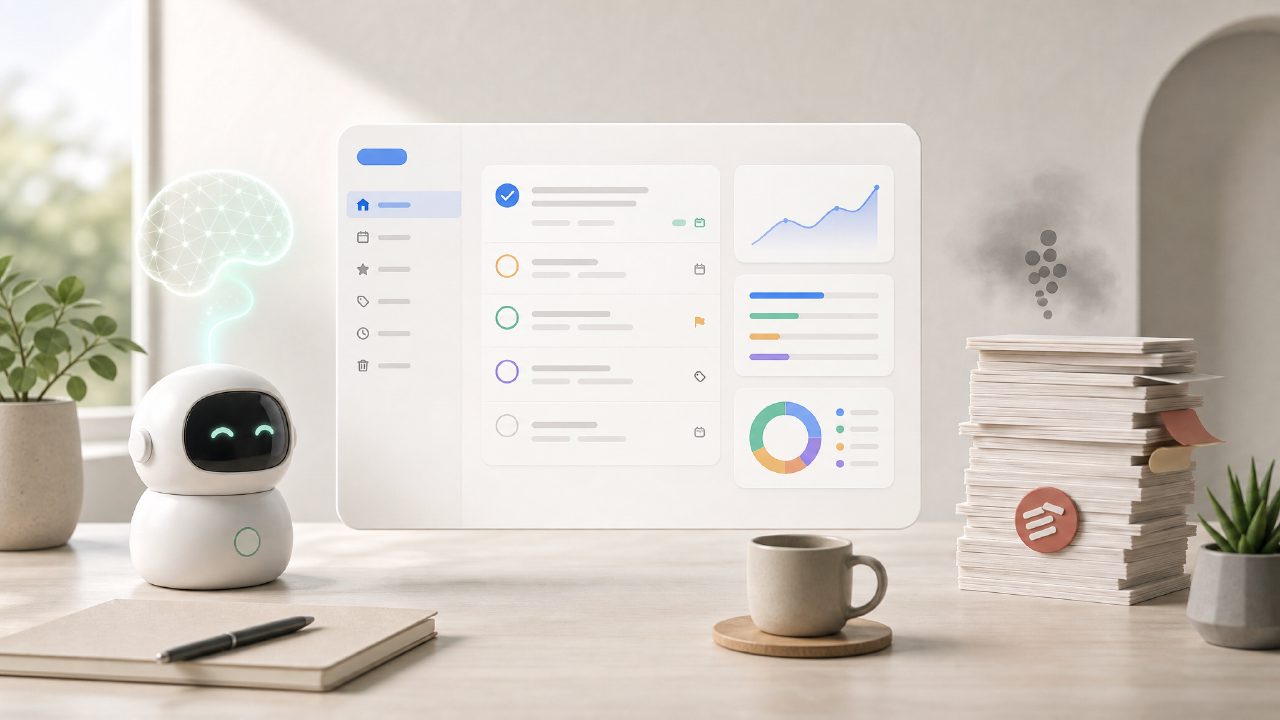
If you’ve been searching for a todoist alternative free ai 2026 that doesn’t lock useful features behind a paywall, you’ve probably seen Taskly mentioned. I needed to replace my Todoist setup without losing the smart scheduling and priority handling—but I wasn’t ready to pay for another yearly subscription. So I spent a couple of weeks testing Taskly to see if it could actually handle real weekly planning and goal tracking without feeling like a stripped-down beta.
First impressions and the AI layer
Right away, Taskly positions itself as an ai task management app free of cost. You sign up and it walks you through linking tasks to goals, which is where the “AI” part kicks in. I added a few scattered to-dos—things like “write blog outline” and “review client feedback”—and the app suggested a priority order based on deadlines and the goals I had set. That was faster than I expected. The suggestions weren’t perfect; sometimes it over-prioritized small admin tasks over deeper work. But it saved me the manual sorting I usually do every Monday morning.
Another thing I tested: I dumped a messy week’s worth of tasks (about 15 items, some with dates, some without) and let Taskly try to create a structured plan. It did a reasonable job grouping related items and proposing time blocks. It’s not magic—you still need to adjust the order and tweak durations—but it cut my planning time by maybe 40%. That felt real, not just a marketing claim.
Where Taskly fits (and where it doesn’t)
If your workflow is mostly personal productivity and small team coordination, Taskly works fine. The “Goals” section lets you connect daily tasks to bigger outcomes, which is something Todoist does only with extra extensions or premium tiers. I set a goal called “Launch side project” and attached relevant tasks under it. The progress bar updated as I checked items off. That was genuinely helpful.
But if you rely on deep project management features—dependencies, Gantt charts, custom templates—Taskly will feel thin. It’s a free ai to do list app 2026 focused on daily and weekly planning, not project portfolio management. I tried to use it for a multi-phase work project with overlapping deadlines, and the lack of dependency tracking became a friction point. You can still wing it with notes and subtasks, but it’s not elegant.
Tradeoffs you should know
- Free is good, but limited: The AI-powered scheduling is available without paying, but the number of active projects you can have at once is capped. I hit that cap after three active projects and had to archive old ones. Annoying, but manageable.
- Mobile experience is okay: The app works fine for checking off tasks, but the goal setup and AI suggestions are clearly designed for the web interface. The mobile version felt like a companion, not a primary tool.
- No real “AI assistant” chat: Don’t expect a conversational bot. The AI here is mostly about auto-suggesting priorities and deadlines based on your input. It’s useful, but if you want a natural-language assistant like some newer apps offer, taskly isn’t that.
A cautious take on the AI promise
Honestly, I went in skeptical. Most “AI task management” tools are either gimmicky or still in early access. Taskly’s AI is genuinely helpful for reducing the friction of weekly planning, but it’s not smart enough to catch nuanced shifts in priority. I had a task marked “important” that the AI kept pushing to the bottom because the deadline was far off—even though it was actually urgent for a client. I had to override it manually. That’s fine, but it means you can’t just trust the AI blindly.
The app also made some odd suggestions when I entered tasks with vague descriptions. For example, “finalize deck” got assigned a 2-hour block, which felt generous. I changed it to 45 minutes after using a timer. So the AI estimates lean toward overestimation. That might be intentional to avoid stress, but it needed adjustment.
Should you switch from Todoist?
If your main reason to leave Todoist is the cost and you want AI-assisted planning without paying, taskly is a solid todoist alternative free ai 2026. It handles the basics—task lists, deadlines, goals—and the AI layer genuinely saves time during weekly setup. But if you rely on Todoist’s natural language input, integrations, or collaborative features, Taskly will feel like a step down in polish.
I’m keeping it for my personal weekly planning and a few light work projects. For more complex team workflows, I still use something else. That’s not a bad thing—it’s just honest. Taskly isn’t trying to be everything. And for a free tool with AI that actually does something, that’s a fair trade.
Comments
Leave a Comment