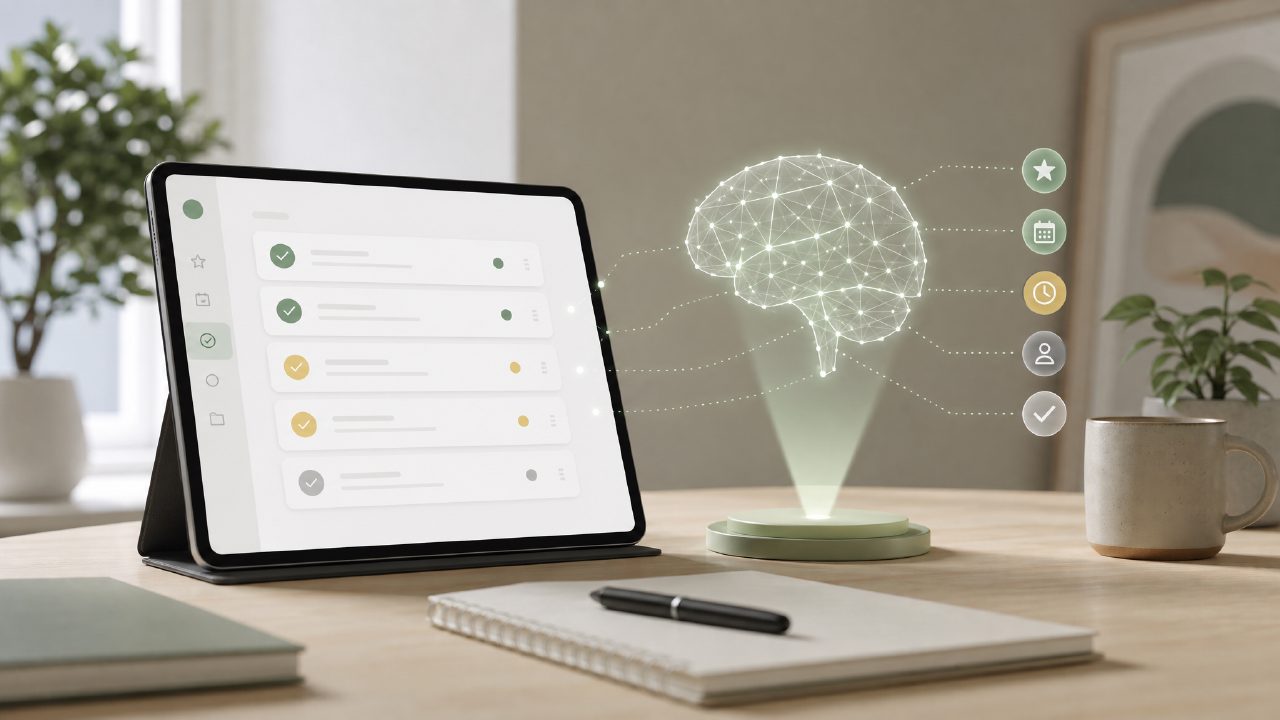
I started looking into taskly smart to do lists because I was tired of juggling three different apps for work tasks, personal errands, and long-term goals. I wanted something that wouldn’t just list items but actually help me prioritize — and ideally not cost a monthly subscription. Taskly claims to do that with an AI layer. Here’s what I found after a few weeks of real use.
What stood out (and what didn’t)
I broke down the experience into a checklist of sorts — not to be neat, just because that’s how my brain works when testing a task manager. These are the points that felt worth noting.
- Clean onboarding, but not too smart out of the box. The app walked me through creating a few tasks and setting priorities. It suggested a daily plan based on my deadlines, which was decent. But I noticed the AI didn’t pick up on recurring habits (like “email weekly report every Friday”) unless I explicitly typed them in repeat mode. That felt like a missed trick for a free ai to do list app 2026 that’s supposed to learn from you.
- The “smart sort” really helped on messy days. I deliberately added 12 random tasks one afternoon — everything from “buy milk” to “review Q3 forecast.” Taskly shuffled them into a reasonable order based on due dates and estimated effort. It wasn’t perfect: it assumed the grocery run would take 10 minutes (ha), but it was close enough to reduce my anxiety. That’s the kind of feature that makes an ai smart to do list app feel useful rather than gimmicky.
- Goal tracking is there, but shallow. You can set monthly or weekly goals (like “write 10,000 words” or “exercise 4 times”). The app breaks those down into daily chunks automatically. I tried it for a 7-day reading goal, and the breakdown was reasonable. But the progress view is just a percentage bar — no graph, no patterns over time. For a best ai task manager 2026 candidate, I expected more historical insight.
- Friction point: linking tasks to projects feels clunky. You can group tasks into categories, but creating a new project requires tapping through three screens. I accidentally created two identical “Home Renovation” lists on different days because I didn’t see the existing one. Not a dealbreaker, but it made me less confident about using taskly for bigger collaborative work.
- One real tradeoff: AI suggestions are time-bound, not context-aware. The planner pushes you to finish today’s list, which is fine for productivity. But it doesn’t account for context: if I mark a task as “waiting on email response,” it still shows as overdue until I manually snooze it. That forced me to micromanage more than I wanted.
Who should consider it?
I’d say this works best if you’re a single user (or a very small team) who wants a straightforward daily planner with light AI nudges. It’s not a full project management tool — Trello or Notion still win for complex workflows. But for turning a messy to-do list into something actionable each morning, taskly does a solid job. Just don’t expect the AI to read your mind after day one. It needs a bit of hand-holding.
If you’re looking for a free ai to do list app 2026 that won’t bombard you with features, it’s worth a try. The free tier is generous enough to evaluate for a few weeks. Just be prepared to adjust the smart suggestions when they miss the mark.
Comments
Leave a Comment