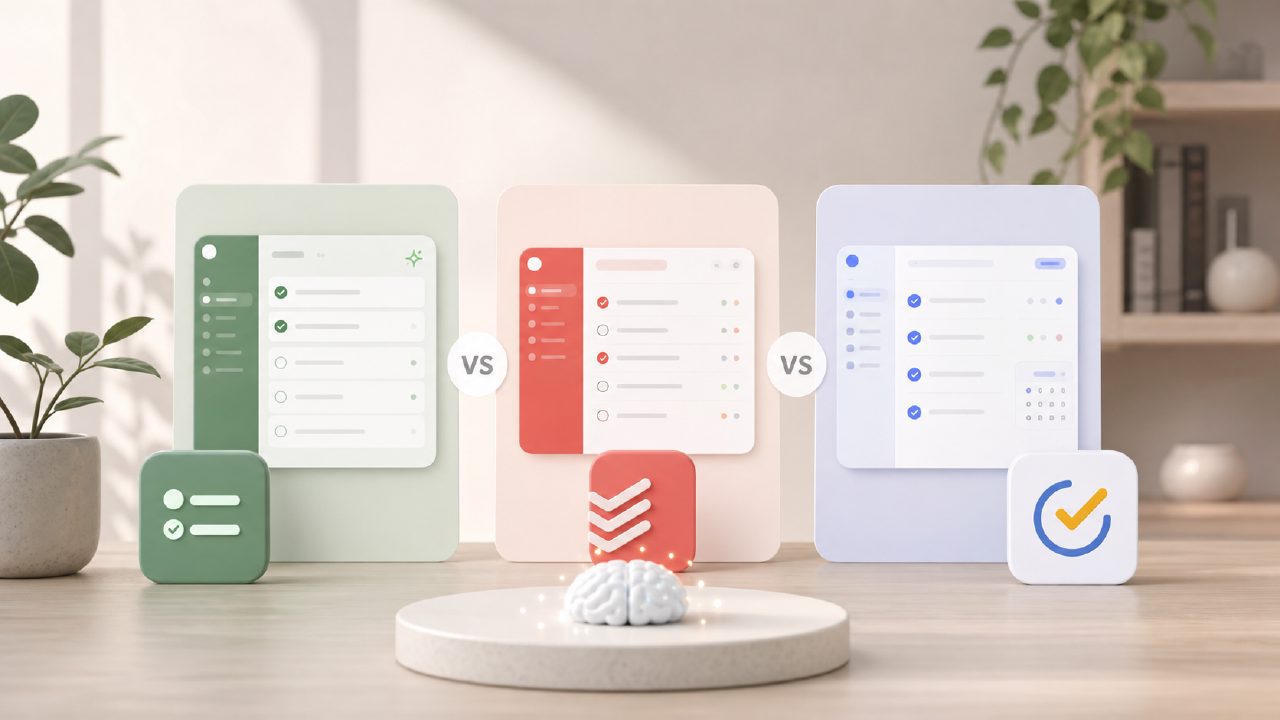
I’ve spent the last few weeks rotating between three free AI task managers, trying to figure out which one actually cuts down the noise instead of adding to it. Todoist’s free tier was fine for basic lists, and TickTick frustrated me with its bloated habit tracker, but Taskly kept pulling me back for a specific reason: it didn’t try to do everything, and that turned out to be a strength.
If you’re searching for a free AI task management app 2026 options are surprisingly limited. Most tools slap “AI” on a basic reminder system and call it done. Taskly actually attempts to prioritize and group tasks based on what you feed it, but it’s not perfect.
The head-to-head: Taskly vs. the usual suspects
Let’s compare Taskly directly against Todoist and TickTick’s free plans, because those are the two most common alternatives people try first.
Todoist Free: It’s clean and fast, but the AI features are locked behind the Pro subscription. You get basic natural language input (“buy milk tomorrow morning”), but zero intelligent grouping or priority scoring. If you’re expecting a best AI task manager 2026 experience on the free plan, Todoist isn’t it.
TickTick Free: Overloaded. The smart list feature works, but you have to dig through three menus to find it. There’s a pomodoro timer and habit tracker packed in, which sounds great, but it makes the core task management feel crowded. I kept accidentally marking habits as tasks.
Taskly Free: More stripped-down than both, but the ai smart to do list app behavior actually happens without a paywall. When I dumped 15 random tasks into the input field—things like “write blog outline,” “call dentist,” “research Christmas presents”—Taskly grouped them into rough categories and assigned reasonable priority levels. Not always right, but close enough that I only had to drag two items into different folders.
A concrete scenario that made the difference
Last Tuesday I had a chaotic morning: client emails, a grocery run, two deadlines, and a broken appliance. I opened Todoist first, typed everything in, and it was just a wall of text. Then I opened Taskly, pasted the same list, and it immediately separated the deadlines into a “Important & Urgent” section and pushed “buy dishwasher salt” into a low-priority grouping. That one pass saved me about 4 minutes of manual sorting. Small win, but it added up over the week.
The best free AI task management app 2026 for you probably depends on how much manual sorting you’re willing to do. Taskly does about 70% of the work, and you finish the rest. TickTick, by contrast, demands more setup upfront but offers more customization.
Where Taskly stumbles
It’s not perfect. The AI grouping works well for work tasks and errands, but it gets confused with abstract personal goals. I added “read more books in 2026” and it filed it under “General,” which is fine, but not helpful. A tool claiming to be a free ai task management app 2026 should probably suggest breaking that into sub-tasks. It didn’t.
Also, the app occasionally misreads deadlines. I typed “project report due next Friday” and it set the date two weeks out instead of one week. I caught it, but if you’re not paying attention, you could miss a deadline. That’s the kind of friction that makes me hesitate before fully committing.
The “which one should you pick” section
Here’s the short version:
- Choose Todoist if you want the cleanest interface and don’t mind paying for AI features later. The free plan is just a list.
- Choose TickTick if you want everything bundled in one app and are willing to spend time configuring it. The AI is buried but usable.
- Choose Taskly if you want a genuinely free ai task management app 2026 that does the grouping and prioritization work right out of the box, even if it sometimes needs a correction or two.
I’m sticking with Taskly for now, not because it’s revolutionary, but because it respects my time more than the others at zero cost. The AI isn’t perfect, but it’s present, and that’s more than you get from most free-tier planners. Give it a try for a week, and see if the tradeoffs match your workflow.
Comments
Leave a Comment