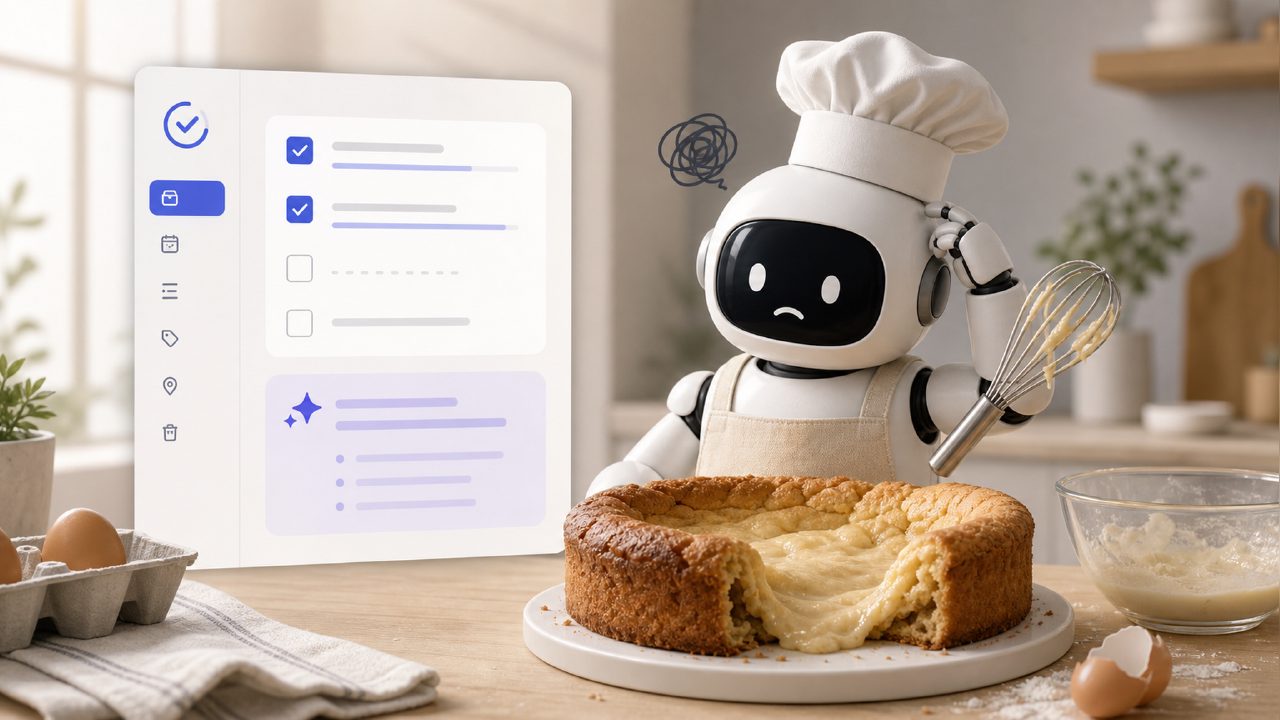
I’ve been testing TickTick as my daily planning tool for the past few weeks, after hearing a lot of buzz about its AI features and how it competes with newer apps like taskly. The idea of a “smart to-do list” that actually learns your priorities sounded great. But the more I used it, the more I ran into small frustrations that don’t usually show up in the polished reviews. So here’s a real‑world look at the common mistakes and gotchas you’ll hit if you try TickTick right now.
The AI features are better on paper than in practice
If you’ve searched for an “ai smart to do list app”, TickTick will pop up, promising automatic task prioritization and smart suggestions. In real use, the “smart” part is pretty basic. It mostly just offers to parse natural language when you type, like “meeting tomorrow at 10am”. That works fine, but it’s nothing special — most decent to‑do apps do this now.
The feature I was most curious about was the AI habit recommendations. After a week, it started telling me to add “drink water” as a habit, which I already had. It never suggested anything I hadn’t thought of. The algorithm still feels like a generic rule set, not something that learns from your actual behaviour. If you’re evaluating it as the “best ai task manager 2026”, you’ll probably be underwhelmed — it’s definitely not ready for that title yet.
Don’t confuse TickTick’s habit tracker with a real planner
One of the biggest pitfalls I see people make is jumping into TickTick expecting it to replace a full daily planner like taskly. TickTick has a habit tracker, but it’s separate from your task list. You can mark habits as done on a calendar view, but there’s no real structure that ties your daily priorities to your habit streaks. I ended up missing important deadlines because I was too focused on not breaking my “meditate” streak in the habit module.
If you’re looking for the “best free ai task management app 2026” that also helps you plan your week holistically, TickTick’s free tier is good — but you’ll still need discipline to use it right. It doesn’t force you to think about what’s important today versus what’s just busywork. The Eisenhower matrix is hidden behind a “smart list” that you have to set up manually.
Calendar sync is not as seamless as advertised
I synced my Google Calendar, expecting tasks to appear in my day view automatically. What actually happened: events showed up, but TickTick’s tasks stayed as a separate layer. You can’t easily drag a task onto a time slot on the calendar — you have to manually add a “due date” or set a duration. It’s clunky. I spent more time adjusting than actually planning.
This might not be a dealbreaker for everyone, but if you rely on time‑blocking, the friction will annoy you. I switched back to using a paper planner for my mornings and only kept TickTick for quick capture and reminders. Not exactly the all‑in‑one tool I expected.
Tags and folders: easy to overcomplicate, hard to maintain
I made the mistake of creating too many tags (work, personal, errands, health, projects) and then nesting them into folders. After a fortnight, I had to spend time cleaning up lists because the tag system doesn’t have smart filtering that works across folders. A search for “urgent” showed tasks from three different folders, but the results were mixed with to‑do items that I’d already completed. The filtering feels half‑baked.
If you start using TickTick without a strict naming convention early, you’ll regret it. Most new users don’t realise this until they have 50+ tasks and the “smart” lists start behaving weirdly. My recommendation: limit yourself to three lists and one set of tags, no nesting, for at least the first month.
Privacy concerns with AI features
TickTick’s AI suggestions need access to your task content — that’s how they try to recommend the next action. But there’s no clear way to opt out of learning mode without losing the smart features. Their privacy policy is standard for this kind of app, but if you’re handling confidential work tasks, it’s a legitimate caveat. I ended up keeping sensitive projects in a separate offline file, which defeats the purpose of a single planner.
It’s a tradeoff: you get some convenience (sort of) in exchange for your data being processed. Not everyone cares, but I think it’s worth mentioning because the marketing usually glosses over it.
Is it worth switching from something simpler?
After three weeks, I still use TickTick for quick capture and recurring reminders, but I wouldn’t call it the “best ai task manager 2026” or the “best free ai task management app 2026”. The AI module is too basic and the habit‑task disconnect is real. For people who want a no‑fuss daily planner, something like taskly might actually be easier to stick with because it doesn’t pretend to be smarter than it is.
TickTick is a competent to‑do list with a lot of features, but the gotchas are genuine. The habit tracker, calendar sync, and tag system all need more polish before I’d recommend it as your main planning tool. Try the free version first, keep your system simple, and don’t expect the AI to save you from your own bad planning habits. That’s the real takeaway.
Comments
Leave a Comment