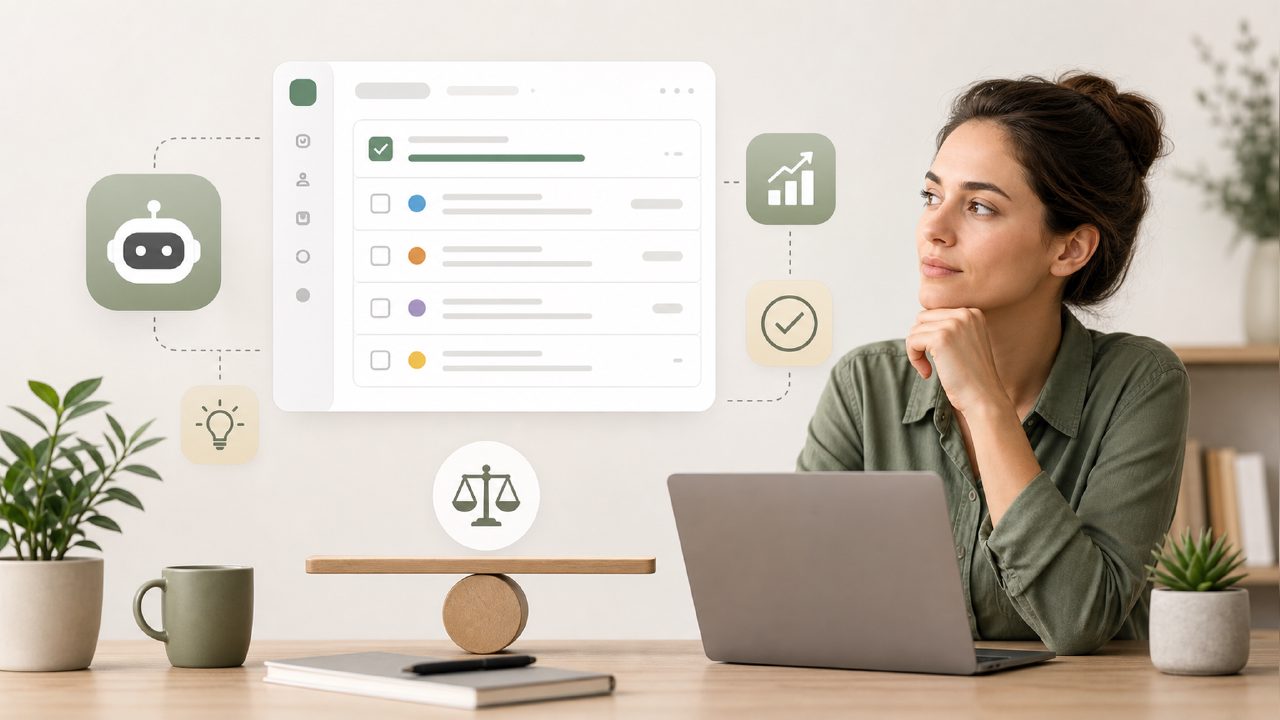
You type "best free AI productivity task app" into Google, and half the results recommend things that aren't really AI. Or they're free only until you hit a five-task limit. Or they over-automate so much that you spend your morning untangling what the app decided for you. I started testing free task planners with a decent AI layer a few months ago, mostly because I kept falling into the trap of overly complex tools that generated more work than they saved.
Enter taskly. It positions itself as a daily planner for tasks, goals, and to-do lists—not a project management beast or a chat-based assistant. But like any free AI app, there are pitfalls. Here's what I found after using it for a couple of weeks, plus the gotchas I wish someone had pointed out upfront.
What the AI actually does (and doesn't do)
The core appeal is that Taskly claims to turn "scattered priorities into a clear action plan" using some intelligence layer. In my testing, the AI mostly rephrases your entries and suggests a rough priority order based on due dates and keywords you've entered. It's not doing deep analysis of your work patterns. That's fine for a free tool, but it means you can't just dump a messy brain-dump and expect magic.
Pitfall: If you write vague tasks like "work on project," the AI won't break it into steps. You still need to be specific. I wrote "review quarterly numbers" and it just labeled it "medium priority" — useful but not insightful.
The "free" label hides real tradeoffs
Most free AI task apps limit features to keep you on the free tier. Taskly is generous for a free planner—unlimited tasks, basic AI suggestions, and a weekly view. But the AI assistant itself has a cap: around 50 AI-powered suggestions per month unless you upgrade. That's not obvious from the download page.
Gotcha: After the first week, I hit the limit and the AI stopped offering priority reordering. The app still worked as a plain task list, but the supposedly smart part went quiet. If you're looking for the best free AI task management app 2026, check not just starting price but how many AI actions you actually get per month. For light users, 50 is fine. For power users, it's a ceiling.
Integration is minimal
Taskly doesn't connect to Google Calendar, Outlook, or Slack in its free version. That caught me off guard because I assumed any modern task app would at least sync to a calendar. You can manually copy-paste dates, but that adds friction. For me, the real value of a task app is reducing friction.
Caveat: If your workflow depends on calendar sync or file attachments, Taskly's free tier will feel incomplete. It's better as a standalone daily planner for one person. I tried planning a week with team deadlines, and without integration, I ended up maintaining two systems—exactly what I wanted to avoid.
AI suggestions: sometimes useful, sometimes random
One day I added "buy groceries" and the AI suggested setting a recurring weekly goal. Fine. Another day I added "finalize client proposal" and it suggested "consider breaking into smaller tasks" without offering the breakdown itself. That's the ceiling: the AI can prompt you but won't execute the analysis. It's closer to a nudge than a planning engine.
This is where expectations matter. A free AI task management app is not a replacement for your judgment. Taskly works well if you already know what needs to be done and just want a clean list with a light prioritization layer. But if you're hoping the AI will reorder your life, you'll be disappointed.
When it clicked for me
After the initial frustration with limits and missing integrations, I stripped back my usage. I use Taskly only for my personal tasks—projects with hard deadlines, appointments, and recurring chores. The weekly view is genuinely clean. The AI suggestions, when they work, save me about 30 seconds per task by auto-setting reminders based on my past behavior. Not a game-changer, but a time saver.
I can see this being the best free AI task management app 2026 for someone who values simplicity over power features. But it's not for cross-platform power users.
Tradeoffs to consider
- No mobile widget support (at least on my Android). You have to open the app to add a task. That's a minor annoyance if you're used to voice commands or quick-add.
- AI suggestions reset weekly — they improve slightly the more you use the app, but the learning feels shallow. After two weeks, it still didn't recognize my recurring "follow-up email" habit.
- Export options are limited — you can't easily migrate to another tool without manual copying. So don't treat it as a long-term archive.
If you're searching for the most capable free ai task management app 2026, Taskly is a reasonable entry point. But go in knowing the AI is more of a prompt engine than an autonomous planner. It helps you organize your own thinking, but it won't fix a messy workflow. That's on you.
Comments
Leave a Comment