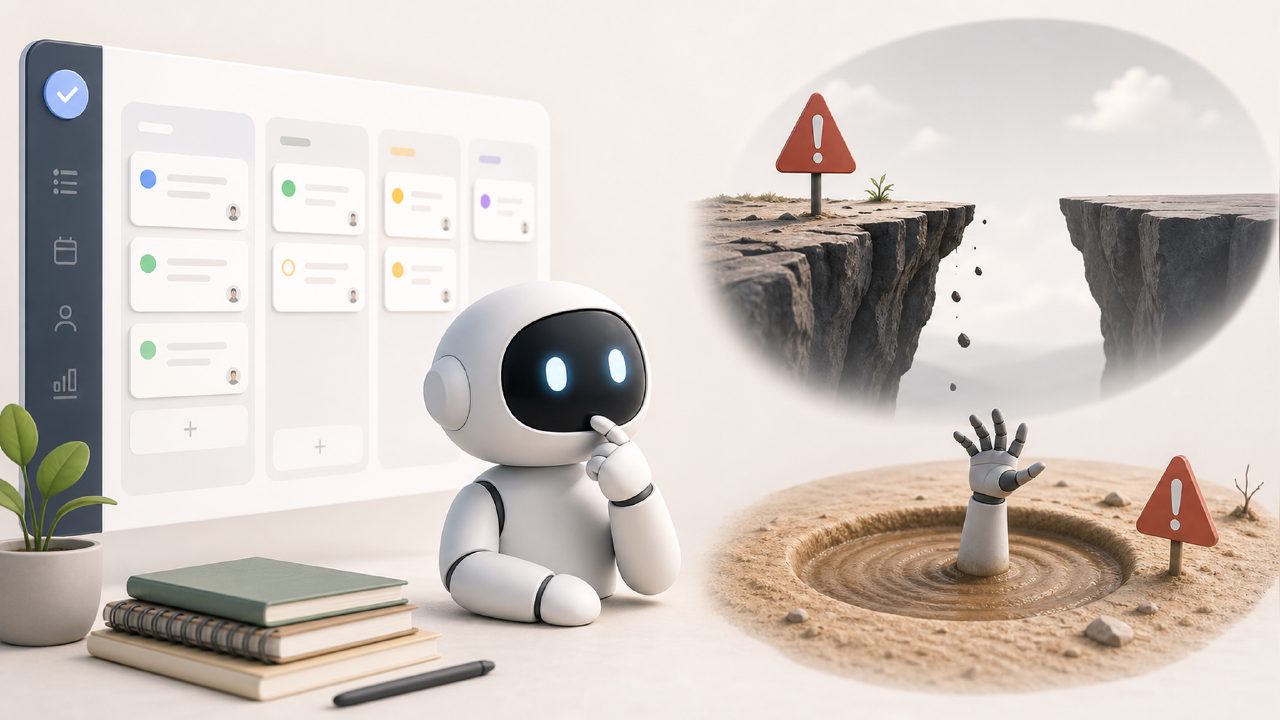
A few weeks back I started testing Taskly to see if it could help me stop hopping between a Trello board, a paper notebook, and a messy Google Doc for my weekly priorities. The premise was promising – an AI-powered daily planner that organizes tasks, goals, and to-do lists into something you can actually follow. But after a few days of use (and a few face-palm moments), I realized this app has some specific pitfalls that are easy to trip over if you aren't paying attention.
The AI suggestions can be a trap
One of the first mistakes I made was trusting taskly’s AI to auto-sort my tasks exactly the way I needed them. The planner scans your list and tries to schedule tasks based on deadlines, estimated effort, and some rough priority logic. In theory that sounds great. In practice, the AI kept putting a low-urgency but high-importance task (updating a client file) at the very bottom of my day, while scheduling a medium-priority email draft for the first slot. The problem? The AI doesn’t know your energy windows or your actual context. If you accept the default suggestions without reviewing them, you end up with a plan that looks neat but feels wrong.
The fix is simple: treat the AI output as a draft, not a final plan. Spend two minutes rearranging blocks manually. I found that after a few days of corrections, the app learned my patterns a bit better – but I still wouldn’t blindly follow its first recommendation.
Project sprawl without a cap
Another common gotcha is creating too many projects or goal categories right away. Taskly lets you separate work projects, personal goals, habits, and even recurring errands. That sounds flexible, but if you start with five projects and ten sub-lists, the daily view turns into a scrolling wall of tiny items. I made this mistake on day two – I imported everything I could think of, and the app promptly lost its usefulness. The daily planner became a fire hose, not a filter.
The lesson: start with no more than three active projects. Use the "archive" feature to park old lists. Otherwise, the AI has too many inputs and you’ll spend more time parsing the planner than doing actual work. This is one area where a more minimalist setup really matters. A best free ai task management app 2026 should feel like a partner, not a parade of todos.
Over-reliance on the weekly view
Taskly pushes a weekly planning structure – you drop tasks into days of the week, then refine daily. That’s fine for predictable work, but I ran into trouble when a task took longer than expected and spilled into the next day. The app doesn’t automatically shift remaining items; you have to manually drag them or mark incomplete. If you skip that correction, your weekly view becomes a graveyard of half-done tasks that no longer reflect reality.
I started reserving 10 minutes at the end of each day to reset the next day’s plan. Without that routine, the AI suggestions get stale and you lose trust in the system. This is a common caveat for any free ai task management app that aims for structure – the structure only works if you maintain it.
The learning curve on goals vs. tasks
Taskly separates high-level goals from daily tasks, which sounds smart but creates confusion. I set a goal like “build side project” and then added a task like “write three pages.” The app kept prompting me to align the task with the goal, but there was no clear way to prioritize goals against each other. The goal list just sits there as a reference, not a dynamic ranking. I ended up ignoring goals after a week because they didn’t feed back into the daily scheduling. That’s a design choice, but it feels like a missed opportunity for a best free ai task management app 2026 – a real one would help you reconcile daily actions with bigger outcomes, not just present them side by side.
Is it worth your time?
Taskly is a solid entry in the planner space if you keep your setup modest and your expectations realistic. The AI helps cut the initial friction, but it’s not a set-and-forget tool. The main pitfalls are trusting too much, overloading too early, and neglecting the weekly maintenance routine. If you avoid those mistakes, it can actually replace scrap paper and digital notes. But if you’re looking for something that plans itself without your input, you’ll end up fighting the app more than using it.
Comments
Leave a Comment