You’ve tried the Gantt charts, the Kanban boards, the bullet journals that last exactly three days. The problem isn’t that you don’t know how to prioritize — it’s that your tools keep getting in the way. You need something that disappears when you’re working and reappears exactly when you’re about to forget something. That’s where Taskly slides in.
It doesn’t try to replace your brain. It just holds the receipts.
Most planners demand that you reorganise your thinking to fit their system. Taskly does the opposite. You drop in a task, tag a goal, set a loose date — and it quietly surfaces what matters today. No forced categories, no “project hierarchy” guilt. Just a raw list that you can slice by week, by priority, or by energy level.
I tested it for three weeks alongside my usual combo of a physical notebook and a messy Notes app. After day one, the notebook stayed closed. The reason wasn’t that Taskly is prettier or faster — it’s that it stopped me from writing the same thing twice. When you type a task, it checks your existing lists and suggests a goal or a week you might have forgotten. That tiny friction saves you from the “where did I put that?” spiral.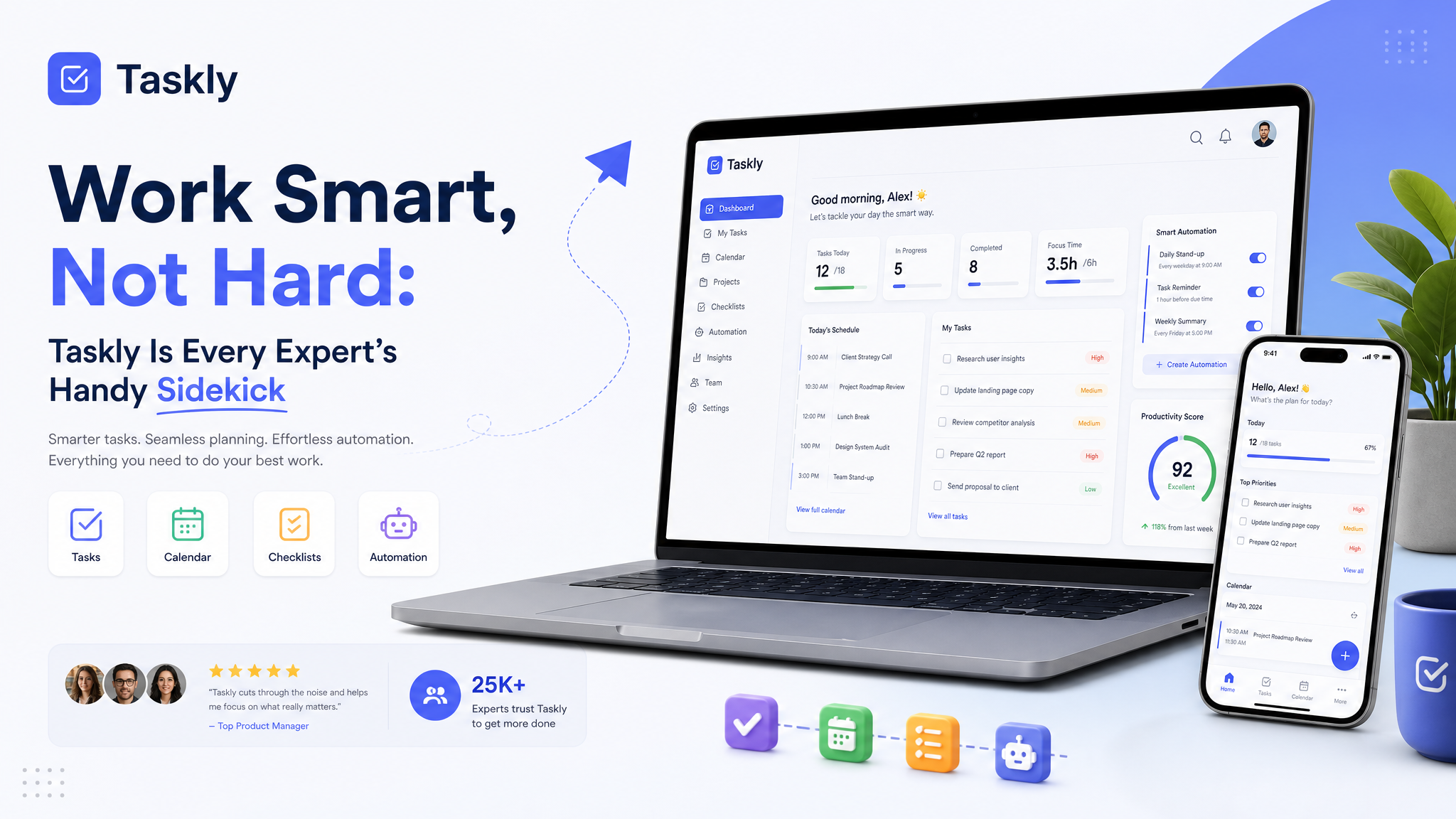
Real scenarios where it earned its keep
The morning brain dump. I wake up with five things rattling around. Instead of wrestling with Eisenhower matrices, I just type them out. Taskly’s default view is a simple chronological timeline, so I drag the most urgent to the top. It took ten seconds. No decision fatigue.
The Tuesday that exploded. A client moved a deadline, a kid got sick, and my own work fell apart. I opened Taskly, tapped “Reschedule all,” and it pushed everything that wasn’t time‑sensitive to Wednesday. It didn’t magically fix my day, but it removed the mental load of re‑prioritising while I was already overwhelmed.
The weekly review that actually happened. I hate weekly reviews. They feel like homework. Taskly’s week view shows you what you said you’d do versus what you actually did — without a lecture. I saw I’d overcommitted on three low‑impact items and adjusted. That one behaviour change alone made the tool worth it.
Where it rubs (and who might bounce off it)
If you love rigid systems — GTD, Agile, time‑blocking down to the minute — Taskly will feel too loose. It doesn’t enforce a methodology. You can use it that way if you want, but the defaults lean toward “just get it down and sort later.” That’s a feature for most people, but a frustration if you crave structure.
The mobile app is competent, not beautiful. It’s fast, which I value more than polish, but icon‑pack lovers will wince. Also, collaborative features are minimal. This is a personal sidekick, not a team command centre. If you need to share tasks with your partner or your team, you’ll want a separate tool.
Another tradeoff: there’s no native time‑tracking. You can attach a timer to a task, but it’s rudimentary. Freelancers who bill by the hour might need to pair it with Toggl or Clockify. That’s fine — Taskly doesn’t claim to be everything — but it’s worth knowing before you migrate everything over.
So, who should actually download it?
If your daily routine involves a sticky‑note pileup or a wandering sense of what matters most, Taskly is a quiet fix. It won’t shout at you about your goals. It will simply remind you that you wanted to read that chapter on Wednesday, and hey, Wednesday’s here.
For the price (free tier is generous; premium for repeating tasks and more goals), it’s the least fussy task manager I’ve used. Try it on a Monday morning when you already feel behind. That’s when it shows its real value — not by adding another system, but by clearing the noise.
Comments
Leave a Comment