Let’s be real: your to-do list is probably a mess. I’m saying that because mine was too — sticky notes everywhere, three half-used apps, and a bunch of “remember to…” thoughts that vanished the second I opened Instagram. The whole “I’ll just keep it in my head” thing works until it doesn’t, and by the time your boss asks for that deliverable, you’re already scrambling through old emails like a detective.
That’s where Taskly Planner comes in — at least for me it did. I picked it up after trying a dozen other task managers that either felt like Excel spreadsheets with prettier colors, or forced me into some rigid productivity method I didn’t sign up for. Taskly is different. It doesn’t pretend you’re gonna become a productivity guru overnight. It just gives you a clean space to throw your tasks, goals, and to-dos, and helps you actually make sense of them.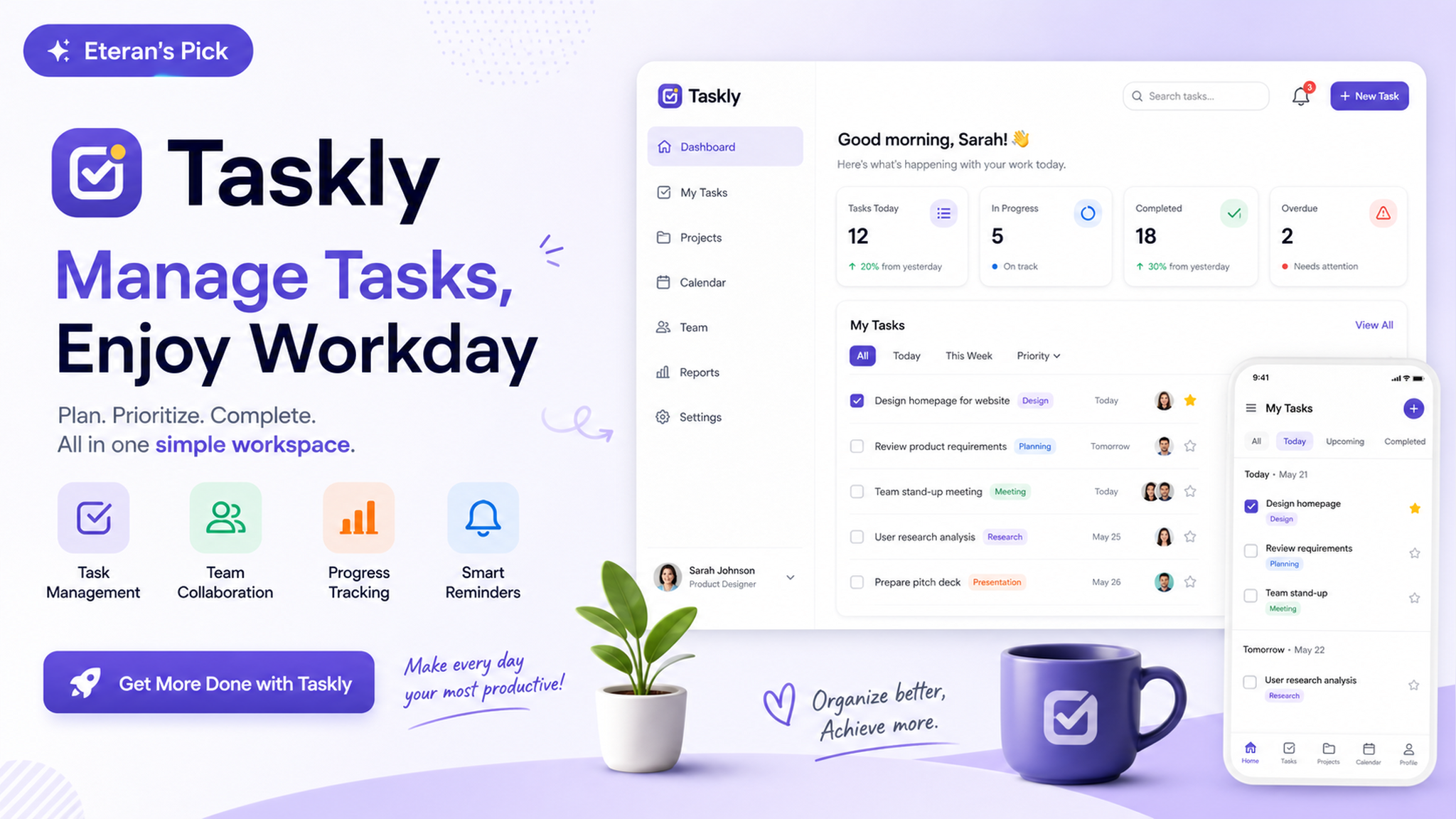
What I actually noticed after using it
First thing that stood out: it doesn’t overwhelm you with features you don’t need. Look, I’ve been through Notion templates that take longer to set up than the actual project. Taskly strips that noise. You open it, you see a place for today’s tasks, a place for your week, and a way to separate “stuff I should do” from “stuff I’m pretending I’ll do.” It sounds basic, but honestly, that’s the point.
I use it mainly for work — planning sprints, tracking deadlines, and keeping random ideas from slipping away during meetings. But I also dumped my personal goals into it: “read 20 pages a day,” “book dentist,” “stop ordering boba twice a week.” The fact that you can blend professional and personal stuff without creating separate accounts is a small thing, but it removes that mental friction of switching between tools.
One concrete example: last week I had three overlapping deadlines and a team offsite. I blocked out my Monday morning in Taskly, laid out the week’s priorities in the weekly view, and suddenly it was manageable. Not because the app magically gave me more hours, but because I stopped deciding what to do next every five minutes. The plan was already there.
The reality check: where Taskly might not fit
I want to be honest — if you’re already deep into a kanban-heavy workflow or need real-time collaboration with a team, Taskly is a solo experience. It’s built for your brain, not your team’s Slack channel. That’s a tradeoff. If you’re a project manager juggling multiple stakeholders and dependencies, you’ll probably still need something like Asana or Monday.com.
Also, if you’re someone who needs aggressive reminders and gamification to stay on track, Taskly is more of a quiet planner than a drill sergeant. It won’t spam you with notifications or give you virtual badges for checking off “write email.” Some people need that push — I don’t, but if you do, maybe pair it with a habit tracker or set your own external reminders.
The other thing: it’s not free. There’s a trial, and the pricing is reasonable, but it’s not another “free forever with ads” app. If you’re on a tight budget and just need a basic list, the native Notes or Reminders app on your phone can get you 80% of the way. Taskly pays off when you want structure without complexity — when your scattered priorities need to become a clear action plan, not just another list.
Who actually benefits from this
I’d say the sweet spot is anyone who has a mixed bag of tasks — work, side projects, life stuff — and doesn’t want to maintain three separate apps. Students juggling coursework and part-time gigs, freelancers who need to track both client deliverables and personal errands, or just someone tired of the “I’ll remember it later” spiral. If you’ve ever stared at your phone trying to figure out what you should be doing right now, Taskly’s weekly view helps you answer that question in 10 seconds.
At the end of the day, no app fixes procrastination or magically makes you organized. But Taskly gives you a cleaner way to turn your mental chaos into a doable plan — and honestly, that’s about 90% of the battle. If you’re currently using five different sticky notes and a prayer, it’s worth a shot.
Comments
Leave a Comment