Let’s be real—some days your to-do list looks less like a plan and more like a dumpster fire. You’ve got five tabs open, three apps pinging, and a vague sense that you should be doing something important, but you’re not sure what. That’s the exact moment you realize your current “productivity system” (aka sticky notes and hope) isn’t cutting it.
I’ve been there. A lot. And after testing a bunch of planners, I landed on Taskly Planner because it actually treats tasks like something you can conquer, not just collect.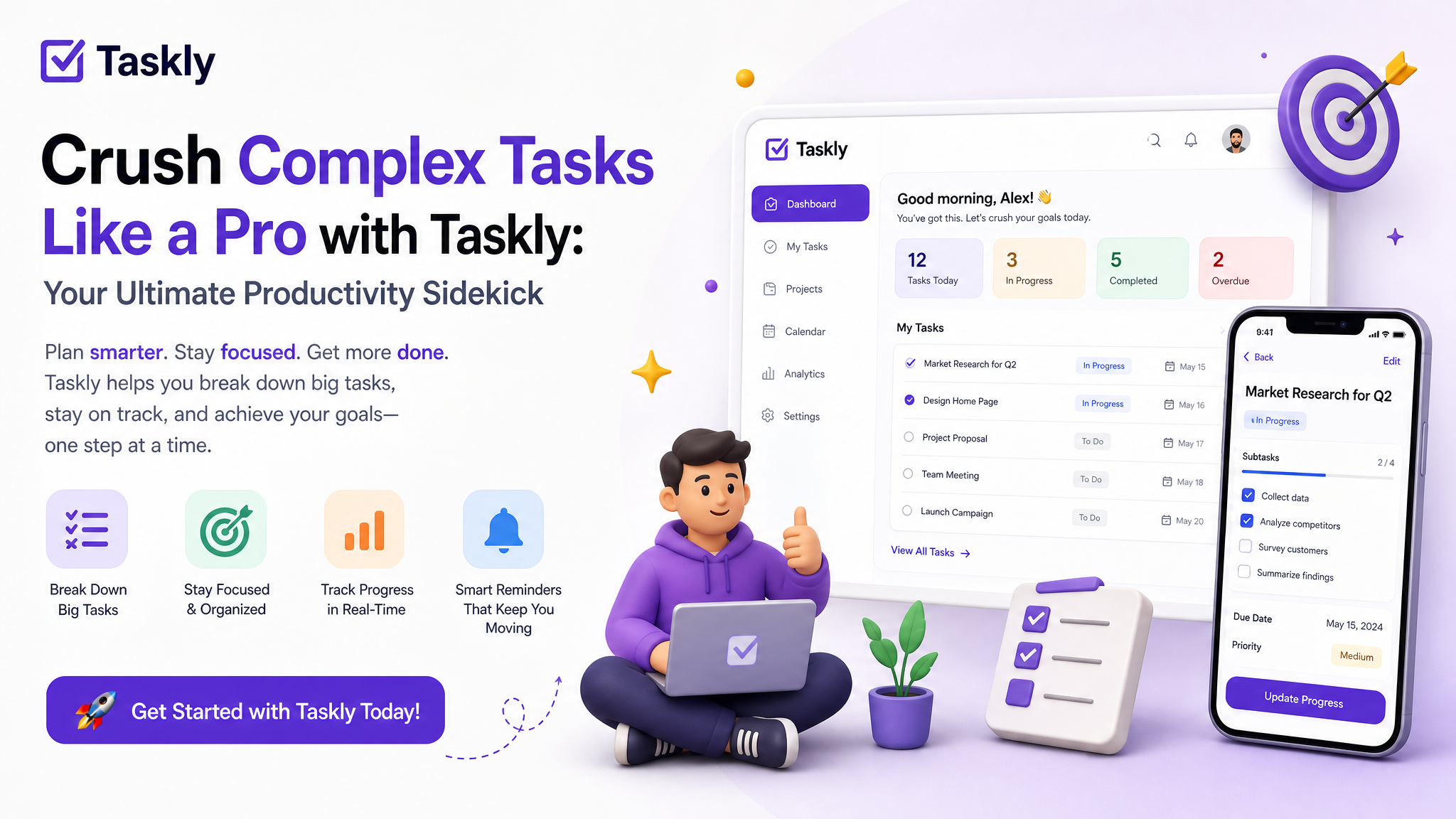
What Taskly Does Differently
Most planners either let you dump everything into one giant list (chaos) or force you into a rigid system that feels like homework. Taskly sits in the middle. It’s built around three things: daily tasks, weekly goals, and long-term to-dos. But here’s the kicker—it forces you to prioritize as you go.
When I first opened it, I expected another “add a task and forget it” app. Instead, I found a workflow that actually makes you think about what matters today, not just what’s loudest. The interface is clean, not cute. It doesn’t beg for your attention with animations. It just sits there, waiting for you to get honest about your workload.
Real Scenarios Where It Helped
Scenario 1: The Monday Morning Dump
I had a week with three overlapping projects—a client presentation, a blog launch, and personal stuff like “buy cat food.” Normally, I’d write it all down, feel overwhelmed, and procrastinate. With Taskly, I split each project into its own list, then pulled only the one task per project that absolutely had to happen that day. The rest? Scheduled for later in the week. No guilt, no clutter.
Scenario 2: The Scattered Freelancer
A friend of mine used to jump between 15 tasks a day, finishing none. He started using Taskly’s weekly view to plan his time blocks. Now he dedicates mornings to creative work and afternoons to admin. The app doesn’t do the work for you, but it makes seeing your week possible. That alone reduced his “what should I do now?” panic by a lot.
The Tradeoffs You Should Know
Taskly isn’t perfect. Here’s where it might not fit you:
- If you love deep customization (like color coding every sub-task), you might find it a bit basic. It’s designed for action, not decoration.
- If you need team collaboration, this isn’t that. It’s a solo planner, not a project management tool for groups.
- The habit tracking is minimal. It covers tasks and goals, but if you want to track water intake or meditation streaks, you’ll need another app.
For me, these aren’t dealbreakers—it’s a planner, not a life OS. But if you’re the type who wants everything in one ecosystem, you might feel the gaps.
Who Should Try It
Honestly? Anyone whose problem isn’t “not enough tools” but “I have too many things floating in my head.” If you’re a student juggling assignments, a remote worker managing your own hours, or just someone who keeps buying notebooks but never finishing them—Taskly is worth a shot.
It’s not flashy. It doesn’t promise to change your life in 10 minutes. But it does something rare: it helps you turn scattered priorities into a plan you can actually follow. And sometimes, that’s exactly what you need to stop feeling like a mess and start feeling like a pro.
Comments
Leave a Comment